
How To Bulk Calculate Hash of Multiple Files Together
This tutorial explains how to calculate hashes of multiple files together. This can be done using a handy and free software, named HashTools.
→
This tutorial explains how to calculate hashes of multiple files together. This can be done using a handy and free software, named HashTools.
→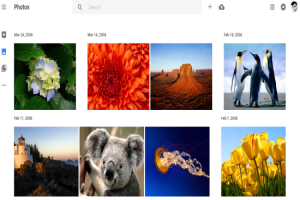
Google Photo Backup is a free official desktop client by Google to automatically backup your photos from PC, Camera, memory cards, etc. to Google Photos.
→
Polarr is a free photo editor software that comes with multiple filters, adjustment tools, and feature to watermark output photo.
→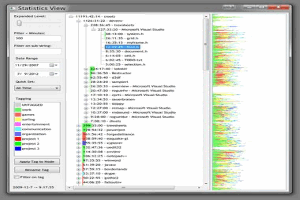
Procrastitracker is a free application usage tracker that keeps a tab on how much a user uses a particular application to stop procrastinating at work.
→
Quick Access Popup is a free windows tool that lets you access your favorite folders and files with a single click on a drop-down menu.
→
Shade is a free security sandbox software that basically isolates and virtualizes an application that you have doubts about being harmful.
→
ZType is a free online typing practice shooting game. In this game, you need to shoot the words by typing as fast as you can.
→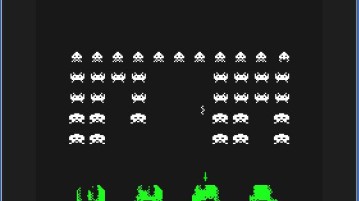
Here’s a list of 5 space invader games for Chrome which can be used to enjoy in a game of the old fashioned space invaders.
→
Horntell is free Chrome extension to collect notifications from different websites in 1 place. Connect sites like ProductHunt, Trello, GitHub
→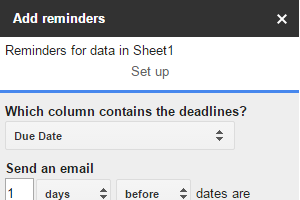
This tutorials explains how to automatically send reminders to people for assigned tasks using a Google sheet. It is possible using an add-on, “Add Reminders”.
→
BPGconv is a free BPG converter software. You can bulk convert JPG to BPG and vice versa. Also set quality and compression level to generate the output.
→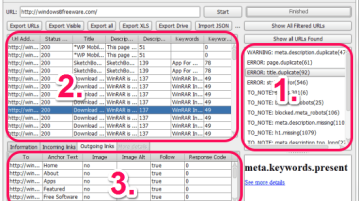
BeamUsUp is a free SEO crawling software and a good alternative to Screaming Frog. Find the common SEO errors, broken links for any website and export data.
→
This tutorial explains how to convert any selected on a webpage to PDF. This will be done using a free Firefox plugin. Just select text to convert to PDF.
→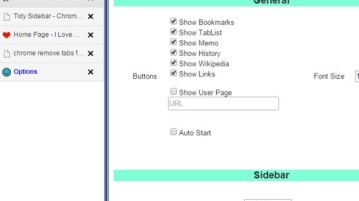
Here’s a list of 5 sidebar tab extensions for Chrome which you can use to manage your tab from the browser sidebar.
→