Free AI YouTube Thumbnail Checker to Predict How well it will Perform
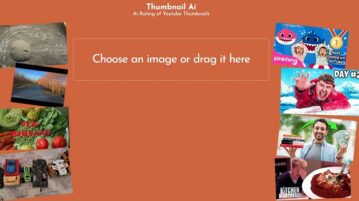
Thumbnail AI is a simply and free AI based tool that will provide a rating to a YouTube video Thumbnail and forecast how well it may perform.
→
Thumbnail AI is a simply and free AI based tool that will provide a rating to a YouTube video Thumbnail and forecast how well it may perform.
→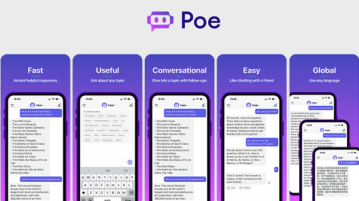
Poe is a new app by Quora that lets you chat with different AI bots. Chat with those AI bots to get answers to general and academic questions
→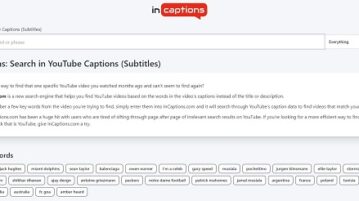
InCaptions is a free search engine that facilitates the search of YouTube videos based on the words in the video’s Captions instead of the Title or Description.
→
Screenia is a free self-hosted website screenshot generator with API. Self-host it on a server to generate unlimited website screenshots.
→
ChatGPT copier is a free Google Chrome Extension that enables you to copy ChatGPT answers swiftly and easily using a single click.
→
See how to use BitTorrent V2 and hybrid torrents in the new Transmission, a popular torrent and BitTorrent client for Mac, Windows, and Linux
→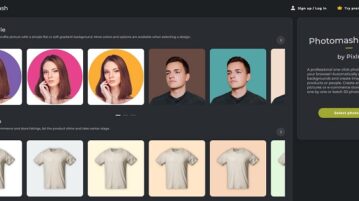
Pixlr Photomash is a free online Photo Studio that makes visual creation of Food Snaps for advertisements, menus, magazines, cookbooks, packaging and more
→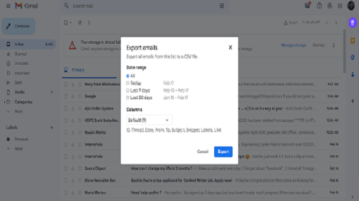
Here is a free chrome extension that can help you export your emails to spreadsheets and write follow ups for your existing emails.
→
Batch Editor by Pixlr is a free online batch processing tool that you can use to change the Brightness of Multiple images in one shot.
→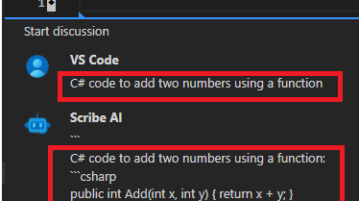
🚀 Use ChatGPT & GPT right inside VS Code to enhance and automate your coding with AI-powered assistance. Generate code & explanation.
→
AI Magic Writer is a handy tool to automatically create diverse ideas and scripts for pitching your business, generating more sales and sharing know-how.
→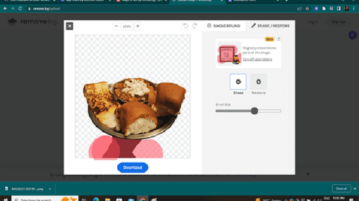
Magic Brush is a tool of Remove.bg that helps you remove or retain any selective element from your photos without any expensive software.
→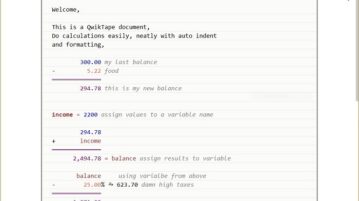
Qwiktape is a downloadable Windows application that you can use to write and annotate text, perform calculations and more just like you would do on a piece of paper.
→
See how to automatically post RSS feed updates to Mastodon. Use the simple website mentioned here to post RSS feed updates to your profile
→