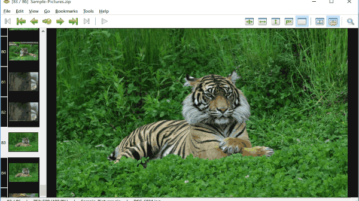
4 Image Viewers to Browse Images Inside Zip Files / Rar Files
Browse images inside Zip/Rar files without extracting them with these 4 image viewers. Some of them even support cropping and resizing.
→
Browse images inside Zip/Rar files without extracting them with these 4 image viewers. Some of them even support cropping and resizing.
→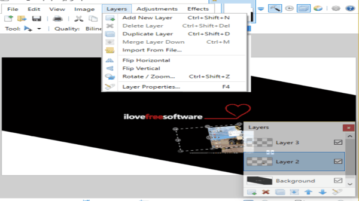
Here are 5 free layer support image editors for Windows 10. Using any of these software, you can apply multiple layers to a single image.
→
This is a list of 5 best free photo stitching software for Windows to stitch multiple photos (with overlapping parameters) into a single panoramic photo.
→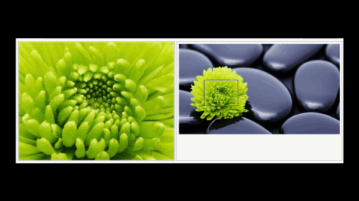
Here is a very useful and free photo enlarger software that can enlarge images up to 2000%. You can also crop image and save cropped part.
→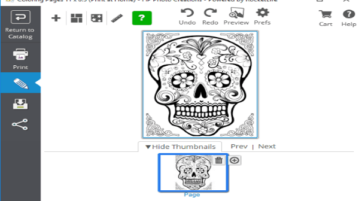
HP Photo Creations is a free software to create photo books, photo collage, invitations, scrapbook, and more. Lets you print as well.
→
Maverick is a free photo viewer that lets you view images of all popular formats, and also lets you control its interface using keyboard shortcuts.
→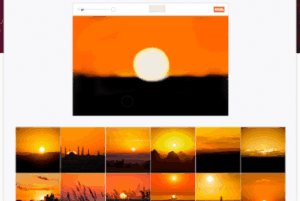
500px has come with an interesting tool “Splash” using which you can search photos by drawing them. Start drawing and suggested images are presented below.
→
Here is a list of 5 free photo organizer software for Windows 10. You can add tags, sort photos by date and time, set labels, and do other things.
→
Black and White Photo Editor Pro is a free Windows 10 photo editor app to create classy black and white photos out of regular photos.
→
Picosmos is a free image processing software bundle which helps you edit, beautify, organize and batch process images among many other processes.
→
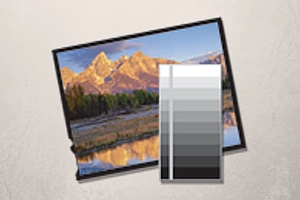
This tutorial explains how to remove specific colors from an image. A free software named “Photo Black & White” makes this task very easy.
→
LightZone is a free picture editing software with lots of filters and various editing tools. Free Alternative to Adobe Lightroom.
→
This tutorial explains how to download all photos and videos from Google Photos. It can be done manually and by following a few simple steps.
→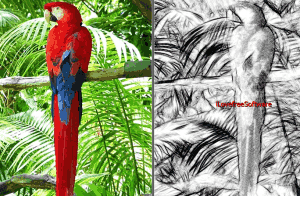
Here are 5 free photo to sketch software for Windows 10. Most of these software provide multiple effects to turn your photos into beautiful sketches.
→