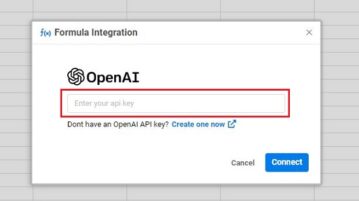
How to use OpenAI GPT-3 on Spreadsheet.com to Create Formulas using AI
In this article we will understand how to use the OpenAI function in Spreadsheet.com and understand the endless possibilities that if offers.
→
In this article we will understand how to use the OpenAI function in Spreadsheet.com and understand the endless possibilities that if offers.
→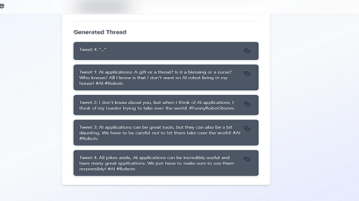
ThreadGenie is a completely free tool that helps you generate Twitter threads on any topic with the help of AI.
→
Weet is a great web application to make professional-quality videos easily and quickly for training and tutorials with background noise removal.
→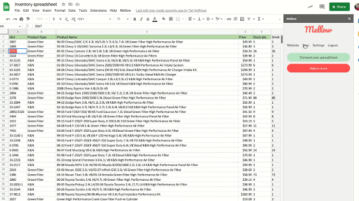
See how to quickly import sales, orders, and product inventory data from WooCommerce into Google Sheets in a few clicks
→
ImageEditor.ai is a free AI-based website that you can use to Create new images or Edit existing ones through Text to Image generation by means of Stable Diffusion
→
Duplicate Word Finder is a completely free tool that can help you identify repeated words in a text and edit them there itself.
→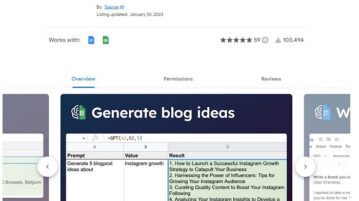
GPT for Sheets and Docs is a free add-on application for Google Sheets and Docs that harnesses the power of Open AI’s GPT to help you perform some simple tasks and functions.
→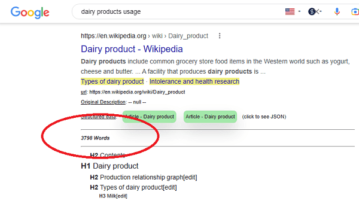
See how to see word count of an article in SERP. Use the Chrome extension mentioned here see word count, title, headings, structured data.
→
LinkedIn now allows you to write / customize how your SEO title and Meta Description will appear in search engines when you publish LinkedIn articles.
→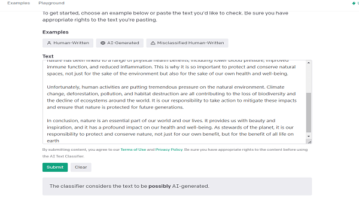
AI Text Classifier is an Open AI web application that can help you identify whether a text is written by AI or a human.
→
MapsGPT is a unique and exceptional website that harnesses the power of AI technology to generate content for Interactive Maps using Proxi Maps and Open API
→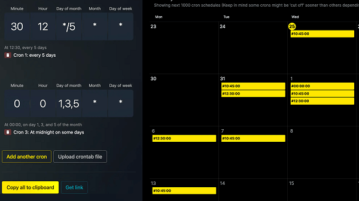
Here is a free online cron expression editor and debugger. Use CronTool to build and debug cron expressions without any signup
→
Glimmer is an AI-based online tool that generates professional quality PowerPoint presentations easily and quickly using only text prompts.
→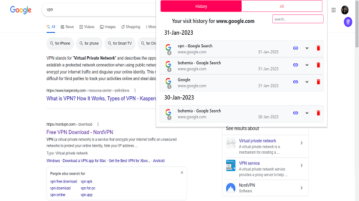
Quick History is a free tool that works as a chrome extension and can help you open the history of the particular tab on chrome
→