
3 Free AI Quote Image Generator Websites
In this article we will be exploring 3 AI based websites that you can easily use to automatically generate images for your quotes
→
In this article we will be exploring 3 AI based websites that you can easily use to automatically generate images for your quotes
→
See how to restore faces in old photos using AI. Use the free online tool here to do it quickly in a few seconds.
→
Watermarkremover.io is a web application that accurately removes translucent watermarks from your images free of cost using powerful AI technology.
→
Here is a free tool that helps you to remove background from any image and replace them with other attractive ones.
→
In this article we will be exploring 4 Free JPG to PDF Android Apps that you can use to save your photos and JPG images in PDF format.
→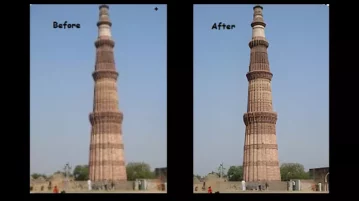
Here is a free cross-platform GUI for image upscaler Real-ESRGAN with additional features. Inspired by waifu2x-caffe.
→
DocsGPT is a free open-source AI assistant solution to help you streamline the process of searching for information in diverse types of project documentation.
→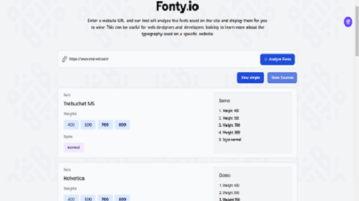
Here is a free tool that can help you scan and analyze the description of fonts used in different websites, their names, weight and style
→
In this article we will explore 5 AI based websites that will help you with ideas on the perfect and ideal gift for your partner on Valentine’s Day
→
Here is a free online tool that you can use to generate directed graphs to understand relationships, export the generated graph as image
→
CGFaces is free website that offers a wide range of commercially usable AI digital portraits of people who do not exist in reality.
→
Color Pop AI is a free tool that can help you create coloring pages or any outlined drawings simply with the help of AI.
→
Mia – ChatGPT AI is an Android App based on ChatGPT from Open AI to help you to answer questions, provide any information or simply engage in conversation.
→
See how to schedule Mastodon toots to be published at a later date and time. Use the two free tools mentioned here with step-by-step guide
→