
How To Run Applications Without Installation On PC
This tutorial explains how to run applications without installation on PC. You need to use a free software, named Zero Install, to complete this task.
→
This tutorial explains how to run applications without installation on PC. You need to use a free software, named Zero Install, to complete this task.
→
GitHub Real Names is a free Firefox add-on that lets you view the real name of a GitHub user on Issues instead of showing the username of a particular user.
→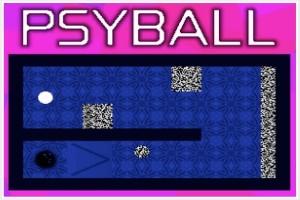
PsyBall is a free downloadable game which gives you a kaleidoscopic experience with vivid colors while playing something similar to golf.
→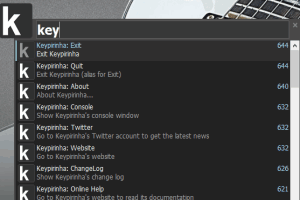
Keypirinha is a free application launcher with real-time search suggestions. You can also evaluate mathematical expression and perform web search.
→
Powder Player is a free live stream torrent video player to play video torrents while they are downloading.
→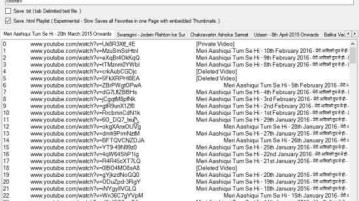
YouTube Export is a free software to download all YouTube playlists of any user in text or html format. Check it out.
→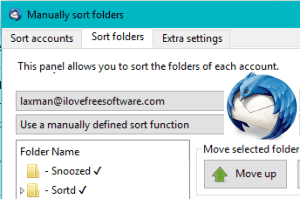
This tutorial explains how to manually sort folders in Thunderbird’s folder pane. I have used a free add-on, named manually sort folders, for this task.
→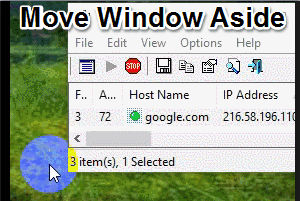
Move Aside Please is a free software to automatically move a window aside when you hover mouse cursor over the title of that window.
→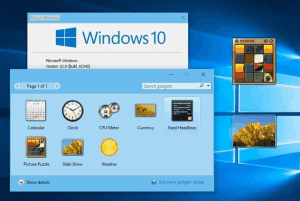
This tutorial explains how to use desktop sidebar and widgets in Windows 10. I have covered a free software, named Desktop Sidebar, for this task.
→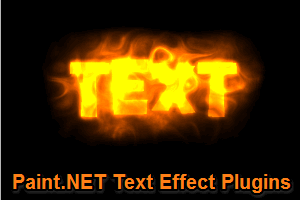
Here is a list of 4 free Paint.NET text effects plugins to make spiral, wave, circle text. You can set options like text size, font type, position, etc.
→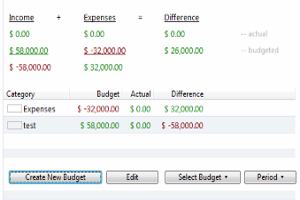
Moneyspire is a free money management software for Windows to manage and track bank account, credit card, income, expenses, etc. and get reminders of dues.
→
Iodine’s Medical Translator is a Chrome extension which translates medical jargons on webpages in simple words which can be understood by everyone.
→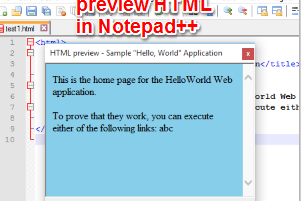
This tutorial explains how to preview HTML in Notepad++ using a plugin, named “Preview HTML”. The output is visible in a floating window.
→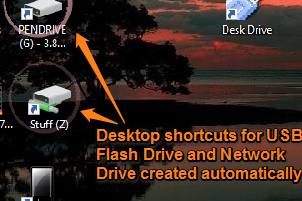
Desk Drive helps to automatically create desktop shortcuts to access USB Flash Drive, Network Drive, etc. Shortcuts are vanished after ejecting the drives.
→