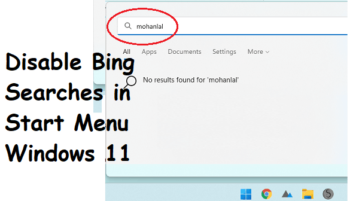
How to Disable Internet Searches in Windows 11 Start Menu
See how to disable Bing searches in the Start menu on any Windows 11 PC. Here is a step by step guide to do that via SophiApp tool
→
See how to disable Bing searches in the Start menu on any Windows 11 PC. Here is a step by step guide to do that via SophiApp tool
→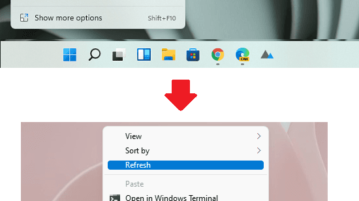
See how to restore old Windows 10 context menus in Windows 11. Use the simple trick mentioned here to do that in a click
→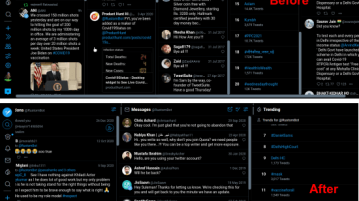
See how to change column width in TweetDeck. Use this tutorial here to set custsom width to TweetDeck online by adding simple CSS parameter
→
Hide online status on Reddit to browse the platform like usual without letting anyone know when you are online.
→
This article explains how to enable WhatsApp payments in India to send and receive money through WhatsApp chat.
→
In this article, you will read about how you can add AR and Lightening Effects to your Video in Facebook Messenger Room.
→
This article explains a simple method to download speaker notes from Google Slides presentation. You can export the speaker notes to a PDF.
→
This article explains a simple method to opt out retargeting to get rid of companies that are targeting you again and again via Google Ads.
→
You can now create custom alert for reddit using pager app for iPhone. Create monitor that matches your interest and get notifications based on your liking.
→
Here is the tutorial on how to create Trello board templates to replicate same workflows. Create a new Trello board and convert it to Template.
→
Here is how to set bandwidth download limit in Mbps to download Windows 10 updates. You can set download limit for background and foreground updates.
→
This article covers how to transfer playlist from Deezer to Apple Music. You can select multiple playlists and transfer all or selected tracks.
→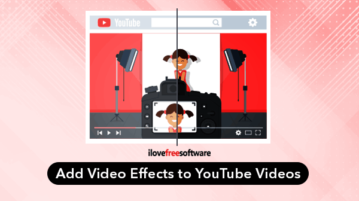
Here you can add video effects to YouTube videos. A free Chrome extension that provides 50+ colors filters and video effects with other features.
→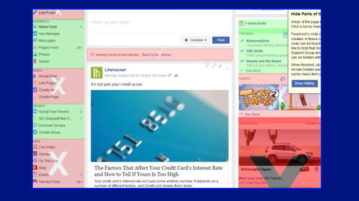
This article covers how to hide Facebook posts containing specific words from your Facebook feed. For this, you can use a free Chrome extension.
→