How to Bulk Edit Shortcuts on Windows?
This article covers how to bulk edit shortcuts on Windows. You can add multiple LNK shortcut files, edit them, and then save the output.
→
This article covers how to bulk edit shortcuts on Windows. You can add multiple LNK shortcut files, edit them, and then save the output.
→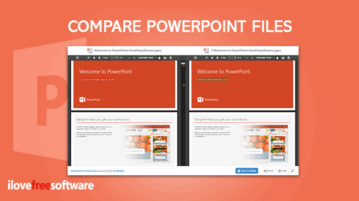
This tutorial covers how to compare PowerPoint files. You can add two Microsoft PowerPoint (PPT) files and then see differences in their text content.
→
This tutorial shows how to disable Incognito mode in Chrome browser. You need to use Windows 10 and Registry Editor to disable incognito mode in Chrome.
→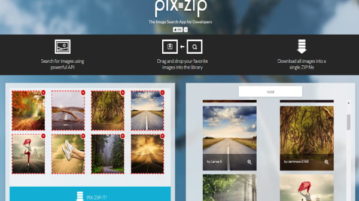
Learn how to download multiple images from Pixabay as a ZIP file. Use the tool mentioned here and download a collection of images from Pixabay in a ZIP file
→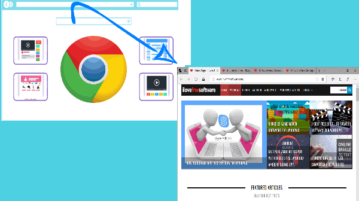
This tutorial covers how to open Chrome tabs in Microsoft Edge browser. You can open all the tabs of active window, all the tabs of all opened windows of Chrome browser, or the active tab of Chrome browser in Microsoft Edge. This can be done using a free Chrome extension, named as “Open in MS Edge”.
→
Learn how to preview Excel spreadsheets in command line. Use the simple tool mentioned here and then use it to preview any file in the terminal or command prompt quickly
→
Learn how to scrape Amazon product data to CSV without Amazon API. Use the tool here and scrape various amazon products corresponding to a search term. Get name, URL, review, rating data in CSV
→
This tutorial explains how to disable developer tools in Firefox with Group Policy. Now Group Policy support to Firefox has arrived which lets you tweak different settings for Firefox. Disabling developer tools in Firefox is one of such features.
→
This tutorial will explain a simple method on how to extract highlighted text from printed document using Android camera. There is actually a free app which can help you scan printed document and extract only the highlighted text automatically.
→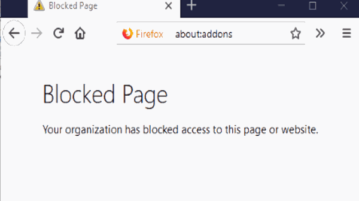
This tutorial covers how to disable uninstallation of Firefox extensions using Group Policy. You need to open Firefox folder in GPO (or Group Policy window). There is a settings that helps to disable Add-ons Manager page. As a result, no one can access the list of installed extensions and disable or uninstall them.
→
Learn how to replace and take ownership of any system file. Use the freeware mentioned here to replace system file with any specified file using some hijacking methods
→
This tutorial will show you how to get email notification for new pull request opened for any GitHub repository. It can be done by creating an applet on IFTTT. You can connect GitHub and any email service in the app to get notifications automatically.
→
This tutorial explains how to kill process of a running program by pointing mouse to program window. You can kill all its processes including threads using a free software “Process Closer”. Just run this program and point right mouse button to running program window to kill all the processes.
→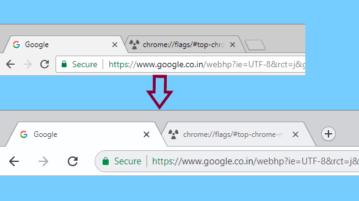
This tutorial walks you through a simple process to make Google Chrome touchscreen-friendly on Windows. By the end of this tutorial, you will have a Google Chrome with a touch-friendly user interface.
→