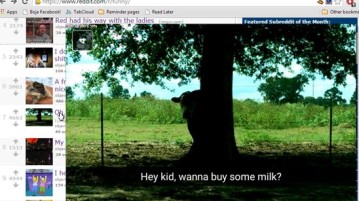
5 Image Link Hover Preview Extensions For Chrome
Here’s a list of 5 image link hover preview extensions for Chrome which you can use to open up and preview images behind link on mouse hover.
→
Here’s a list of 5 image link hover preview extensions for Chrome which you can use to open up and preview images behind link on mouse hover.
→GoogleGIFs is a Chrome extension which when installed will play animated GIF files in the Google images search results page. Check it out.
→
Better Posture is a website which will remind you to take regular breaks after every 20 minutes to keep you healthy. Check it out.
→
Mixmax is a free email tracker, scheduler, and reminder extension for Chrome. You can also create polls, schedule meetings, and integrate Dropbox account.
→
Copy All Urls is a free Chrome extension to automatically copy URLs of all opened tabs or only selected tabs and paste to Notepad or any other text editor.
→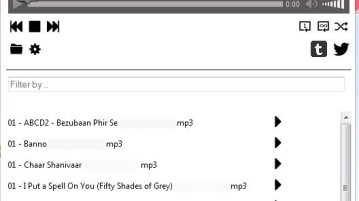
Local Music Player is a Firefox add-on which will let you play music stored in your PC while working on your browser.
→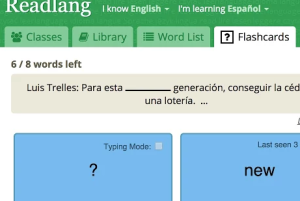
Readlang Web Reader is a free Chrome extension to learn a foreign language by translating the words on webpages and generating the flashcards.
→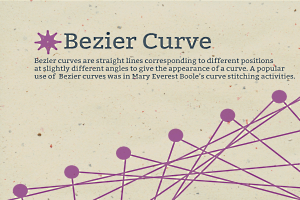
Bezier Curve Simulation is a free online service that, as the name suggests, lets you simulate Bezier curves, and thus learn about them in a bit more detail
→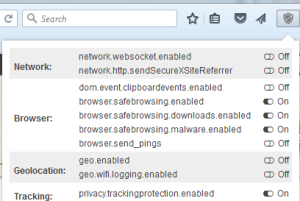
Privacy Settings is a free Firefox plugin to toggle on/off the built-in crucial privacy-related options related to Network, Browser, Tracking, Media, etc.
→
TCP Optimizer is a free software that lets you optimize Internet connection. You can change settings like latency, network speeds for better connectivity.
→Awareness is a free Windows application that will make you more aware of the time spent on the computer by playing a sound of a singing bowl at every hour.
→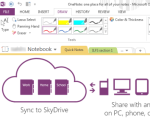
Here are 5 free Evernote Alternative applications to manage notes. You can also insert files, screenshots to notes, and access notes from multiple devices.
→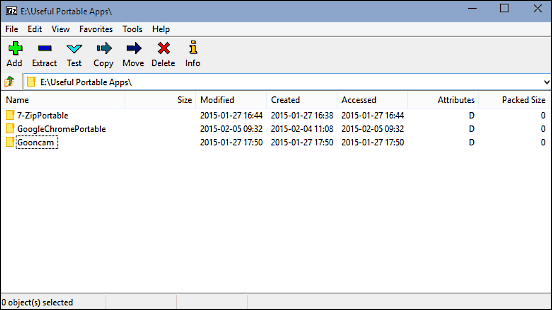
This article talks about 5 best free zip programs for Windows 10. These applications let you create and extract archives, and support a variety of formats.
→
Here are 5 free software to extract images from PDF file. These software have their unique feature also, like set custom pages range, extract text, etc.
→