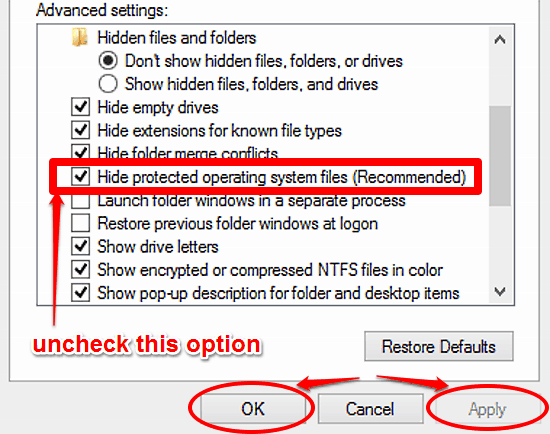
How To Show Protected System Files In Windows 10?
This tutorial details how to show protected system files in Windows 10. You can easily display protected hidden system files for troubleshooting purposes.
→
This tutorial details how to show protected system files in Windows 10. You can easily display protected hidden system files for troubleshooting purposes.
→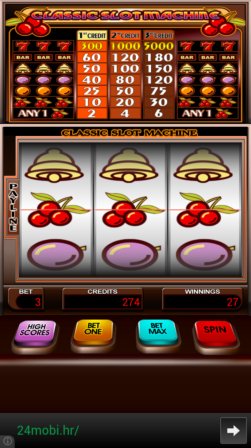
Here’s a list of 5 free slots games for Android which you can use to play the slots on your Android powered phone or tablet.
→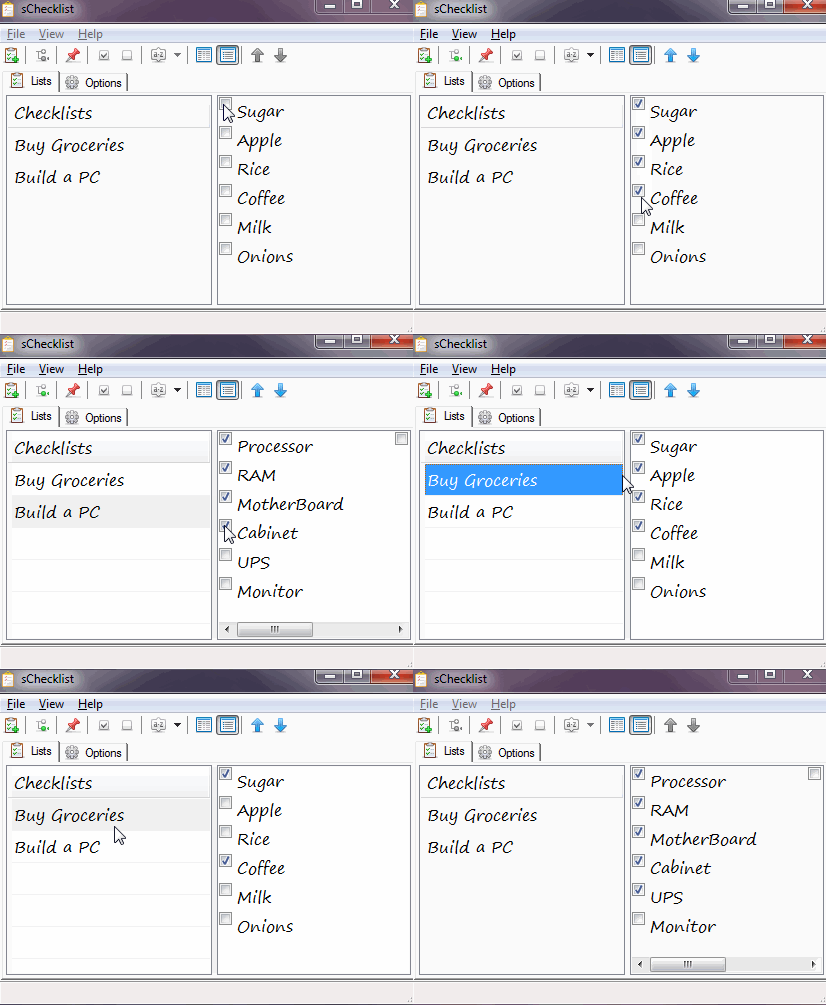
sChecklist is a free, portable checklist software. It is a no-nonsense software without any fancy features, but offers a true checklist managing experience!
→
Crypto 101 is a free course on Cryptography for programmers. The program is available for completely free and works offline. Suitable for all ages, levels
→
This tutorial details how to disable navigation pane in Windows 10. You can disable navigation pane in Windows 10 to gain a bit more space for file browsing
→
Tiempy is a free website to schedule tweets, Facebook posts, and LinkedIn posts together. Helps to add text and image to update timelines of these accounts.
→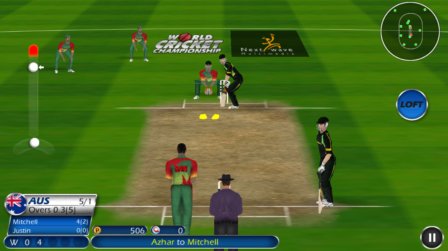
Here’s a list of 5 cricket games for Android which can be used by cricket fans to enjoy their favorite game even on their Android phones and tablets.
→Spews is an automatic desktop wallpaper changer with configurable refresh rate. Add processes in the exclusions to suspend the automatic wallpaper switch.
→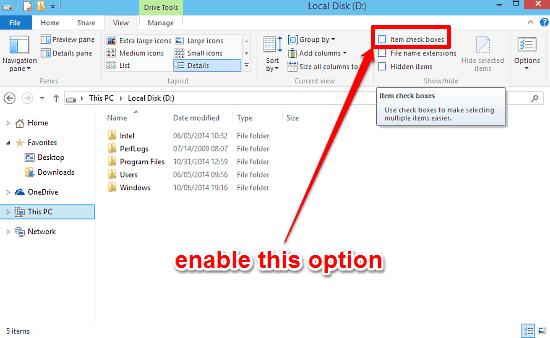
This tutorial explains how to use checkboxes to select multiple files and folders in Windows 10. These checkboxes let you select each item with one click.
→
Volume Button is a free Android volume control panel app to manage volume of your Android device. Manage volume from anywhere on Android device with one tap
→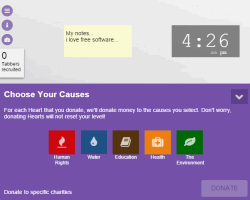
Tab for a Cause is a Chrome app that donates money to charities whenever you open a new tab in Chrome. You do not have to spend any money to donate.
→SecureGmail is an open source Chrome extension to send encrypted emails in Gmail. Create password to protect a mail and use it to access them.
→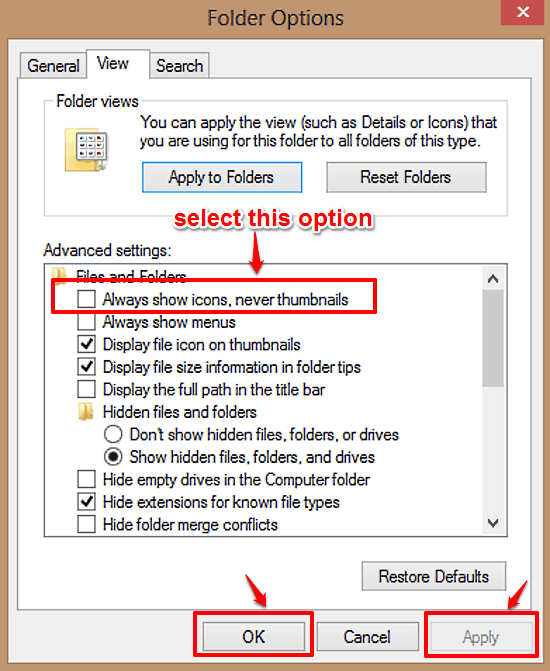
This article explains how to disable file and folder thumbnails in Windows 10. You can disable file and folder thumbnail generation to speed up browsing.
→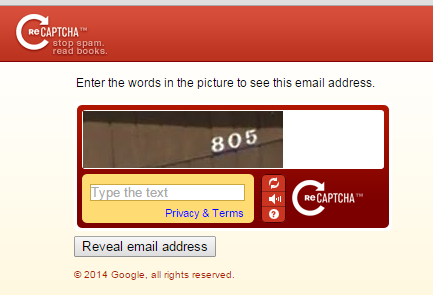
reCAPTCHA Mailhide is a free service from Google which helps you protect email address from spam with the help of CAPTCHA..
→