
iTube for iPhone to Use YouTube as Music Player, Lyrics Finder
iTube for iPhone is a free alternative for official YouTube App on iOS. With iTube you can use YouTube as a music player, lyrics finder, sleep timer, etc.
→
iTube for iPhone is a free alternative for official YouTube App on iOS. With iTube you can use YouTube as a music player, lyrics finder, sleep timer, etc.
→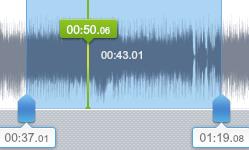
Here is a list of 5 free audio joiner for Windows. You can join multiple audio files together and create one audio file from all of them.
→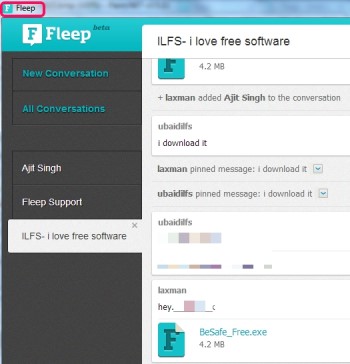
Fleep (beta) is a free communication tool to send messages as well as share files with friends. It can send large files and executable files also.
→Twitter has an online tool to find first tweet of any Twitter account. Just give Twitter handle of that person and Twitter will show it’s first tweet
→Wipeout is a little browser for private browsing that deletes all browsing history when its closed. It does not needs installation.
→DJ Pro Deck is a complete free professional DJ mixer software for Windows. You can find here all the beatmatching techniques. Free alternative to Traktor.
→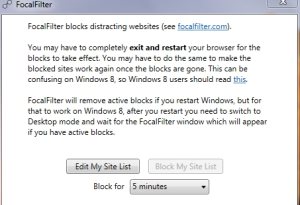
Focalfilter is a free tool for blocking websites temporarily for a limited time period. You can block as many websites as you want.
→Cool Reader is a free eBook reader for PC that lets you read ebooks on PC and download ebooks for free.
→
PodTrans is a freeware that lets you transfer files from PC to iPod without using iTunes. It works with all versions of iPod.
→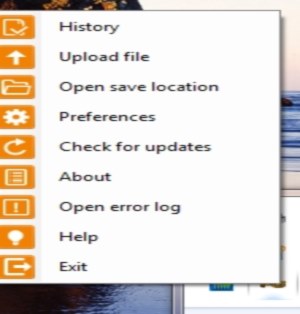
FallyGrab is a free screen capture software that lets you capture screenshots and automatically upload screenshots to FTP, Dropbox, Imgur, and Facebook.
→
Muzei Music Extension for Android displays album art of your music as the wallpaper of Android when the song is playing.
→
Cloudphotoeditor is a free online animated gif creator that adds effects, animations, glitter stamps, and save animations in animated gif format.
→
This article talks about 5 free iPhone contact managing apps to help you manage your contacts easily. You can edit, delete, and take backup of contacts.
→This tutorial explains how to disable notifications for selected Android apps. You do not need to install any app and can do directly from phone settings.
→