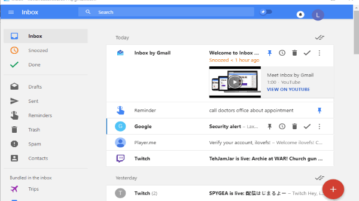
Free Inbox by Gmail Desktop Client for Windows
Inboxer is a free Inbox by Gmail desktop client for Windows. You can add multiple Gmail accounts, group messages, pin, snooze emails, etc.
→
Inboxer is a free Inbox by Gmail desktop client for Windows. You can add multiple Gmail accounts, group messages, pin, snooze emails, etc.
→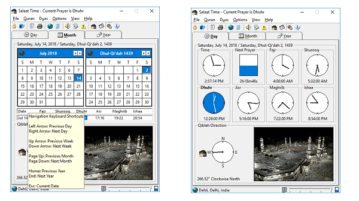
Here is a free salaat time software with azaan, Qiblah direction, Islamic calendar. Use to remind yourself for all the 5 prayers via desktop notifications and azaan playing in the background
→
Here are 3 free software to convert PDF to greyscale. All the images, text, and other content available in your PDF is turned to greyscale using these software. One software in this list also lets you convert only PDF text, only PDF images, or both to greyscale and generate the output greyscale PDF.
→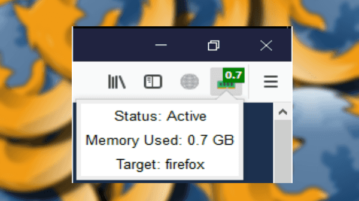
Here is a free Firefox addon to see memory consumption of Firefox in toolbar of Firefox browser. Use this simple addon and monitor the browser memory usage like a pro
→
This article covers a free medicine management software for Windows. This software helps you manage pharmaceutical records including product Inventory, stock, orders and much more.
→
Here is a free command line tool to split sheets of Excel file easily. Split any XLS, XLSX file and then save the sheets to separate Excel files
→
This tutorial explains how to disable new tab in Google Chrome. You can first set the maximum number of tabs, say 1, that can be opened in Chrome browser and when you will try to open a new tab, it won’t open. For this, you need to use a free Chrome extension, called “xTab”.
→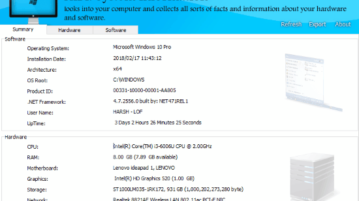
Here is a free System Information software for Windows that lets you view software information and hardware information of you PC. It also lets you generate report for the same.
→
Here are some best free Unlimited VPN for Windows, Chrome, and Firefox. just activate the VPN in one click and start browsing the web by hiding your real IP, bypass censorship
→
This tutorial explains how to convert Spotify playlist to YouTube playlist. You can turn any private or public Spotify playlist to YouTube playlist with a free software “spotify-to-youtube”. Only some simple steps are needed to follow.
→
This tutorial explains how to compress installed programs in Windows 10 to save disk space. You can compress Program Files as well as Program Files(x86) folders to gain some disk space. The programs work normally after compression and you can also uncompress programs anytime.
→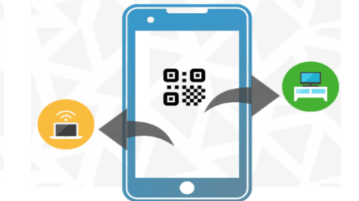
Here is a simple method is explained to transfer photos, videos from phone to PC by scanning QR code. No need to install any app or anything on phone to send images and video to your computer
→
Here is a free software to batch convert EML to PDF. Apart from converting email content available in EML file, it also lets you extract attachments separately in a single folder.
→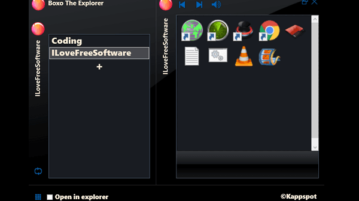
Here is a free file explorer software with virtual files and folder linking. Use it to manage your files in a different way. Access your files in a click
→