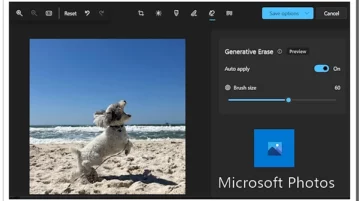
How to Use Microsoft Photos Generative Eraser for Background Fill
Microsoft Photos app offers Generative Eraser feature that can remove any object from an image and fill the background.
→
Microsoft Photos app offers Generative Eraser feature that can remove any object from an image and fill the background.
→
Learn how to download Windows 10 ISO without Media Creation Tool directly by changing the user agent of your browser.
→
See how to turn off read receipts for Instagram, DMs. Use the step-by-step simple guide mentioned here to see how to do it.
→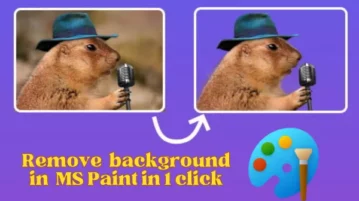
See how to use the new 1 click AI background removal tool in Windows 11. Here’s a step by step guide to show how to enable it and use it.
→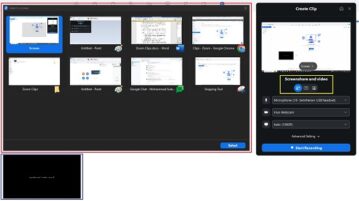
In this article we will be explaining how you can use Zoom Clips across for Asynchronous communication.
→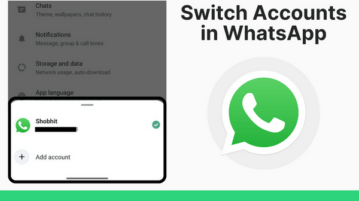
With new account switcher feature in WhatsApp, no need to clone the app to have multiple accounts. Switch between WA accounts like IG, FB.
→
See how to schedule group calls in WhatsApp. Use the new feature to schedule important calls right in WhatsApp.
→
See how to set up your own proxy server to bypass WhatsApp censorship by local internet provider or govt using the new WhatsApp proxy feature
→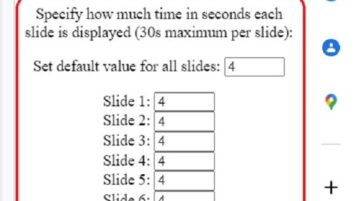
In this article we will be discussing 3 methods that you can use to convert your Google Slides to a Video or GIF format.
→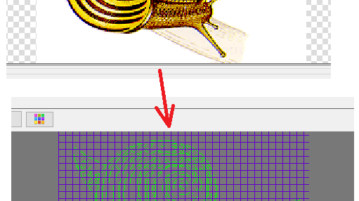
Generate G-kode from image, text, and PLT, DXF files. Use the software mentioned here that runs on Windows
→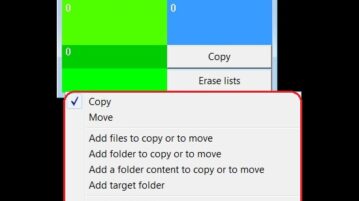
In this article we will be listing and discussing 3 Software Applications to Copy / Move Multiples Files to Multiple Folders in one go.
→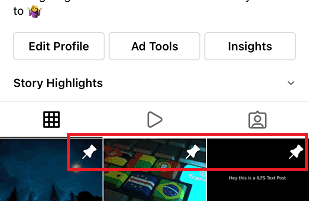
See how to pin Instagram photo and reels on your phone. Use the new feature to pin any 3 posts and this guide will show you how
→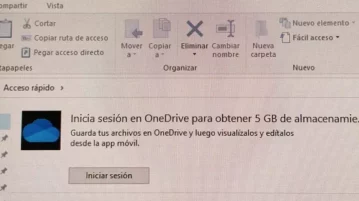
See how to disable ads on Windows 11. Use this step by step guide mentioned here to configure your PC for not showing any ads
→
See how to see Google Drive files in a card on new tab page of Google Chrome. Use this tutorial here to see how to do it in a few steps
→