
Post Online Public Notes with Start Time, Password Protection: TimeDrip
Timedrip is a free website to post public notes. The notes will become visible at the scheduled date and time specified by you. Add password protection also.
→
Timedrip is a free website to post public notes. The notes will become visible at the scheduled date and time specified by you. Add password protection also.
→
This tutorial explains how to turn on/off Location Platform in Windows 8 in three different ways.
→This tutorial explains how to move URL out of Address Bar or Omnibox in Google Chrome. You can enable origin chip, which just shows root domain.
→
Weave is a free iPhone app that used LinkedIn to find and meet professionals around your location. You can also have chat with them from within app.
→This article explains how to read WhatsApp messages without changing last seen time. It includes two methods: Manual and Automatic.
→
This tutorial explains how to show estimated data usage in Windows 8 in two different ways, without installing any software.
→
Vellum is a free website which creates reading list from links that your friends and followers share on Twitter.
→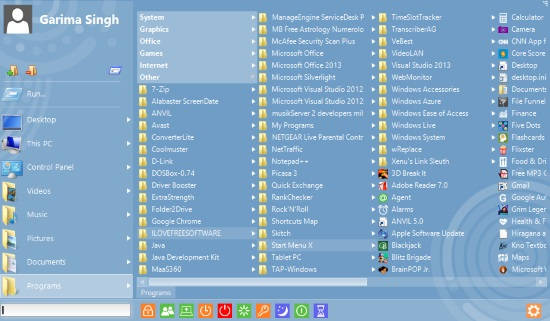
Start Menu X is a free software that lets you add Start Menu to Windows 8. It can launch even Modern apps and Programs, Documents
→This article explains how to show Google Chrome settings in a window. A simple flag can be used to show Chrome settings in a window, instead of a new tab.
→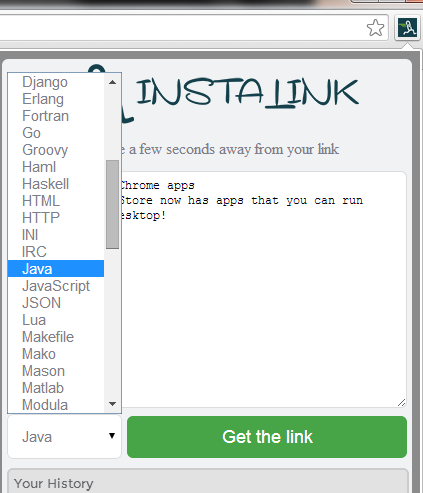
Instalink is a free Chrome extension to share clipboard text online by creating links. Support for about 50 programming languages.
→
Here’s a list of 2 PDF editor addons for Firefox which you can use to edit and create PDF documents from inside Firefox.
→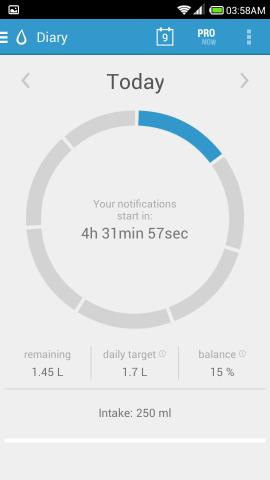
Hydro Coach for Android is an app that reminds you to drink water. It accurately tracks how much water you drank and reminds you to drink more water.
→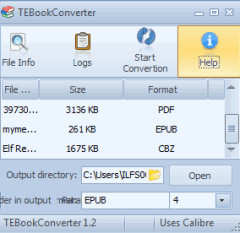
TEBookConverter is a free software to convert ePub files, mobi, cbr files, PDF, azw3, lit, lrf, etc. files. It supports parallel conversion feature.
→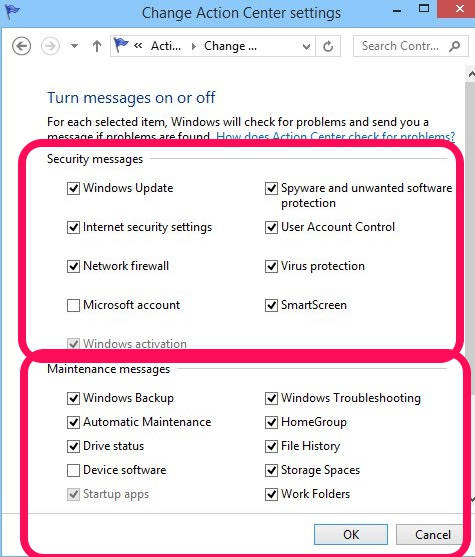
This tutorial explains how to turn off security and maintenance messages in Windows 8.
→