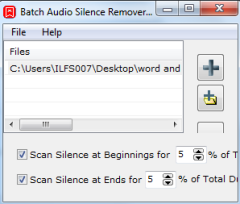
How To Remove Silence from Starting and End of Audio Files
Batch Audio Silence Remover is a free software to remove silence from starting and end periods of audio tracks. Supports mp3, wma, and ogg formats.
→
Batch Audio Silence Remover is a free software to remove silence from starting and end periods of audio tracks. Supports mp3, wma, and ogg formats.
→
This tutorial explains how to undo last system restore in Windows 8 PC. It is useful if System Restore created any problem and you want to undo it.
→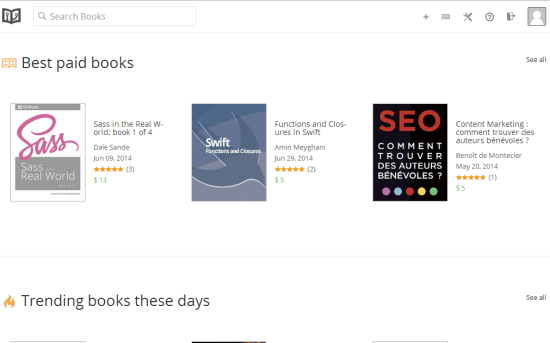
Gitbook is a website to publish books online. You can publish both free as well as paid books. When you sell a paid book, Gitbook keeps only 20% commission.
→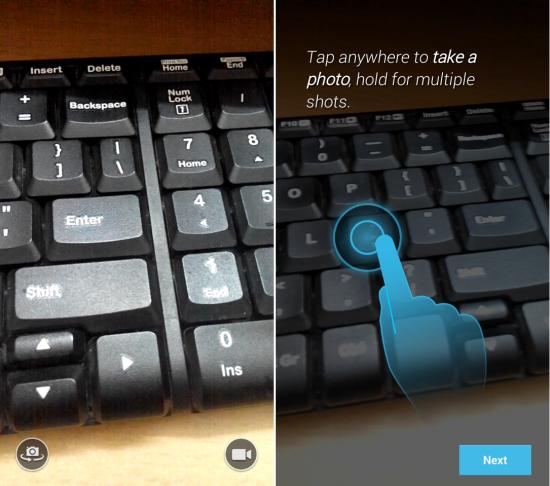
Install Moto X’s Camera on any Android phone and experience a very minimal interface along with nice animations
→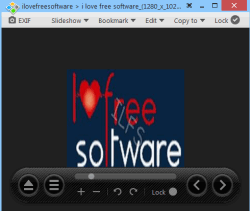
Honeyview is a free image viewer software to view images as well preview images using its context menu option. Also helps to convert and resize images.
→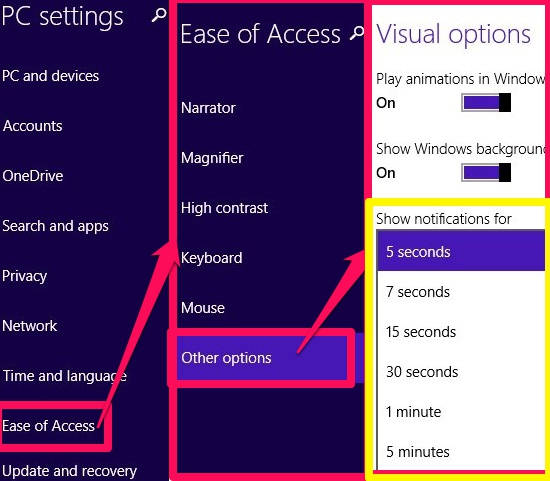
This short tutorial explains how to customize how long notifications stay open in Windows 8 in three different ways.
→
DocuFreezer is a free software (for personal use) to convert documents to PDF, png, tiff, and jpeg files. Supports doc, docx, xlsx, xls, ppt, and PDF files.
→
Here is a list of 5 free websites to create sweepstakes online. You can create free sweepstakes & promote them easily through these below mentioned portals.
→
Gruveo lets you have free video calls and free voice calls from PC to PC, PC to Phone and Phone to Phone, without downloading anything.
→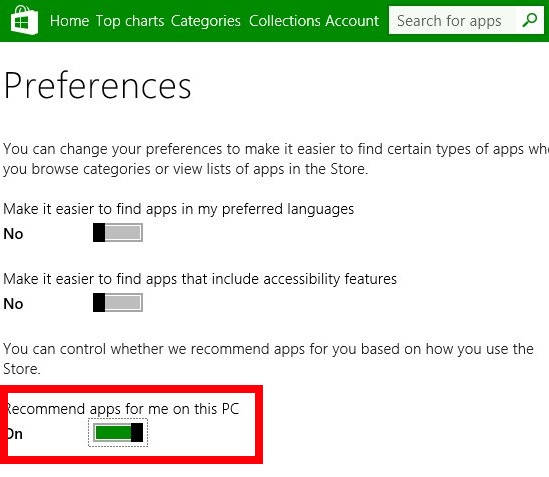
This tutorial explains how to turn off apps recommendations from Windows 8 Store.
→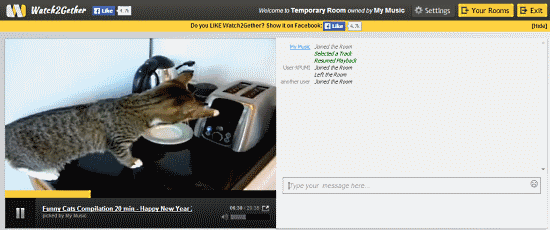
Watch2gether is a free website to watch online videos together. You can create online rooms, and invite your friends to watch with you. It has chat as well.
→
Waf Music Manager is Windows 8 freeware to manage and play large music collections. It lets you edit metadata, create and import playlist in M3U format.
→
Here is a list of 5 free websites to improve reading skills. These are some very interesting online platforms to polish your reading skills.
→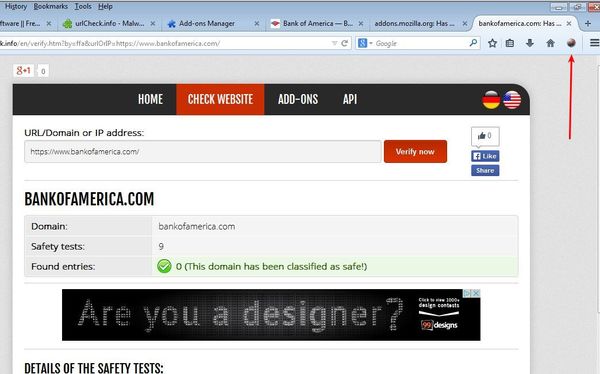
Here’s a list of 3 Anti-Phishing addons for Firefox which you can use to block phishing attempts that could steam your login information.
→