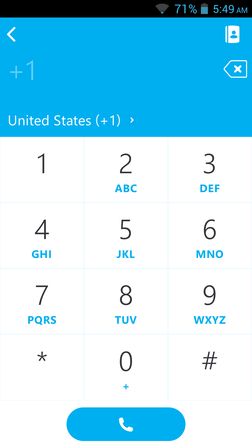
4 Free Voice Calling Apps For Android
Here’s a list of 4 voice calling apps for Android which you can use to conduct free voice calls via Wifi on your Android devices.
→
Here’s a list of 4 voice calling apps for Android which you can use to conduct free voice calls via Wifi on your Android devices.
→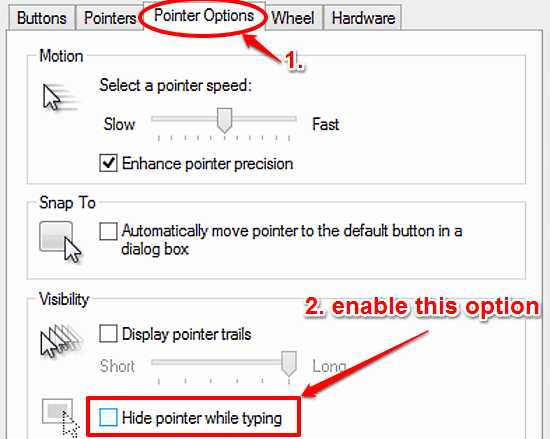
This tutorial details how to automatically hide mouse pointer while typing in Windows 10. This disables mouse pointer every time any text is being composed.
→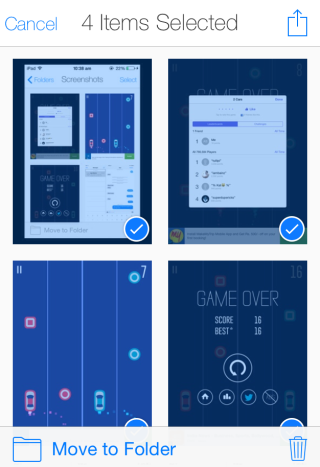
Screenshotter is a free iPhone screenshots manager app. Categorize all your screenshots to custom folders and even delete from camera roll and save to app.
→
Evernote has introduced a new chat feature named as ‘Work Chat’. Now you can group chat or start one to one chat with your friends in Evernote.
→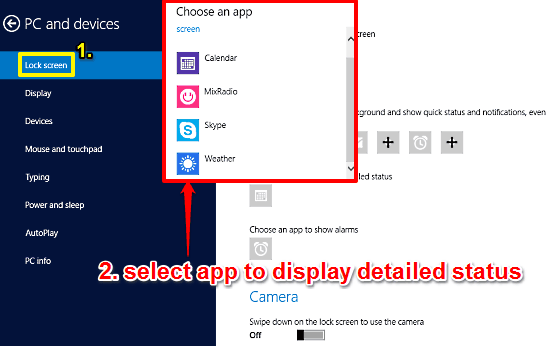
This tutorial details how to specify the app that can display detailed information on Lock Screen in Windows 10. You can choose one app to show more information
→This guide explains everything related to multiple users in Android Lollipop: How to Add Users, How to Switch Users, How to do User Access Control
→
Tinder++ is a free Tinder client for Windows with additional features to undo your choices, change location, keyboard hotkeys for selecting or rejecting.
→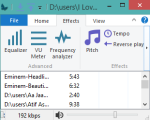
Butterfly is a very simple and lightweight music player. It can play mp3, aac, ogg, flac, wav, pcm, etc. music files.
→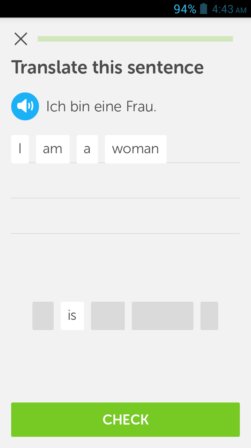
Here’s a list of 5 language learning apps for Android which you can use to learn a new language using your Android powered tablet or smartphone.
→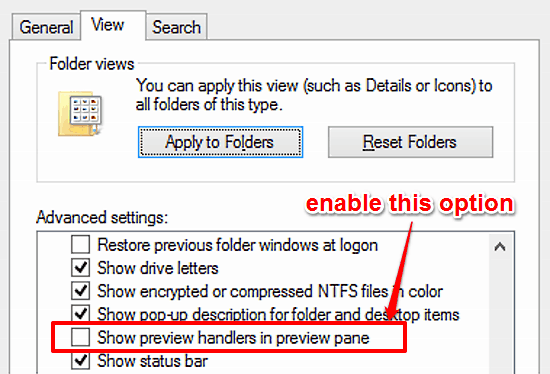
This tutorial explains how to view the contents of text based files in Preview Pane in Windows 10. You can preview the text contents of pdf, doc, txt, etc.
→
This tutorial explains how to backup your Facebook status updates in easy steps. There are a total of 2 methods included for you to try and use.
→
Chrono Namer is a freeware to batch rename files using the metadata of files. It auto replaces the names of files by the date they were modified or taken.
→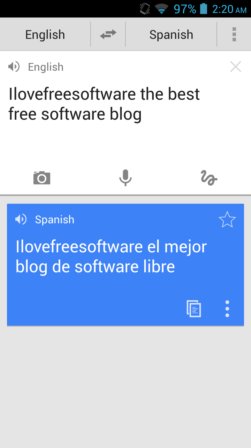
Here’s a list of 5 free language translator apps for Android which you can use to translate text using your Android tablet or phone.
→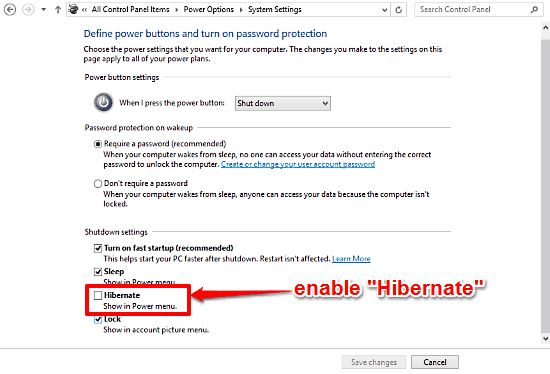
This tutorial details how to enable Hibernate mode in Windows 10. It lets you save all work to hard disk and shut down PC, and pick up from where you left.
→