
Monitor Online Accounts For Any Suspicious Activity: LogDog
LogDog is a free Android app that monitors online accounts for suspicious activities and warns you. Works with Gmail, Yahoo, Facebook, Evernote, Dropbox
→
LogDog is a free Android app that monitors online accounts for suspicious activities and warns you. Works with Gmail, Yahoo, Facebook, Evernote, Dropbox
→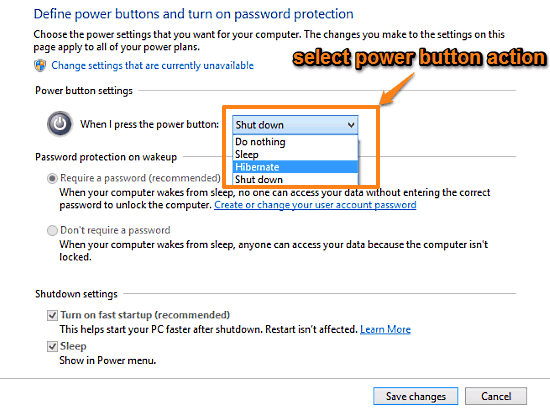
This is a tutorial to change action triggered by pressing the power button in Windows 10. Change it to Shut Down, Hibernate, Sleep, or Do Nothing.
→
Top Documentary Films is a free website to browse and watch documentaries online without registration. Thousands of documentary videos are available.
→
Fun Run 2 is a free iPad multiplayer racing game in which you race against real players from around the globe. Use powers to beat them and win the race.
→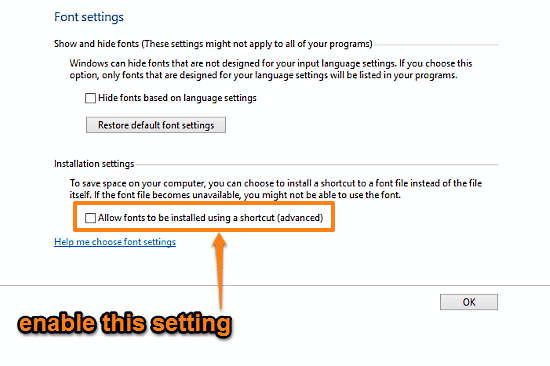
This tutorial explains how to install fonts as shortcuts to actual font files in Windows 10. Thus, they don’t take up any space apart from font file’s space
→
Wire is a free Android messaging app with minimalist design and smooth UI. Use to send texts, voice calling, send image, and ping contacts.
→
Aiseesoft Free MXF Converter is a freeware to batch convert mxf to mov, avi, wmv, and mp3. You can set separate output format for each individual mxf file.
→This tutorial details how to change idle time duration after which PC goes to sleep in Windows 10. This can help in creating even better custom power plans.
→
ShellMenuNew is a freeware to disable entries in right-click sub-menu that comes under ‘New’ option. You can also enable any disabled entry.
→
ContextU is a free online educational website to know about American history. The website has 4 major landmarks of American history with complete details.
→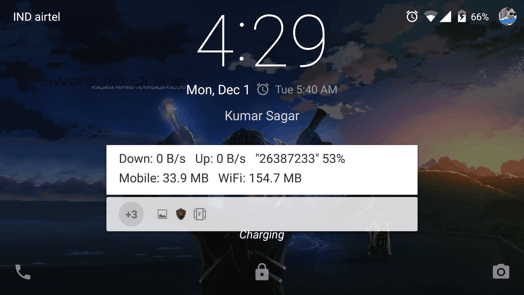
This post explains how to Automatically unlock your Android Phone at Home or Office. To do this you need to set up Smart Lock and Trusted Places on Lollipop
→
Followerwonk is a free online Twitter analytics to compare and analyze your followers and the one whom you follow. Search for user’s bio, in depth graphs.
→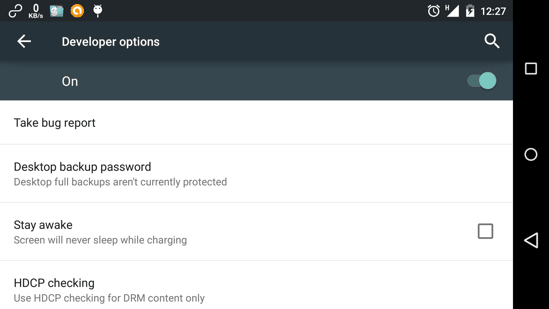
This tutorial explains how to enable Developer Options on Android. It also tells 6 very useful Developer options you should try.
→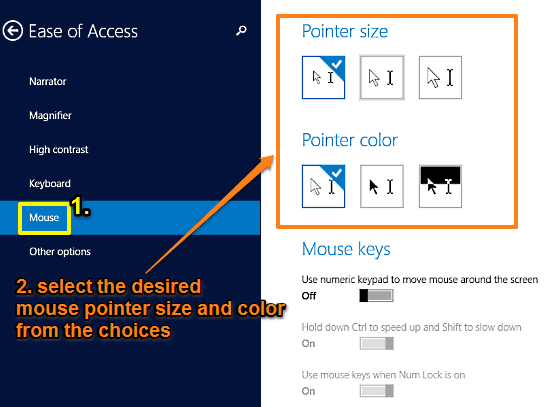
This tutorial explains how to change the size and color of mouse pointer in Windows 10. Both size & color can be chosen from their three individual presets.
→