How To Refresh Cache Of Multiple Browsers With A Single Hotkey
This tutorial explains how to refresh cache of multiple browsers with a single hotkey on Windows by using Browser Refresh freeware.
→
This tutorial explains how to refresh cache of multiple browsers with a single hotkey on Windows by using Browser Refresh freeware.
→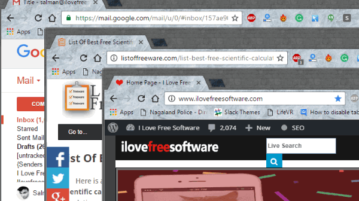
This tutorial is all about how to disable Chrome tabs to open links in new window in Google Chrome. You can completely disable tabbed browsing using this.
→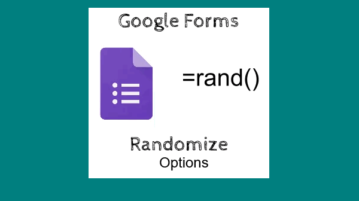
This tutorial explains how to automatically randomize response options in Google Forms. There is a built-in option and you just need to enable that option.
→
This tutorial is about how to change the playback speed of YouTube videos on Android by opening them via BSPlayer and then change the speed to watch videos.
→
This tutorial explains how to delete only those lines that contain specific text in a document. I have done this very easily using “Rejbrand Text Editor”.
→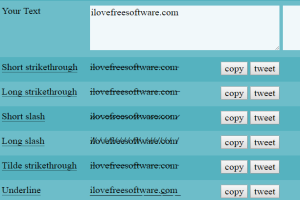
This tutorial is all about how to add various Unicode text such as bold, italic, underline, strikethrough, full width, monospace, etc. to Facebook posts.
→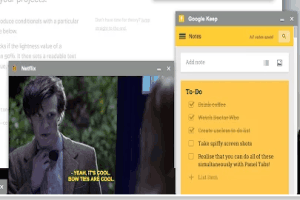
This tutorial explains how to pin Chrome tabs to desktop and use them without browser. A free extension, named Panel Tabs, is handy for this purpose.
→
This tutorial explains how to bring back old volume control in Windows 10. I have added two different methods in this tutorial for this task.
→
This tutorial explains how to extract audio and video from PDF files. I have used a free software, named Bytescout PDF Multitool, for this task.
→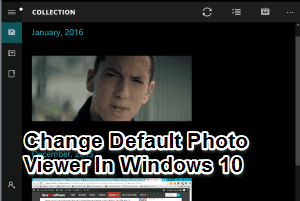
This tutorial explains how to change the default photo viewer in Windows 10. It can be done using the built-in option available in Windows 10.
→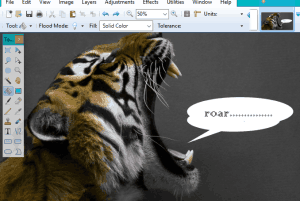
This tutorial explains how to use speech bubbles in an image using Paint.NET. A free plugin is available that provides different shapes to perform the task.
→
This tutorial explains how to replace Command Prompt with PowerShell in Win+X menu in Windows 10. There is a built-in option to complete this task.
→
This tutorial explains how to automatically turn your Pandora likes to Spotify Playlist. It is possible using a website, named Pandify.
→
This tutorial explains how to launch applications fast in Windows 10 during Startup. Does not need any third party software.
→