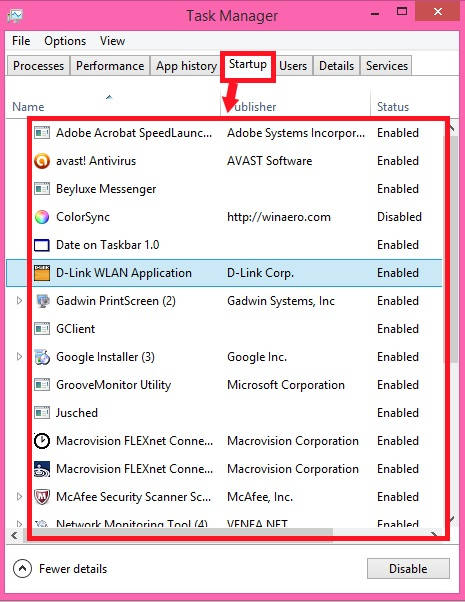
2 Ways To Select Programs To Run At Startup In Windows 8
This is a short tutorial that explains how to select programs to run at Startup for all or for specific users in Windows 8.
→
This is a short tutorial that explains how to select programs to run at Startup for all or for specific users in Windows 8.
→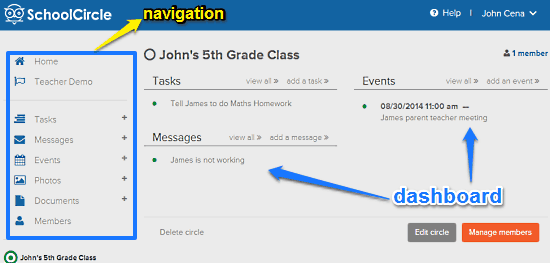
School Circle is a free website for parent-teacher interaction. It can be used to post messages, schedule events, share documents among teachers and parents
→
RubCam is a free iPhone camera app with gesture controls. There are 6 different gestures to control everything with no options to tap.
→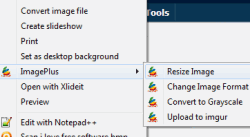
LuJoSoft ImagePlus is a free right click image converter and resizer software. Helps to bulk convert and resize images using right-click context menu.
→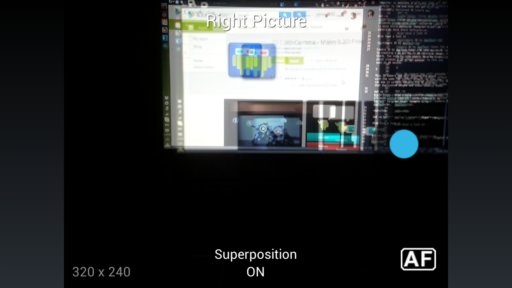
Here’s a list of free 3D camera apps for Android which you can use to create 3D images and 3D effect using your phones camera.
→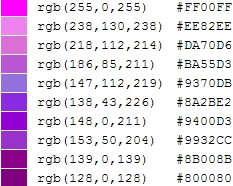
Here is a list of 5 Websites To Convert RGB to HEX. You can convert the RGB values into HEX and preview the color on the same page.
→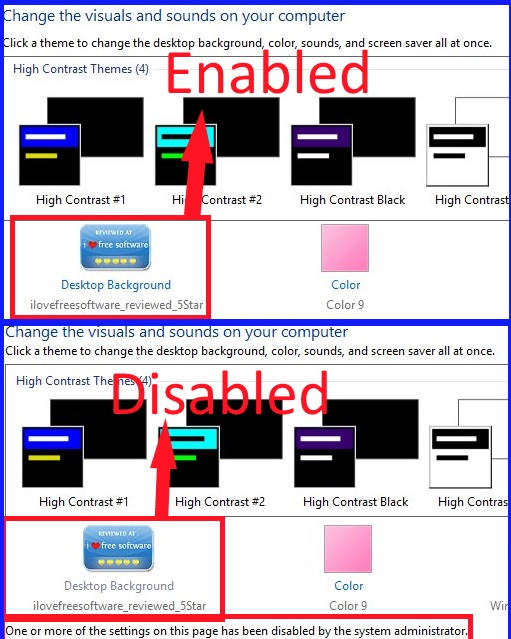
This tutorial explains how to prevent users from changing desktop background in Windows 8. Two different methods: via registry and via Group Policy Editor.
→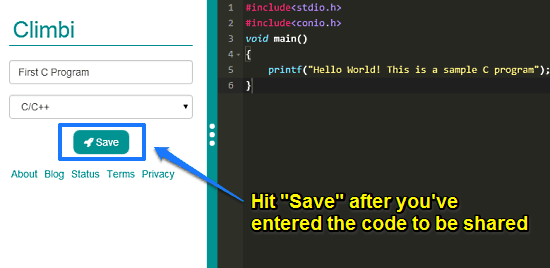
Climbi is a free website to share code with others. Its online code editor supports many languages such as C/C++, Java, and more. It has version control too
→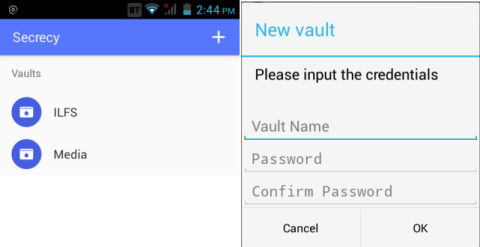
Secrecy is a free Android app to hide files and encrypt files. You can add different folders and protect each of them with individual password.
→
reddit delivery is a free online service that helps to get favorite subreddits information directly in mail inbox. Provides list of top most posts.
→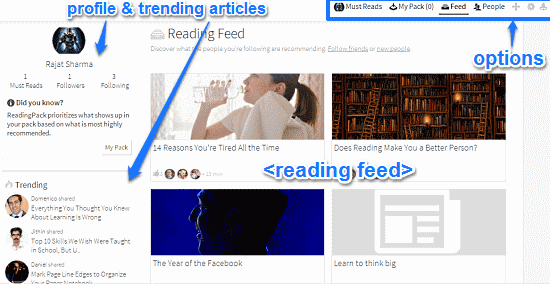
Reading Pack is a free website to read and share interesting web articles. You can recommend articles to others, save them for reading later, and much more.
→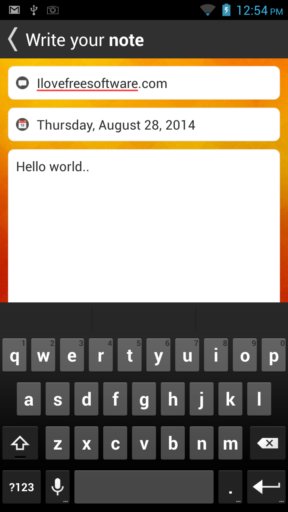
Here’s a list of 5 diary writing apps for Android which you can use to write diaries on your Android powered devices.
→
typWrittr is a free online text editor with beautiful background themes. Create text notes online, change font color, paper color, editor width, etc.
→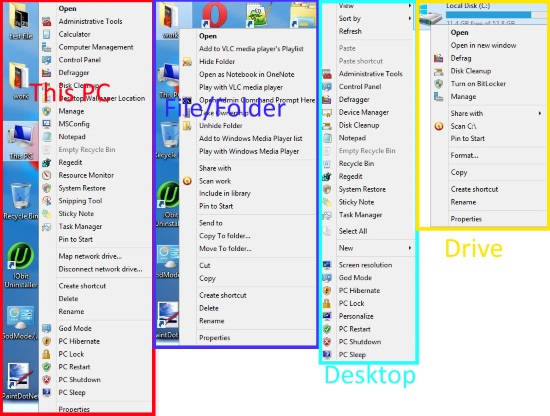
Right Click Extender is a freeware for Windows 8 which lets you add various options to the Windows 8 Context Menu.
→