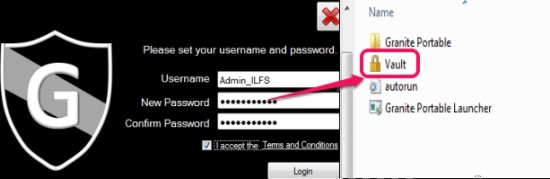
Password Protect Folders, Files With Granite Portable
Granite Portable is a handy software that is used to password protect folders and files with the help of a vault. Get it free here.
→
Granite Portable is a handy software that is used to password protect folders and files with the help of a vault. Get it free here.
→
Here, is quick tutorial to password protect files on Android. Download File Locker app to lock files from any folder saved on SD card.
→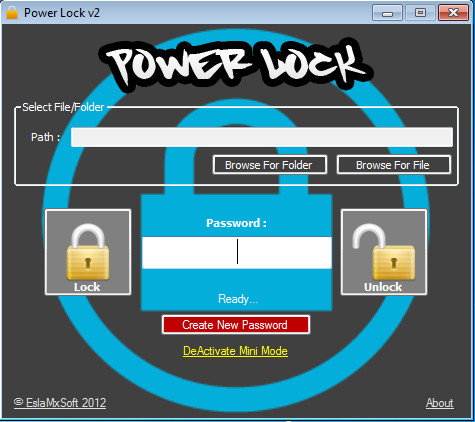
Power Lock is a free software to password protect files and folders so that only you can access them. Download Power Lock Free.
→Securstick is a free portable file encryption software that you can carry around on USB stick to encrypt your files. Download Securstick free.
→
Right Click Encrypter is a free file encryption software that can password protect your files from the Right-Click menu. Check it out here!
→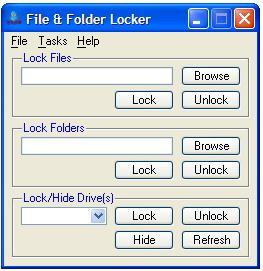
File and Folder Locker is a free software to lock files, and lock folders. Download file and folder locking software free.
→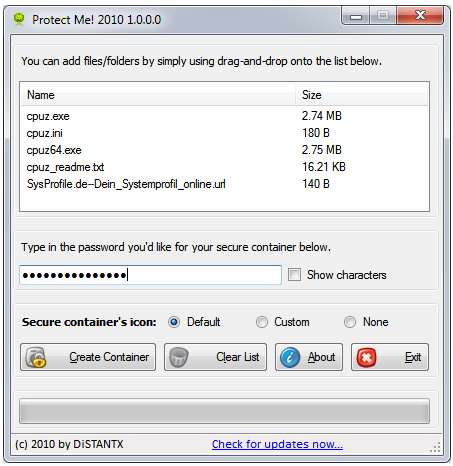
Protect Me is a free software to password protect files and folders easily. It offers secure encryption of files and folders. Download Protect Me Free.
→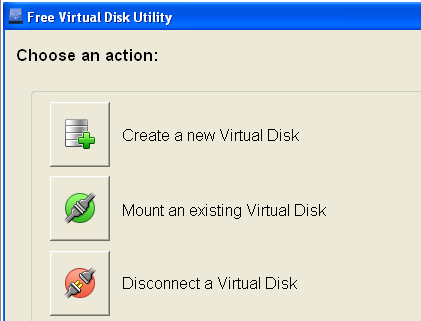
Virtual Disk Utility is a free software to create a virtual disk drive on your drive. This virtual disk drive can be used to safely store your files.
→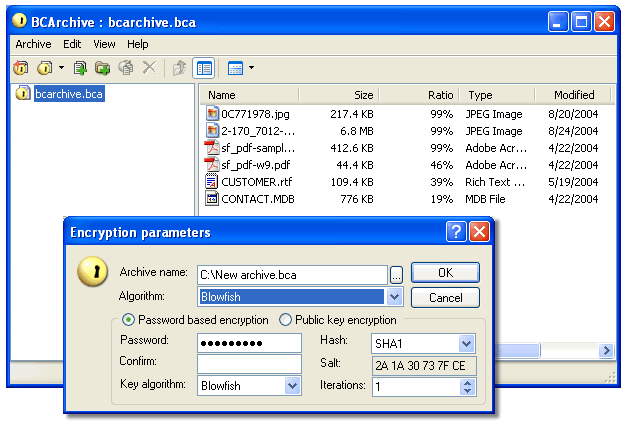
BCArchive is a free software that compresses data, and encrypts it using a Public key. Download BCArchive Free
→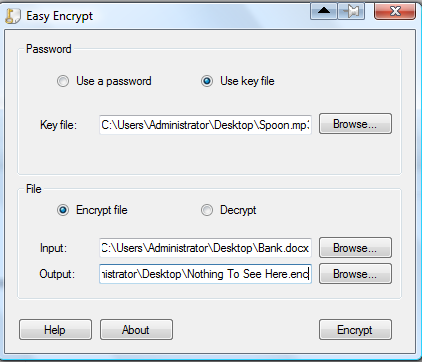
Easy Encrypt is a free software to encrypt and password protect your files. It uses Military grade encryption for that. Download Easy Encrypt free Here.
→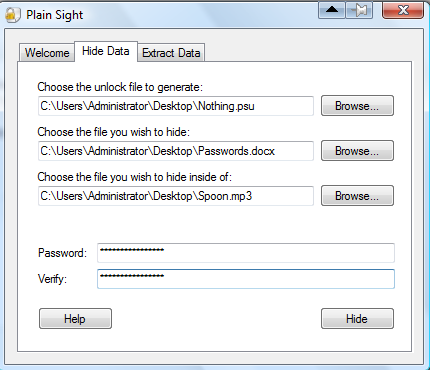
Plain Sight is a free software to password protect files. It hides your files inside other files, so that no one can get your sensitive data. Download Plain Sight Free.
→USB Safeguard is a free software that encrypts the document in your Flash Drive. It does not requires installation, and completely Free.
→Crimson128 is a free software that can encrypt files directly from the Right click context menu. It is extremely easy to use, and completely Free.
→Conceal is a free software to encrypt and password protect your files. It is extremely easy to use.
→