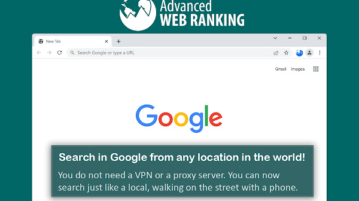
How to Search in Google from any Location, Geo Coordinates
Search anything in Google from any location in the world without VPN. Search from any city, state, country, landmarks or geo coordinates
→
Search anything in Google from any location in the world without VPN. Search from any city, state, country, landmarks or geo coordinates
→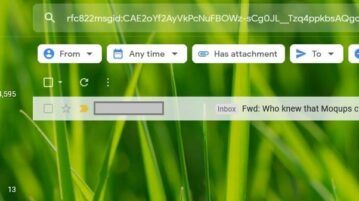
Mailie is a Chrome Extension using which you can create shareable links to your Emails for the purpose of discussions, documentation and more
→
TRAB is an all-in-one Chrome extension to report a tweet and block the user. TRAB is a very helpful tool to declutter your Twitter feed.
→
YouTube Tabs is a Chrome Extension that allows you to easily sort your YouTube subscriptions into different ‘Tabs’.
→
Local is a free Chrome extension to find Amazon products locally. Get your desired products direct from your locality.
→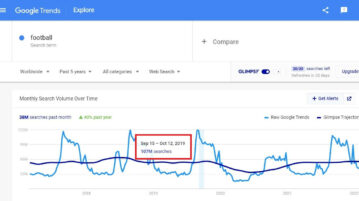
Glimpse is a Chrome Extension that revolutionizes the way you use Google for Data Exploration by providing Absolute Volume of Search queries.
→
Find the best hashtags on LinkedIn and boost the reach of your posts. See the number of likes, comments, and followers of hashtags.
→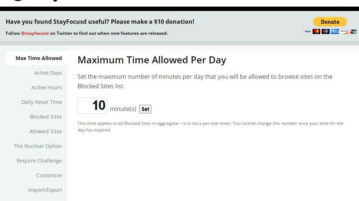
Here’s a list of 5 awesome extensions that help you get through the day with fewer distractions and higher productivity.
→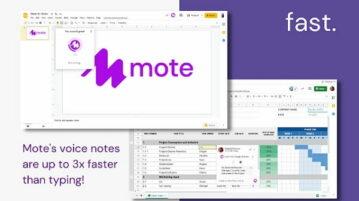
Mote is a free chrome extension that add narration to Google Slides. It lets you record voice and insert it into Google Slides file directly.
→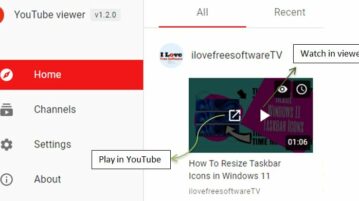
YouTube Viewer is a Chrome Extension that keeps a track of your favorite YouTube channels without the need of a Google Account.
→
You can now control which extension can access a website via built-in permissions manager. Allow/Disallow any plugin to access/modify webpage
→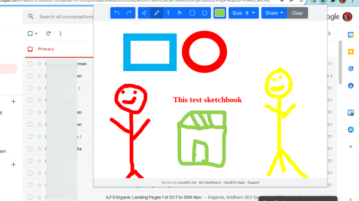
Tiny Sketchbook is a simple extension to create and save drawings. Create, collaborate, and share your tiny sketchbook doodle art projects
→
Automatically join and leave team meetings using this easy Chrome extension, Teams Tools. Never miss a meeting again.
→
Extract and download the tags and keywords from any YouTube video you want without any effort using this Chrome extension: TubeSpy
→