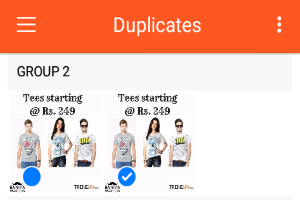
5 Best Free Duplicate Photo Finder Apps for Android
Here are 5 Free Android Apps that can find Duplicate photos on Android phones. These can also find similar looking photos.
→
A tech enthusiast and loves to write reviews about software, websites, and mobile applications.
Here are 5 Free Android Apps that can find Duplicate photos on Android phones. These can also find similar looking photos.
→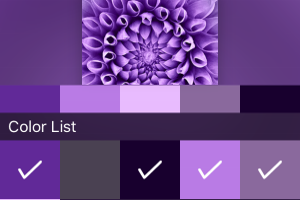
PicAnalyzer is a free iPhone app to extract color palettes from images. It allows saving, sharing, and exporting color palettes to Dropbox as SVG files.
→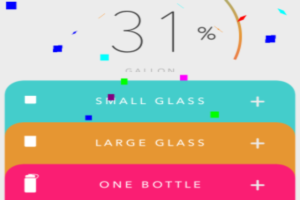
1 Gallon a day is a free drinks tracker app for iPhone to record and track the amount of water you drink in a day. Also, get reminders to drink water.
→
Unibox is a free iPhone email app to group emails by sender’s name and access attachments in one place. Swipe to delete, spam, unsubscribes, etc.
→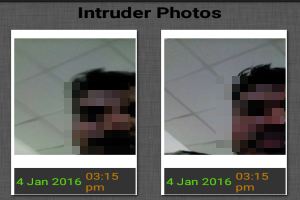
This is the list of 5 best free apps for Android that capture photos of the person who try to unlock your phone and send you email with photo and location.
→
Microsoft Selfie is a free app to automatically enhance iPhone selfies based on skin tone, age, gender, lighting, etc.
→
This is a curated list of 5 best free anonymous messaging apps for iPhone. These apps allow sending anonymous text messages, photos, video clips, etc.
→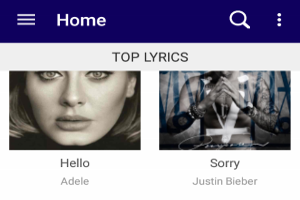
Lyrics Mania is a free Android app to listen to music with auto synced lyrics in real-time. Search for dozens of lyrics and view them along side songs.
→Birdplane is a free iPhone app to stream live videos and interact with viewers in real-time. Start recording videos and share them live as they happen.
→Everalbum is a free iPhone app that provides unlimited storage of photos from camera roll, Facebook, Instagram, Dropbox, and Google Photos.
→Photonomie is a free iPhone app to capture 360-degree immersive photos in real-time. After capturing immersive photos, view them within the app.
→Mailburn is a free iPhone email client app for Gmail that lets you experience messenger like interface for your emails. Turn your boring inbox interesting.
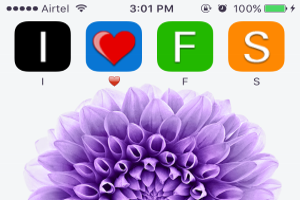
→This tutorial is all about how to write your name on the home screen using alphabetic icons from “iPhoneLetters”.
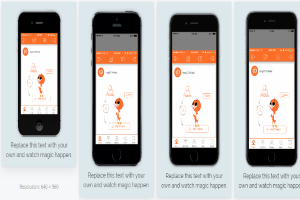
→This tutorial is about how to quickly make app store screenshots with “LaunchKit’s Screenshot Builder”. Choose custom text & layouts to get great results.
→