



Share Large Files of Unlimited Size with Password Protection
Filemoves.com is a free service to share large files without any limit, with password protection and without sign up. You can also set file deletion time.
→
A die hard tech enthusiast who is famous for breaking keyboards with his typing speed. Into writing for 6 years and counting.
Filemoves.com is a free service to share large files without any limit, with password protection and without sign up. You can also set file deletion time.
→
ConsoleZ is a free tabbed command prompt alternative with multiple tabs. It also comes with search and option to set background image.
→
Here is a list of 5 free subtitle editor software for Windows 10. You can preview video while editing subtitles, merge subtitles, and do other things.
→
Here is a list of 5 free DOCX viewer software for Windows 10. I have covered from very basic to feature-rich software in this list.
→
Zoho Writer has been completely redesigned and comes with minimalistic interface, improved collaboration, access control, and reviewing features.
→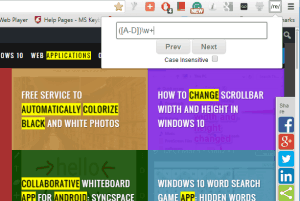
Here is a tutorial about searching on a web page based upon regular expressions in Chrome. Regex Search is a lightweight Chrome extension to do this.
→
This tutorial explains how to compare files inside zip files, without extracting them.
→
SpyDetect is a free software which helps to check if processes on your PC spying and monitoring you. Just a single click shows everything.
→
Here are 3 best free subtitle downloader software for Windows 10. Most of these software can fetch subtitles for movies as well as TV shows.
→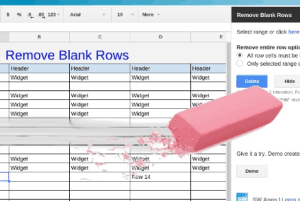
This tutorial explains how to remove all or selected blank rows from Google Sheets. I have used a free add-on “Remove Blank Rows” for this task.
→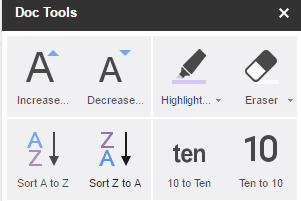
Doc Tools is a free Google docs add-on that provides multiple tools. You can highlight text, change text case, sort text, convert word to number, etc.
→
Double-click Image Downloader is a free Chrome extension. As the name suggests, you can download any image with just double-click.
→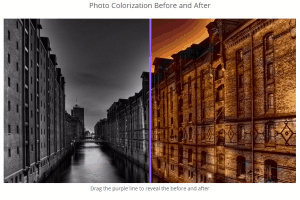
Colorize Photos is a free service to automatically colorize black and white photos. This will add accurate colors to black and white photos automatically.
→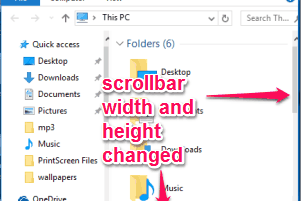
This tutorial explains how to change the scrollbar width and height of any window in Windows 10. It can be done by tweaking the Registry.
→