How To Change Mouse Scroll Rate In Windows 10?
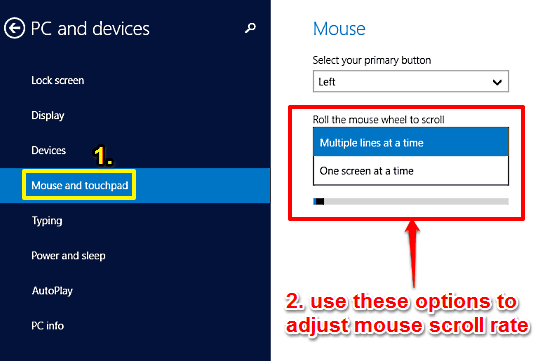
This tutorial details how to change mouse scroll rate in Windows 10. You can adjust whether the mouse scrolls a few lines at a time, or an entire screen.
→
This tutorial details how to change mouse scroll rate in Windows 10. You can adjust whether the mouse scrolls a few lines at a time, or an entire screen.
→
Folder Sync is one of the simplest tools for syncing your chosen folders between an Android device and a PC. The connection works over a local WiFi network.
→
SohoAssets is a free assets management website. You can add any asset easily and can also export the whole asset data to PC in excel, csv, and PDF format.
→
Here’s a list of 5 trip planner apps for Android which you can use to make travel plans using your Android phone or tablet.
→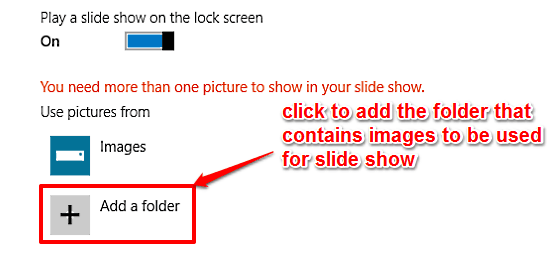
This tutorial describes how to play a Slide Show on Lock Screen in Windows 10. You can display all your favorite images as a slide show on the lock screen.
→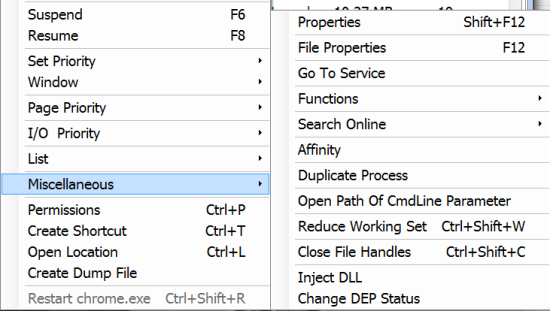
Listsp is a freeware to manage Windows processes, drivers, and services. It also supports multi selection of them and perform actions simultaneously.
→
New Tab King is a Firefox add-on to view mostly visited pages in a new tab, create to-do list, and view recently closed tabs in new tab page of Firefox.
→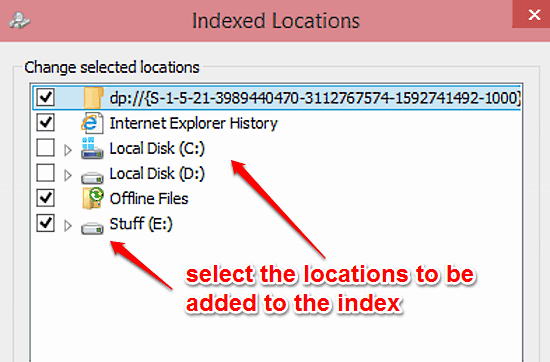
This tutorial details how to edit indexed locations in Windows 10. You can change the list of indexed locations in Windows 10 to speed up file searching.
→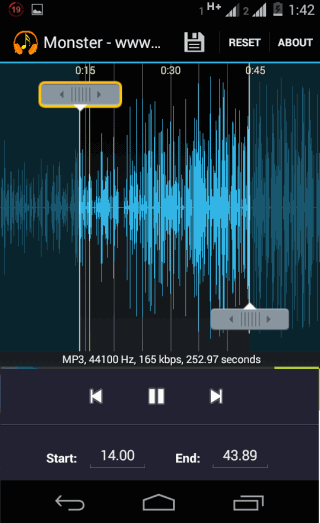
MP3 Player and Cutter is a free Android music player app which also includes an MP3 cutter. Cut any portion of any song, also has equalizer
→
iBrowse is a freeware for Windows to transfer files from iPhone to PC with iOS 8 support . Easily transfer audios, videos, images and access iTunes Backup.
→
Chrome User Agent Switcher is a free Android App to open iPad, Desktop, IE, Safari, iPhone versions of websites on Android.
→
Symbolab Math Solver is a free online math problem solver with step by step solution and graphs. It also show formulas, rules, or theorems used in problem.
→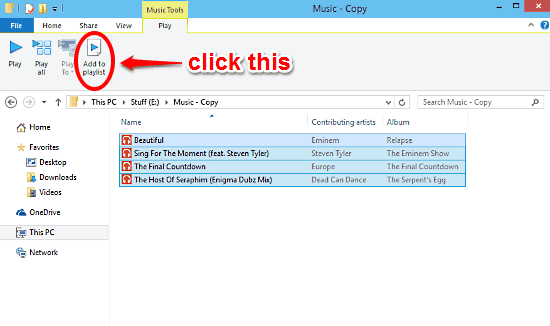
This tutorial details how to create a new music playlist directly from Windows Explorer in Windows 10. The created playlist automatically starts playback.
→
WeMail is a free Android mail client app with mails grouped by sender’s name. Also has unique feature of sending a self note to your email address from app.
→