Macrium Reflect is industry leading disk imaging software, and now it has come with a Free edition as well. The free edition of this Disk Imaging software lets you create images of your Windows running PC. You can store the image in network drive, USB drive, and even write it to a DVD. Macrium Reflect comes with advanced compression, and creates disk image at extremely fast speed.
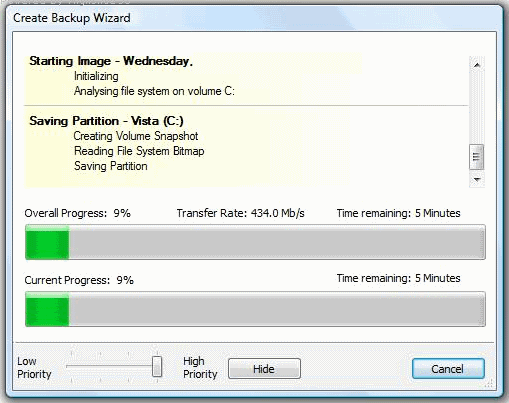
Macrium Reflect lets you create the disk image with lot of ease. It is pretty easy to use, and the interface is intuitive. You can also create a Linux or BartPE based rescue CD with Macrium Reflect.
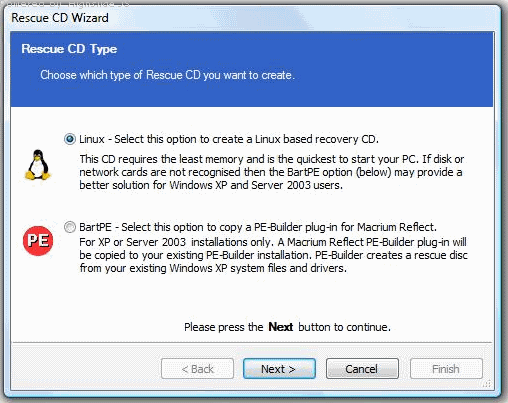
Here are some features of this free disk imaging software:
- Create a disk image whilst running Windows using Microsoft Volume Shadow copy Service (VSS).
- The Image can be created to a Network folder, FireWire drives, DVD, and USB Drive.
- Macrium Reflect comes with a built in scheduler to schedule the imaging.
- Macrium Reflect can be used for both 32 bit and native 64 bit versions.
- Industry leading compression levels and speed.
- You can also create a Linux based Rescue CD with Network access and full GUI.
- It comes with a built in CD/DVD packet writing engine.
I recommend that you first defrag your drive using some good free defragmentation software, and then create an image. Another free software that you can try for disk imaging is Drive Image. If you want to backup just drivers, you can try Driver Backup Software. To backup selected files, easiest way is by using some online backup service, like SkyDrive that gives you 25GB of free online storage. Or, you can use software like SpiderOak that keeps data in sync between 2 computers.