Windows 8 App To Add Effects To Photos, Convert Photo To Sketch
Photo Editor Pro is free Windows 8 app which to add effects to photos. Create sketch, filter photos, and add custom color effects to photos.
→
Photo Editor Pro is free Windows 8 app which to add effects to photos. Create sketch, filter photos, and add custom color effects to photos.
→Fitsme is a free website to create customized meal plans. You can choose the recipes available in the website and add to your meal plans.
→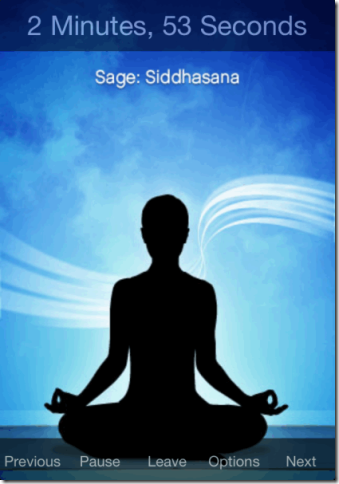
This article talks about 5 free yoga apps for iPhone. Use this apps to learn and perform yoga session at anytime and anywhere.
→
Wondershare Fantashow is a movie maker software that helps to create movies with favorite photos and videos. It also helps to share movie and save to PC.
→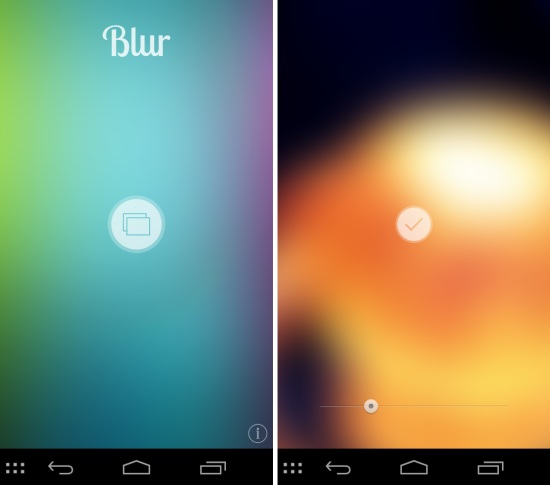
Blur App for Android is a free app to add blur effect to any wallpaper of your choice. Read our review of Blur App here.
→
Flappy hunt for iPhone is a free game app in which you can shoot the flappy bird to score. Go ahead shoot that annoying Flappy bird for revenge.
→Switch Sound File Converter is a free batch audio file converter. It can also extract audio from video files. It supports 26 different formats. Less than 1 MB in size.
→
Picture Decorator HD is a free picture decorating app for Android to decorate photos with stamps, frames, effects, drawing, stickers, text.
→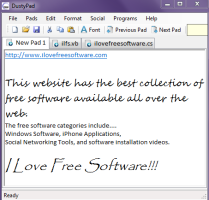
DustyPad is a portable text editor to create, edit, and save text files, VB, and C# files. It helps to open multiple tabs together to work on its interface.
→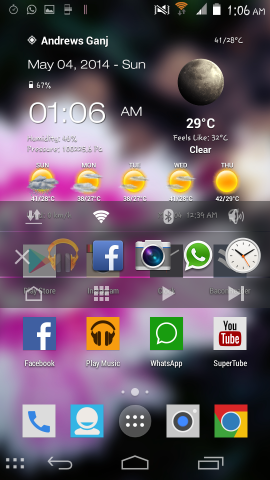
Edge Quick Actions for Android lets you switch between recent apps, toggle controls, and more by swiping from to the left edge of the screen.
→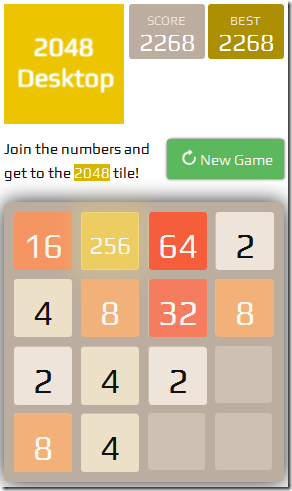
2048desktop is a free desktop based game where the main motive of the game is to move the numbered tiles in the grid blocks in order to get a sum of 2048.
→
Tapestry is a free iPhone app which lets you create stories using the photos and GIFs with option of adding texts to the. Share on Facebook, Twitter, Tumblr
→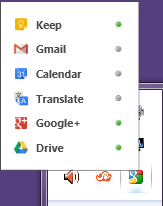
Google Panels help to access some Google services right from the desktop. It helps to access Gmail, Google+, Drive, Calendar, Google Translate, Google Keep.
→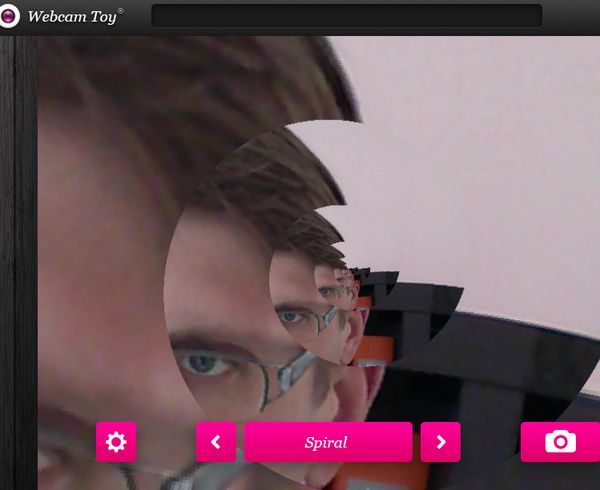
Here’s a list of 5 offline webcam extensions and apps for Google Chrome which you can use to use your webcam inside Chrome or Chromebook.
→