How To Create A Custom Power Plan In Windows 10?
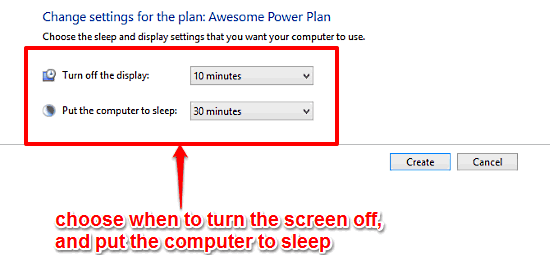
This tutorial explains how to create a custom power plan in Windows 10. You can create custom plans specifying when to turn screen off and put PC to sleep.
→
This tutorial explains how to create a custom power plan in Windows 10. You can create custom plans specifying when to turn screen off and put PC to sleep.
→
cmd.fm is a free online command line radio powered by SoundCloud. You can browse genre, create playlists, post comments, play games using commands.
→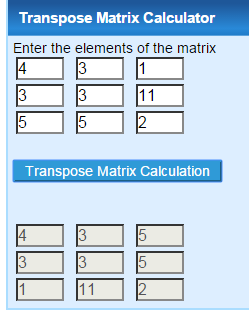
Here is a list of 10 websites to calculate transpose of a matrix. Use these websites to calculate transpose of matrix of any order.
→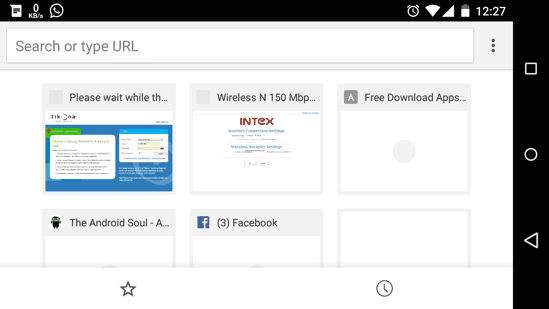
Certain advanced settings options hidden from users are called Flags in Chrome for Android. Here are some of the useful Chrome flags for Android.
→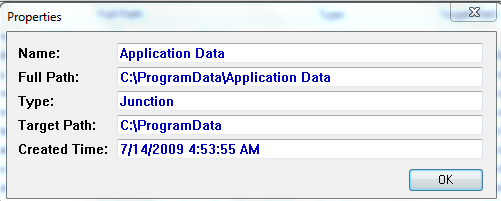
NTFSLinksView is a freeware for Windows to check symbolic link and junction point of NTFS file system. Check it for any drive or folder with one click.
→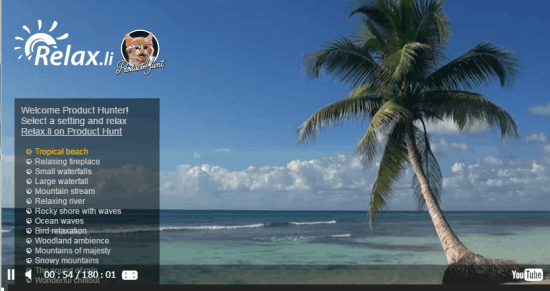
Relax.li is the free website to listen to soothing nature sounds to relax. Choose from 16 unique nature sounds as per mood to relax. No download required.
→
Danger Dragon for Android is an endless tap-to-fly game with retro pixel art graphics. You have to collect coins and avoid obstacles to get a high-score.
→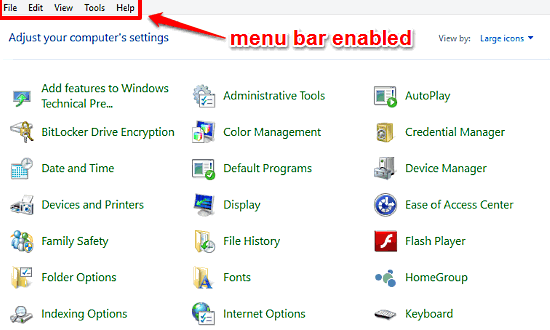
This tutorial details how to enable Menu Bar in Windows 10. You can enable the classic Menu Bar in locations that don’t have Ribbon UI, like Control Panel.
→
Here’s a list of 5 Instagram downloader apps for Android which you can use to download images and videos from Instagram on your Android powered devices.
→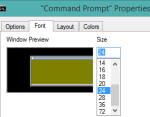
This tutorial explains how you can customize Windows command prompt to change its screen layout, background color, text color, change font, and more.
→
Looksee is a free iPad app for photography lovers to edit photos and share with others. Choose from different filters, make basic changes and share.
→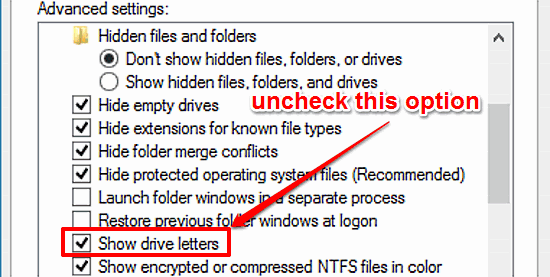
This tutorial details how to hide drive letters in Windows 10. You can easily disable drive letters from showing up with drive listing in Windows Explorer.
→
Solon (beta) is a free website to create a music room and share it with friends. You and your friends can add songs and enjoy music together in sync.
→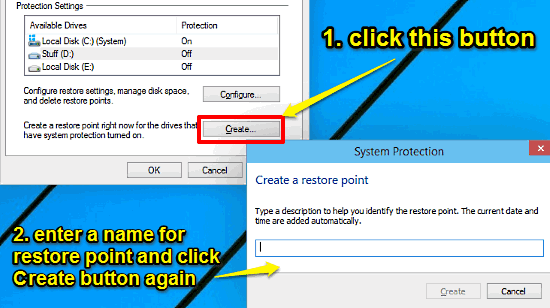
This tutorial details how to manually create a system restore point in Windows 10. You can save the current system state as restore point & give it a name.
→