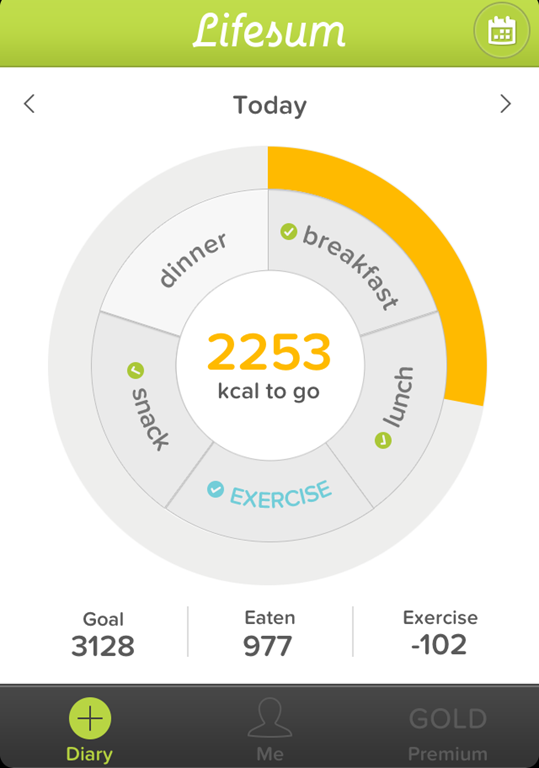
5 Free Diet Apps For iPhone
This article is about 5 free diet apps for iPhone. You can use these apps to maintain your diet and to gain or lose the weight.
→
This article is about 5 free diet apps for iPhone. You can use these apps to maintain your diet and to gain or lose the weight.
→
Here is a list of 5 free websites to make quiz online. You can use these websites to make quiz that can then be played with your children or students.
→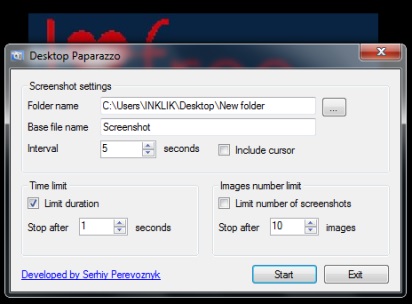
Desktop Paparazzo is a handy software that is used to automatically capture screenshots and save them to selected destination location in png format.
→
Slack is a free online collaboration tool for members of any team so that they can interact with each other in real time and track the progress of project.
→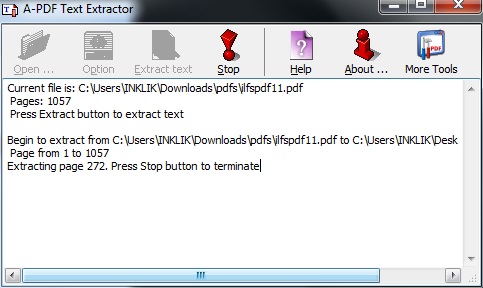
A-PDF Text Extractor is used to extract text from PDF files. Page range can also be set to extract only required pages from PDF.
→
In this list, we talk about 5 free apps that you can use on your Android device to manage your incoming and outgoing messages. Check them out!
→
PfEncryptor is a free file encryption and decryption software. It lets you easily encrypt files as well as text strings.
→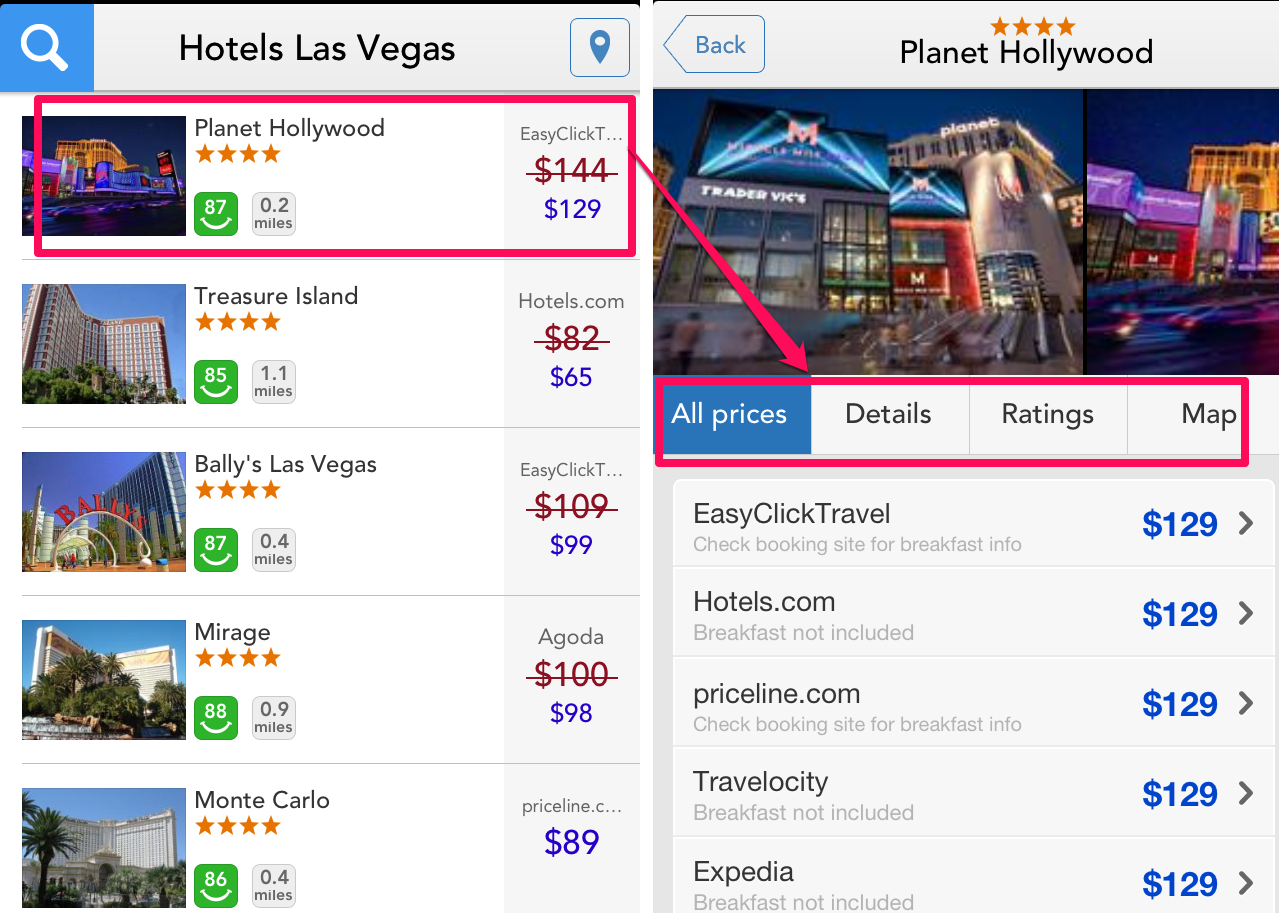
Trivago is a free iPhone app using which you can get the best deals on the hotels from around the World. You can check reviews and get details about them.
→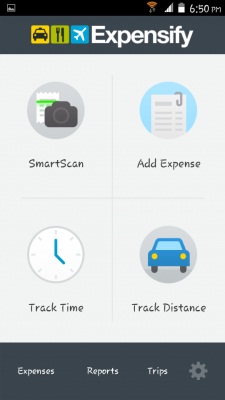
Expensify for Android is a free app to track expenses on Android. It also lets you scan bills and receipts.
→In this tutorial, I will explain how to record screen and webcam together to make nice video tutorials. We will use completely free software for this.
→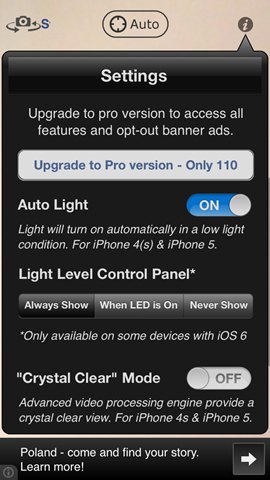
Magnifying Glass with Light is a free iPhone application that enables you to read documents with small text in dark. Try it free.
→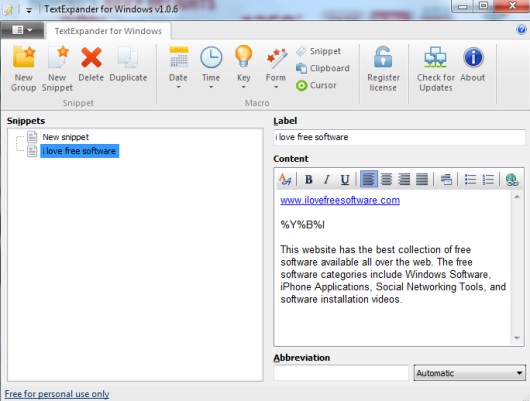
TextExpander (also known as TextExpander for Windows) is used to automatically insert commonly used phrases, text, or lines in an application.
→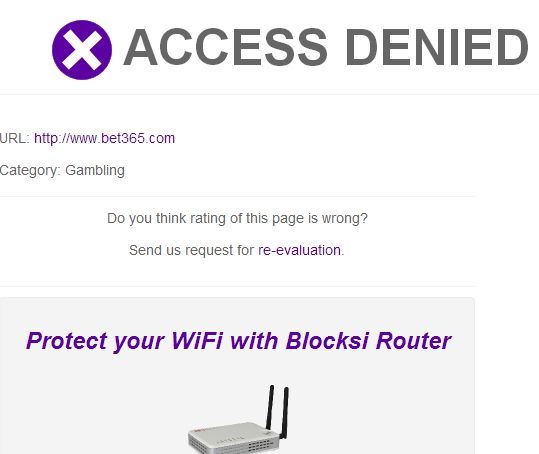
Here’s a list of 5 website blocker extensions for Google Chrome which you can use to block access to inapropriate websites.
→
File Manager HD (Free) is a free Windows 8 app that allows you to manage files stored locally or on cloud on your Windows 8 device. Check it out!
→