AbiWord is a free Word Processing program. It is an effective free replacement for Microsoft Word, and even better than Microsoft Word in some respects.
AbiWord free is a nice free program. It is strong, powerful, full featured, stable, and yet light on system resources. Open Office Writer is also a free full featured word processing suite, but AbiWord scores well in terms of small footprint.
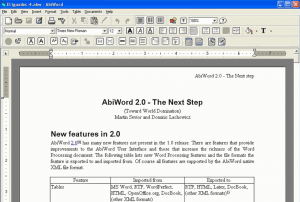
Some of the features of AbiWord free word processor:
Multi Platform
This free word processor works on all the popular platforms: Windows, Linux, QNX, FreeBSD or Solaris.
Interoperability
AbiWord is able to read and write all industry standard document types, such as OpenOffice.org documents, Microsoft Word documents, WordPerfect documents, Rich Text Format documents, HTML web pages and many more.
Advanced Document Layout
AbiWord is particularly good in document layout. It provides really advanced options, in an easy to use manner enabling you to format the document in any way you want.
Multi Language Support
AbiWord is available in many languages. Even the spell check dictionary in AbiWord supports 30 languages! That’s just amazing. Apart from this, AbiWord supports left-to-right, right-to-left, and mixed-mode text. That means AbiWord can even support languages like Hebrew and Arabic.
Plugins
AbiWord is inherently very small, and its functionality can be further extended by use of various plugins. Some of the plugins are: Document Importers, Thesaurus, Image Importers and Text Summarizers.
All these feature make AbiWord a really good free Word Processor. Download links, and Video Tutorials at the end.