DropDo is a free online file viewer, and free online file sharing website. If you want to share some file with your friends, just upload that to DropDo. Your friends will be able to view that file directly online, without a need to download it. This makes file sharing really simple, and ensures that there is no need to download a file, just to view it.
DropDo also lets you provide URL of a file, and view the file online. This feature is especially useful if you think a file might be infected by a virus. In that case, just add the URL to DropDo, and view it directly online.
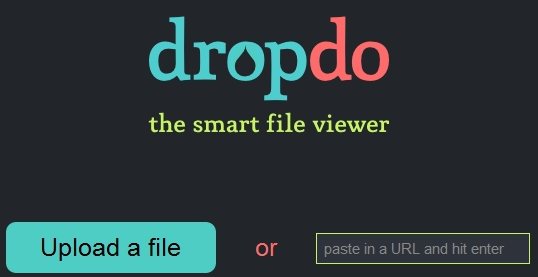
DropDo provides support for tons of file formats. It supports images, videos, music, documents, and much more. You can view, PDF, Word, Excel, PPT, OpenOffice, CSV, RTF, JPEG, PNG, BMP, EPS, SVG, PSD, Illustrator, many video and audio formats (including mp3), and even plain text, and markdown. All these, and many more file formats can be viewed directly on DropDo.
It is extremely easy to use DropDo. You do not need to sign-up or register. Just go to DropDo.com, and click on “Upload a File” button. Then upload the file from your computer. Once the file is uploaded, DropDo will show that file in browser, and also show a unique URL for it. You can share this URL with all the friends. They can either view the file online in this free online file viewer, or even download the file.
Also check out Free online PDF viewer, and universal file viewer.
I am really surprised by the vast number of file formats that DropDo supports. Only other closer competitor that I can think of is Google Docs, but frankly, I think DropDo supports some of the formats that even Google Docs doesn’t. Moreover, it is so easy to use that anyone can use this to share files online, and view files online.
However, there are some features I really found missing in this: I did not see an option to delete the files. So, if a file is uploaded once, it stays online forever. Secondly, there is no feature to restrict access or password protect files. If anyone has the URL of the file, they can see the file. If you do not need a file viewer, you can use Ge.tt for file sharing.
Nevertheless, DropDo really stands out because of the huge number of file formats that it lets you view online. Check it out, and let us know what you think.
