JDiskReport is a free application that renders you could actually get the information regarding the disk space that each file and directory on your system is using. Further it would help you get rid of those useless or obsolete files which had no use in your system. This software analyzes all the disk space and collect all the statistics giving an overview of the charts along with detailed tables. As defined by the developers it is an ‘’ad- and nag-free uncrippled binary multi-program software’’ which has been made available for the users to use as a freeware.
The software uses the Java platform in order to display the parameters such as the size, free disk space, capacity and other details relating to the files, folders, and directories on your system. The users have the option of displaying the data as per their convenience and if required switch among them. The only necessary application which is essential to run this software is the latest version of JAVA.
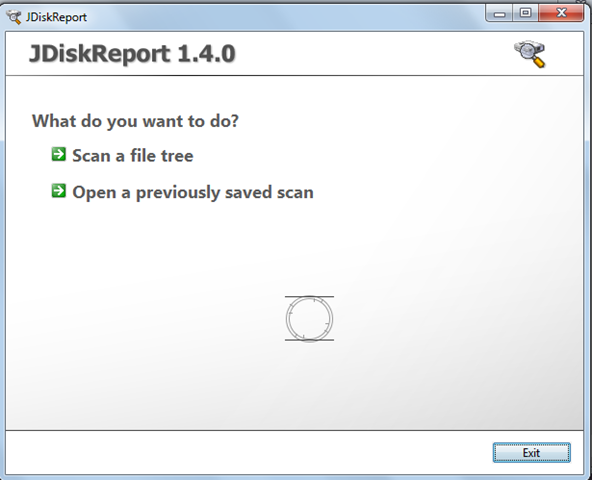
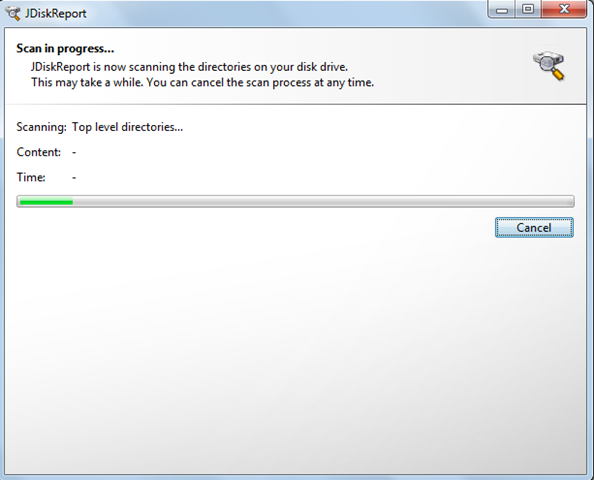
The program starts functioning by scanning the tree directory or the system drive ‘’C Drive.’’ The application gives the option of saving and reopening scans. On the left side of the window we can see the folder tree view which comes with five tabs to it. The options are:
- Size
- Top 50
- Size Distribution
- Modified
- Types
In the size tab we see the entire usage of the system, user and other files of the System directory i.e. C Drive.
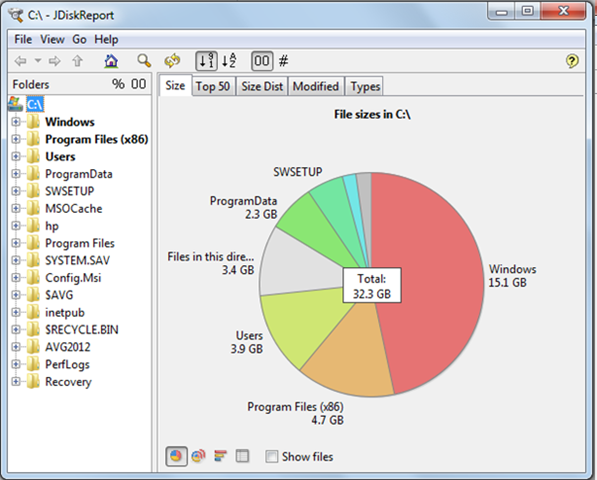
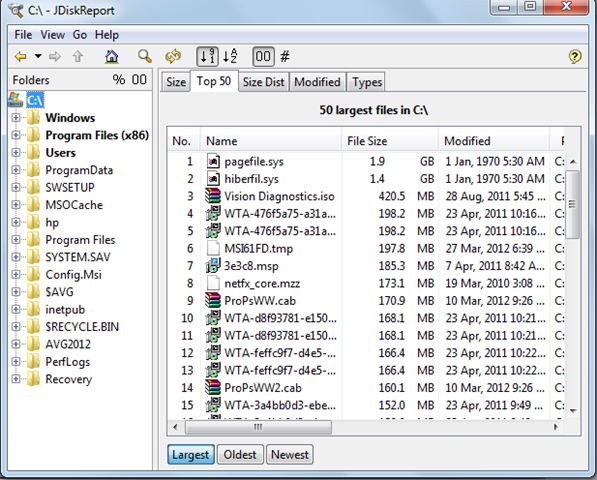
All the above options when clicked would display some pie charts or bar graphs in a list format except the Top 50 list view where one can switch from the largest, or the oldest or the newest of the lot. Each of these views is significant and many a times you would come across more .dll files as compared to any other file format. Moreover you can change the views as per your preference which could be size to numbers, sorting by name or size, and further copy the table to the clipboard from View Menu. The additional options available are the Look & Feel, Commands and Filters. The picture below shows the options mentioned above.
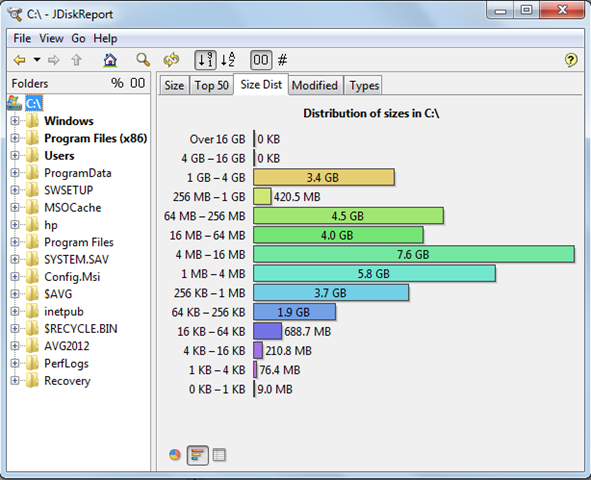
 In the pic below we can see the distribution of the file sizes over the system.
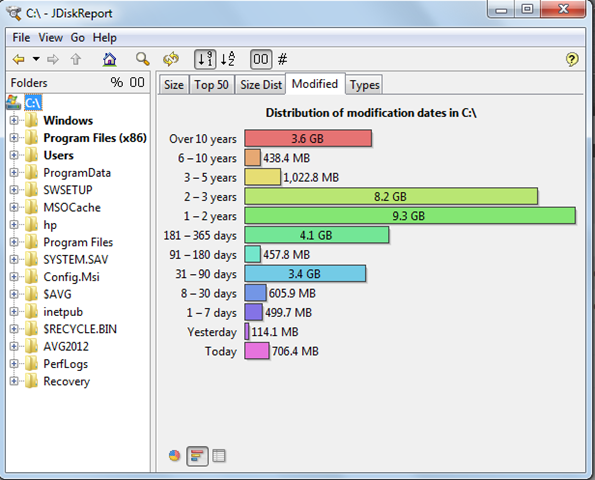
The pic below shows the details of the modification of the files on the system. The distribution of the modification dates are shown in terms of days and years.
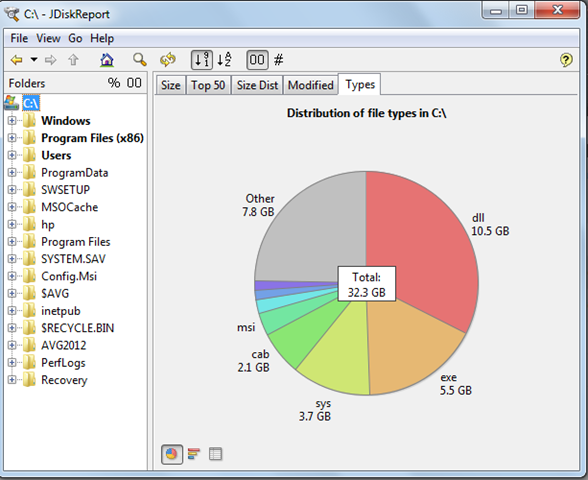
The following screenshot shows the 5th tab wherein the file types and the space they use have been depicted. As mentioned earlier the ‘’.dll’’ file covers the maximum area which here was 10.5 GB.
One of the drawbacks of using this tool is installing and running JDiskReport on Windows 7 machine (64bit). It actually gets installed but while opening the application gives the following error:
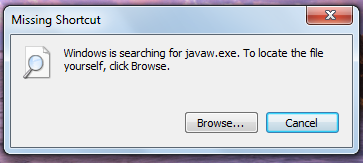
The manual does not provide any information to deal with this. But as a smart fix option by Windows 7 the option to fix it appears and the software gets automatically fixed and installed on the system.
However with the above difficulty in mind we experienced a very easy to use interface that made this tool very easy to use software. Moreover the way the software display’s the data is quite simple and exhaustive in nature. So this tool being user friendly and simple to use is one of the handy software around which solves the purpose of displaying space that each file and directory on your system is using.
Download JDiskReport free.
