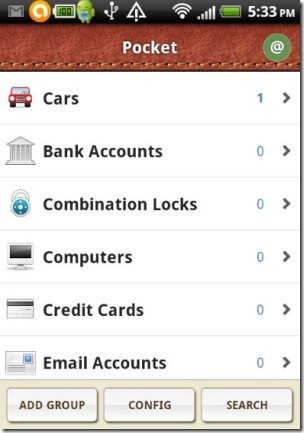
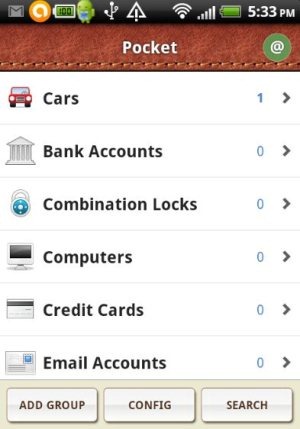
Pocket is a free Android app to save personal information on Android. Pocket app is the nice addition in Google Play Store to secure your personal information on Android. Personal information includes bank account details, credit card details, car details, license details, computer details, email accounts details and much more.

You can even configure the app with your Dropbox account (if you have). Also, if you don’t have a Dropbox account, then you can easily create one from the app itself. The app even provides you a smart search option to search for the information saved in the app.
The only thing which I didn’t like about this Android Pocket app is it’s replacing the existing data from Dropbox. Whenever you create a backup for your confidential information from the app into the Dropbox, then the app deletes the existing data of your Dropbox account and replaces the data with your personal information. Before getting started with the app, you need to sign-in with your Dropbox account on your Android phone.
You can even check out File Hide Expert app for Android reviewed by us.
Key Features Of Android Pocket App:
- Secure and save all your personal information on Android.
- Personal information includes bank account details, credit card details, license details, email accounts details and much more.
- Can be synchronized with Dropbox.
- Create the backup of your personal info into Dropbox from the app.
- Export or import personal information from your phone’s SD card.
- No extra settings except sign-in with Dropbox is required.
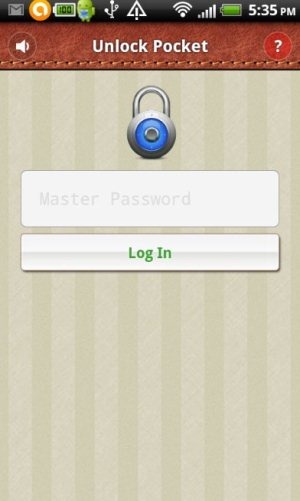
- Password protected app.

- Smart search in the app.
Check out Hide It Pro app for Android reviewed by us.
What I Didn’t Like About The App:
- The app initially asks for your Dropbox username and password to login with. The app should ask the Dropbox login only when you sync or backup your credentials in Dropbox.
- The app is not ads free.
How To Install Pocket App On Android:
- Scan the QR Code below.

- Search for “Pocket” app in Google Play Store.
- Install Pocket app on your Android phone.

The free Pocket app will be automatically installed on your Android phone. Click here to download Android Pocket app on your Android phone from Google Play Store. Just carry all your personal information with you with full security on your Android phone.
