RadioMaximus is an online radio which helps you listen to thousands of radio stations over the internet. It is available for free and allows you to listen and record radio stations from different parts of the world. You can also view the logo of different stations to visually find your favorite stations. With RadioMaximus you get to know more about the albums such as the lyrics or information of the songs being played. While you use it, you get the feel of the windows explorer directory as you can search the songs or albums through a customized search option. You can almost listen to every station globally and the configuration does not require any technical skill.
Installing RadioMaximus
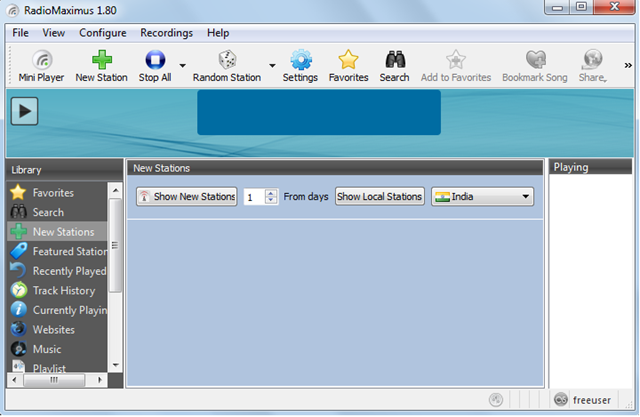
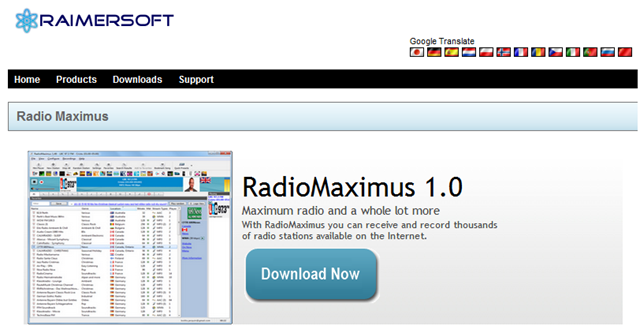
The installation is hassle free and you just need to download the software online from here. Just run the setup-files and go through the step by step process of the software by clicking on the next button and RadioMaximus will be there on your screen. While the setup is running just select the options suitable to you as this makes it convenient to use the software. If you are looking for some more applications offering the same features, you can try Live365, RadioTime and Radio Player Live.
User Interface of RadioMaximus
After you complete the installation process the first window that comes up guides you to plan the options. At first one would surely play around with the numerous options and try to learn using the software. While you use different options and understand what they actually do you will find it easier to manage the software and listen to the stations.
All the options which include different files and folders are present in the left pane of the software. With these options you could virtually do everything and make your radio do anything by using different commands. It is similar to most of the free internet radio players but is comparatively simpler. The interface is not very stylish but its explorer style interface makes it very easy for you to understand each and every function of the software.
Using RadioMaximus to listen to Radio Stations online
On the left panel of the Homescreen you get to search different channel region wise. You can also select the stations as per your choice and genre. When you click on the search button you get to select the countries, genres, tags networks. In the left panel which is the library you can see the options new stations, featured stations, track history, currently playing, etc.
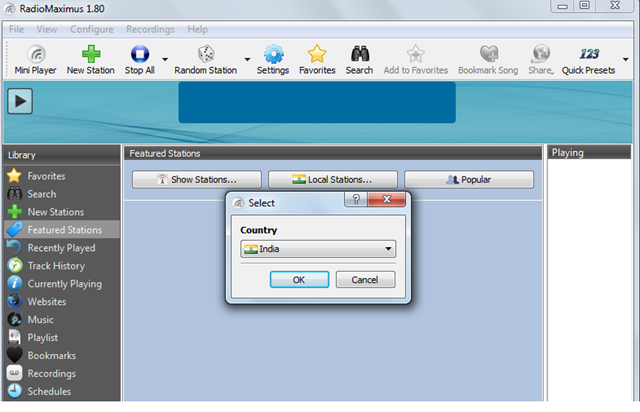
When you click on the featured stations a pop up screen asks for your respected country or region and shows the logos of the stations available in your region. Whereas if you click on the new stations tab you can add stations from the regions you want. It has different stations from different parts of the Globe and you can select the station of the area which you prefer.
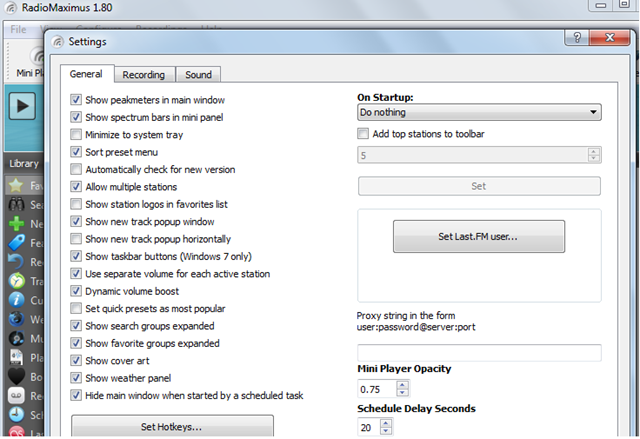
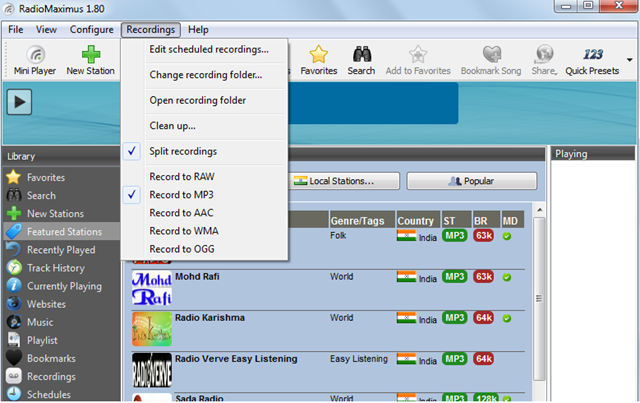
When you record the songs you can get them in RAW, MP3, AAC, WMA, or OGG format. The RadioMaximus player is portable and can be played from a USB device. The internet radio player can be configured with ease and you can schedule the automatic recordings. The only drawback with the player was that you require windows XP or a higher version to play this software. Otherwise this is the best tool for those who follow radio stations regularly and stay updated with the latest music information.
Some of the highlights of RadioMaximus are:
- You can listen and record multiple stations at the same time.
- Record MP3 tracks on demand.
- Schedule the songs for automatic recording.
- Save your favorite songs as bookmarks.
- Select the stations by having a look at their logos.
People interested to listen to thousands of radio stations online should definitely try RadioMaximus software.
