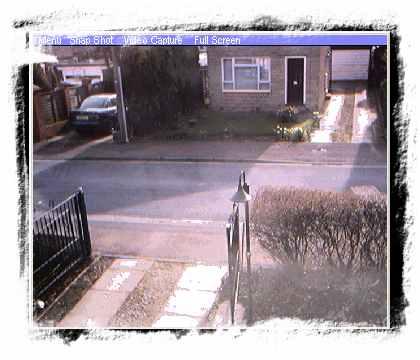
My ScreenCam from UK Software is a capture device or Webcam that can be turned into a VCR/Television Combination to record using the camera and playback the files later. Generally, it’s used to keep a track of things happening around you. Like a webcam surveillance software. If you were looking out for recording footage for monitoring purposes or anything else you can sure count on this software for the same. Just download this software and leave all its worries on My ScreenCam.
Features of this Webcam Surveillance Software:
- Turns web camera into a television/ VCR combination.
- Change the camera to full screen mode.
- Alter the preview speed.
- Record your camera as a file and playback later.
- Take snapshots.
- Specialize in Ms Agent software and Caller ID Speaking.
- Free for download.
- Easy and user friendly interface.
You can also check out Free Webcam Surveillance Software to monitor your home.
How To Use this Webcam Surveillance Software:
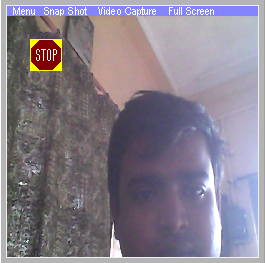
Once you’re done with the download and installation part, turn on your Webcam. The software turns your capture device or Webcam into a VCR/television combination. You can change your camera to full screen mode, alter the preview speed and change many other features. You can even record your camera as .avi file, save it in your computer and playback later. You can take a snapshot which will save your clicked image as a portable .bmp file. The interface of the software is quite smooth and not difficult to understand for new users. After installation it is a single window which is actually a camera with a few menu buttons. The interface is daringly direct and thus the user will have no difficulty in understanding the controls. One can say that it is pretty user friendly.
Drawbacks:
Just by downloading My Screen Cam won’t help. To make this software work, the system requires Pentium 120, Webcam, DirectX 8.1 and Windows Media Player.
Downloading and Installation:
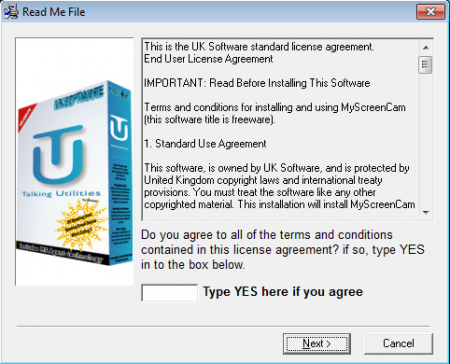
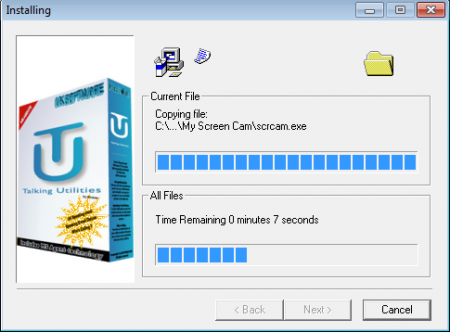
Download My Screen Cam from the website given below. Run the Setup file and follow the simple steps to install the software. Turn on the Webcam and start recording.
Verdict:
The best thing about My Screen Cam is that it’s free and easy to use. Also, it keeps a track of the things going around through the camera recordings. Thus, through My ScreenCam one can keep a track of everything even if that person is not physically present there.
Download My Screen Cam free.
