Game Booster is designed to improve the PC performance at the touch of a button to provide a more responsive experience for latest PC games. It helps in improving Game play, and increases Gaming Stability.

[the_ad_group id="9610"]Download Game Booster
As soon as you want to improve your PC game performance, just press the Game Booster’s button, and Game Booster shuts down background processes, frees up RAM, and intensifies processor performance. All these give the much needed performance improvement for PC games.
The best part is that it is totally Free. You use it only when you need it, and continue working as usual at all other times.
PC Game Booster makes it simpler to enjoy the latest games by giving a tremendous performance improvement, and takes your experience to a new level.
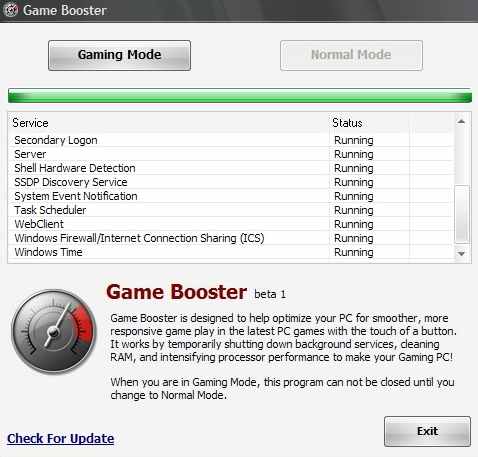
Using Game Booster, you can ensure that your PC games always run at peak performance. Game Booster works on Windows 7, Windows Vista, and Windows XP. Game Booster is a real nice freeware to improve PC game performance.