Animosaix helps you in creating wallpapers and screensavers by the mosaics created out of your favorite pictures. Photo mosaic could be your collection or your personal photos in your digital albums which truly would give great feel to the background of your system. It is one of the best software to personalize your system with attractive and rich mosaics created out of your own photos. The function of adding animations to your photos further makes this software an appealing offering.
Installing Animosaix
Click here to go to the developer’s website and download the application on your system. It’s a small installation file which would take a few minutes to be downloaded on your computer after which you need to run the simple step by step process for installing it on your computer. After you are done installing this free wallpaper creator, you are all set to make the changes and set your preferences for the beautiful mosaics which you would like to be created out of your pictures for your system. If you find this software difficult to use, you can also try EasyMoza, Foto-Mosaik-Edda and Mosainick.
Using Animosaix to create photo mosaic wallpaper
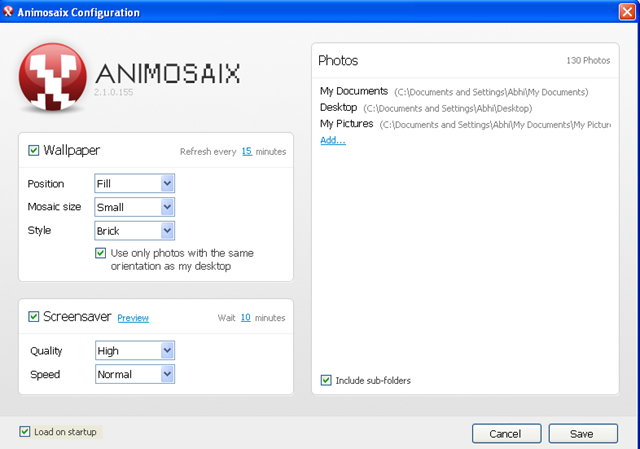
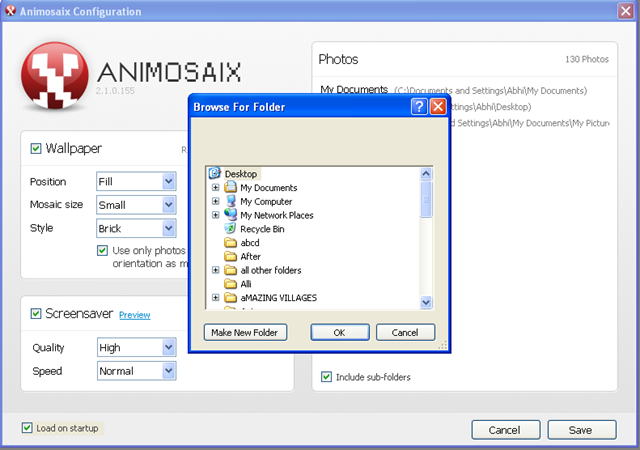
The home screen looks quite simple the moment you open the application on your system. On the Left side you see the options for setting the position, size, and style of the mosaic created out of your pictures. Below that you can select the quality and speed of the screensavers created out of your pictures. On the right side you have a big space where it says photos. Here all the folders and where you have your pictures saved appear. You may add or delete a particular album depending on your preference.
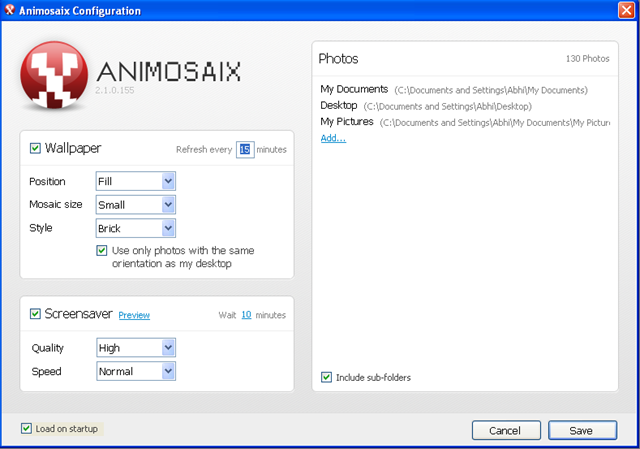
Further you can change the frequency of the wallpapers being changed on your desktop or change the waiting time for your screensaver to appear. This option is available on the left side beside the Options of Wallpaper and Screensaver respectively. This is all you need to do to setup your entire software. Click on save to save the settings and Animosaix would do the rest.
Click here to try Animosaix and start creating photo mosaic wallpapers and screensavers.
