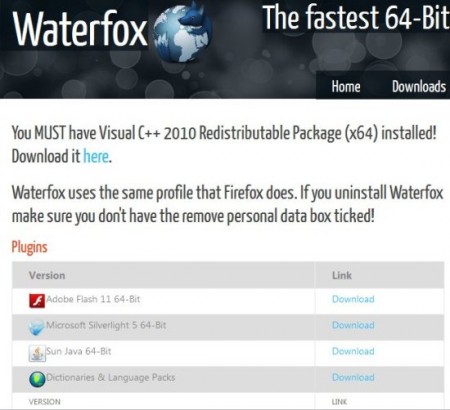
Waterfox is a 64-bit version of Firefox available to download for free. There are a large number of web browsers available for you to use while surfing the web. You might be reading this is Internet Explorer, Safari, Google Chrome, Opera, or Firefox, or one of about half a dozen other browsers. Of these, Firefox is my favorite, because it’s the fastest and safest browser I’ve found. Until now, that is. I have a 64-bit version of Windows 7 Ultimate, and I’ve just discovered Waterfox, a faster 64-bit version of Firefox. Prior to installing Waterfox, you’ll need to install the Visual C++ Redistributable Package for 64-bit systems.
Waterfox: Faster Than Firefox and Safer Than Internet Explorer
There are a number of known security issues with Internet Explorer. Firefox addresses these issues. When security issues with Firefox are detected, they’re addressed very rapidly. Unless the security weakness is glaring and huge, updates to Internet Explorer can take as much as a week, if not more.
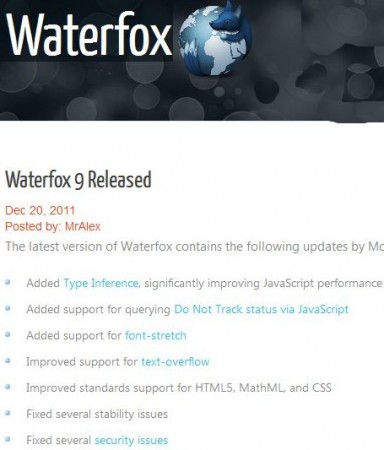
Firefox is also much faster at opening websites than Internet Explorer. Now, Waterfox is even faster than Firefox. I ran a quick little test on a few different websites with complicated graphics, colored backgrounds, and a large amount of text. Internet Explorer took, on the average almost ten seconds to launch and open my homepages, and another five to seven seconds to open the web pages. Firefox 9.01 took seven seconds to launch and about five seconds to load the test pages. Waterfox launched and opened my three homepages in about three seconds and opened the test pages in about three seconds. Pages that were heavy on text and light on graphics opened almost immediately.
Use Your Favorite Firefox Add-Ons
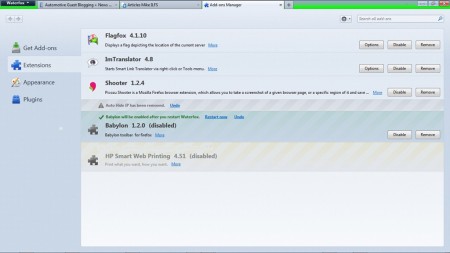
I use about a dozen different Firefox add-ons. Translator clients. Add-ons that trace the location of web servers I visit. An Add-on that takes screenshots of web pages I visit when I need them, and my HP printing plug-in to speed up the print spooling of web pages. They all work with Waterfox exactly like they do in Firefox.
I thought I was as happy with a web browser that I could be with Firefox. Now I know I was wrong. Waterfox is my new favorite browser. I’m not able to use my auto repair subscription website, but I expected that. It’s only worked in Internet Explorer, so that’s no big loss. Everything else works flawlessly.
