Here is the list of 5 Best Free Image Editors. All these image editing software are completely free, and feature rich.
Professional image editing applications available in the market comes with a huge price tag and many-a-times it’s found to be way too steep for a simple image editing purpose. But certain free software can provide you with the most of the image manipulation features along with some unique functionality. Here are 5 of the best free image editors.
1. Paint.NET
Paint.Net is a free image editing program available for Microsoft Windows platform that comes with a simple interface. Paint.NET can be considered as a simple replacement for the Microsoft Paint that comes freely with Windows. However, it is much powerful that Microsoft Paint, and feature packed. Paint.Net is arguable one of the most popular free image editing software.
This is a wonderful tool for designers and those who are familiar using Photoshop would love this software. Unlimited undo and support for special effects are some of the features of Paint.NET. You need to have .Net framework 3.5 to work with Paint.net.
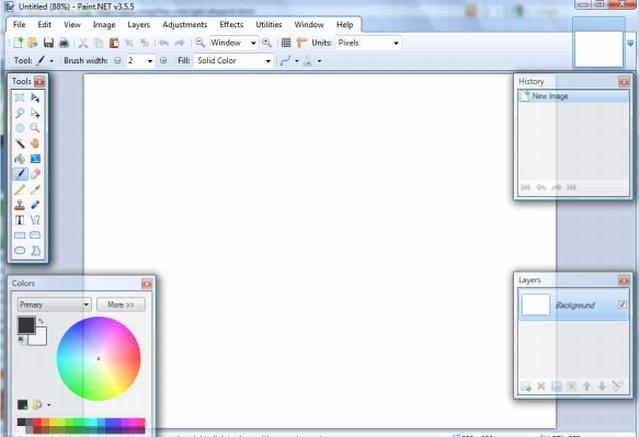
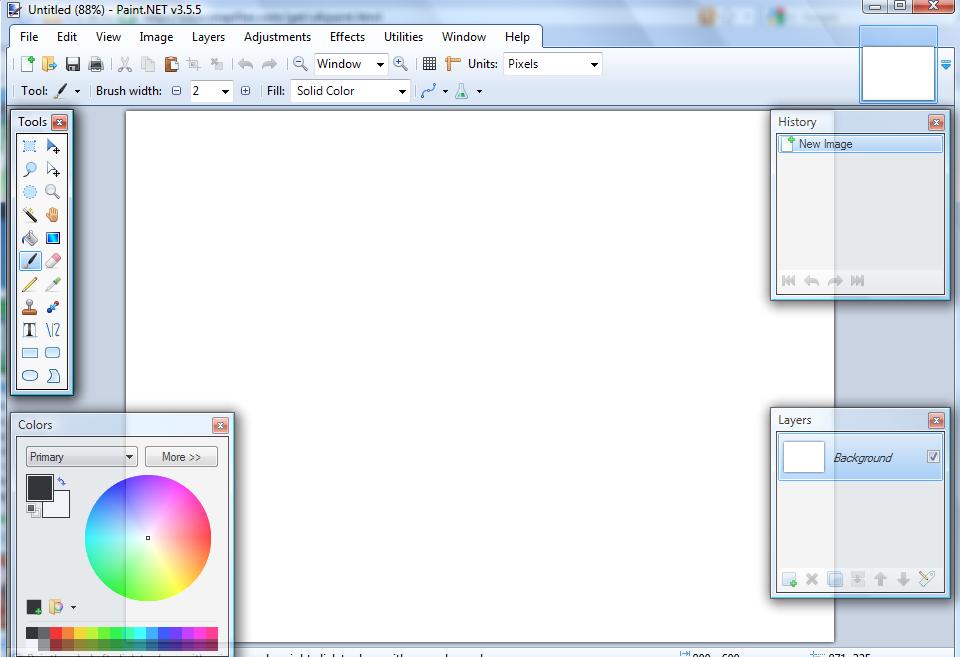
The ruler and grid that comes with Paint.net says exactly where your drawing pixel is and hence most welcomed for precise drawing features. It supports layered drawing and the tabbed document feature makes it easy to manage multiple images. Follow the link to download Paint.NET.
Also Read: 5 Free Software to add Watermark to Images
2. Inkscape
Inkscape is a very popular open source image editor that runs on Windows and Mac OS. With a few clicks anyone can get Inkscape downloaded and installed in your system.
One of the most important features of Inkscape is that it is a free vector graphics editor and that’s what makes it different from Photoshop which is a bitmap editor. Instead of using pixel bits Vector graphics uses curves and lines to draw. The result is smooth imaging and editing.
You can create and manipulate object of any shape with this free vector graphics editor. It imports several formats like JPEG, PNG, BMP, TIFF etc. When it comes to exporting it only supports PNG as well as multiple vector based formats. The best way to obtain a BMP out of Inkscape is to export that with other freeware like GIMP.
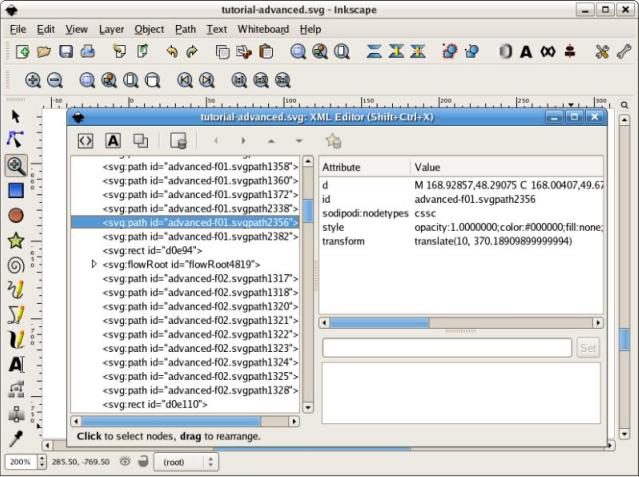
The user interface might be a little intimidating at first but it actually is very simple and easy to use. Inkscape is a best way to create logos, banner and whatever media had to be scaled or modified in vector mode. Download Inkscape by following the link.
3. GIMP
GIMP is the short form for GNU Image Manipulation Program and as the name says its more GNU like. It’s freely available software which can pretty much do anything that a professional photo editor application such as Photoshop can do. GIMP is popularly regarded as one of the best free replacement for Photoshop.
GIMP comes with a wonderful toolbox and it offers an impressive set of advanced image manipulation tools such as foreground extraction, path tool etc. The path tool (Bezier selection) helps you to make polygonal selections to select almost any feature in the image exactly using its selection curve.
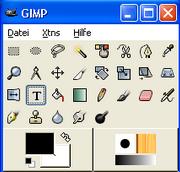
You can accurately change hair/skin/eye color of your picture with this wonderful software. A wide variety of features are provided with GIMP’s animation tool box. Though the ‘GNU-like’ makes GIMP a little difficult to use in the beginning, if you are serious about editing your image then GIMP is a better choice to go with. Download GIMP free imaging editing software by following the link.
Also Read: 5 Best Free Slideshow Makers to Make Slideshows from Digital Photos
4. Ultimate Paint
Ultimate Paint is a free painting program that runs on Windows platforms. It allows creation, retouching, viewing and manipulation of images in a better way.
The software comes with a wide range of image processing functions and it features an easy brush handling tool that lets you to creatively fill shades to your images. Ultimate Paint supports all popular image formats such as JPEG, GIF, PNG, BMP, ICO, TGA, AVI etc.
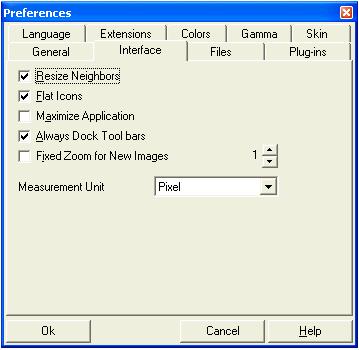
Lot of image filters is supported by Ultimate Paint. You can also optimize your JPEG, PNG, and GIF images with the help of a separate optimization panel that comes with the tool. Ultimate Paint is a full graphics package for editing images. Reach Ultimate Paint by following the link.
5. Fotografix
Fotographix is a free piece of software that provides powerful image editing tools. Fotographix runs on Win XP and above. The best feature of Fotografix is that it is extremely small in size, and still it is packed with features. Its quite amazing for me.
It features layers and channels, clone brush, magic wand tool and more. The software supports a large number of file formats including PNG, JPG, TIFF, GIF etc. Fotographix is truly portable. All you have to do is to download the file and execute it.
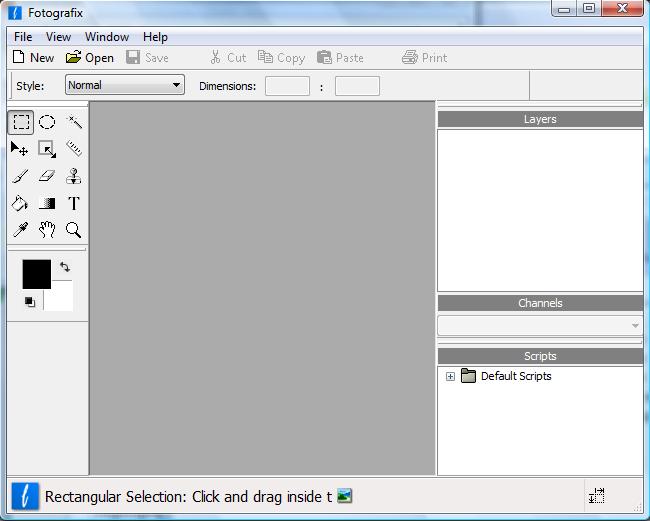
Considering its small size and ultimate functionality, this free software is a wonderful tool. Web designers and photographers would love this tool. Find Fotografix through the link.
Also Read: 5 Free Photo Converters to Convert Photos to Amazing Forms
Conclusion:
There are many other well known free photo editors including PicPick, ArtWeaver, Picasa etc that helps you save some money yet meeting all your image manipulation needs. The best way to figure out which software suits you is to watch the tutorials freely available online and to decide yourself. Have fun editing your images!
