




Featured Articles Only Our Best Posts

5 Exercises To Do While Working On PC
Here is a list 5 exercises to do while working on PC. You can easily perform these exercises to get rid of the fatigue and strain of working for long hours.
→
3 Lock Screen Notification Apps For Android
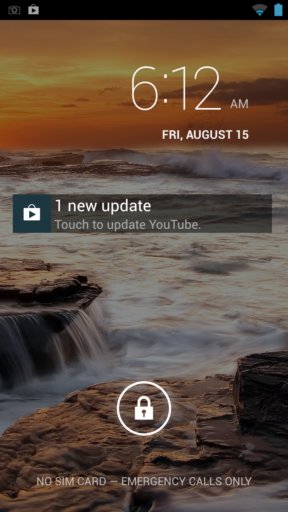
Here’s a list of 3 lock screen notification apps for Android which you can use to have notifications on lock screens of your Android powered devices.
→
5 Tricks To Remember Names
Here are 5 tricks to remember names of the people. These tricks help you out in remembering easily the names of people you meet for the first time.
→Latest Posts In Windows 10 News & Trends
Recent Posts All Of The Latest Articles
How To Insert Chemistry Formula As Image In LibreOffice Writer
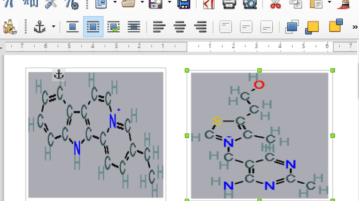
In this tutorial, I will tell you a simple method to insert a chemical formula as an image in LibreOffice Writer by an extension called Chemistry.
→
5 Free Volume Timer Apps for Android
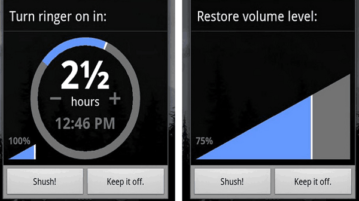
This is a list of 5 best free volume timer apps to mute the volume of your Android phone for a specific time period and switch back to normal automatically.
→
How To Change Height of Title Bar of Applications In Windows 10
This tutorial explains how to change height of title bar of applications in Windows 10. There are 2 free methods to increase or decrease Title bar height.
→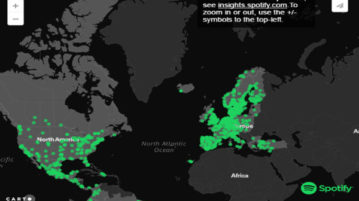
How To Listen To Popular Spotify Tracks From A Specific City
Musical Map of The World is a website from where you can listen to popular Spotify music from different cities around the world.
→
Windows 10 Stunt Car Racing Game – Top Gear: Stunt School Revolution
Top Gear: Stunt School Revolution is a free stunt car racing game app for Windows 10 devices. Check it out!
→
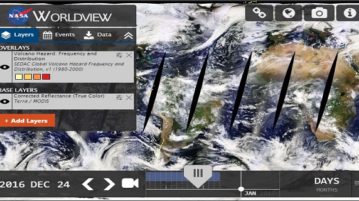
NASA WorldView: View Real-Time NASA Satellite Imagery
NASA WorldView lets you view real-time NASA satellite imagery. Browse and download Earth’s imagery captured by NASA’s Earth observing satellites.
→
How To Backup and Restore Windows 10 Sticky Notes
This tutorial explains how to take full backup of Windows 10 Sticky Notes and restore them. You can also move Sticky Notes to another PC.
→