




Featured Articles Only Our Best Posts
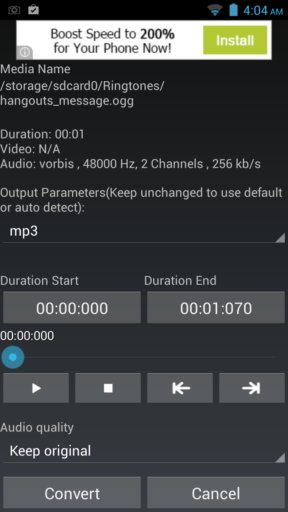
5 Free Audio Converter Apps For Android
Here’s a list of 5 audio converter apps which you can use to convert audio on your Android devices.
→
3 Free Websites To Create About Me Pages
Here is a list of 3 free websites to create about me pages. You can create your own one-page website on these websites and fill them with your information.
→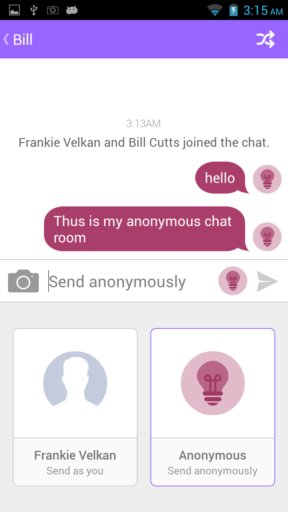
5 Anonymous Chat Apps For Android
Here’s a list of 5 anonymous chat apps for Android which you can use to find strangers to chat with from around the world.
→Latest Posts In Windows 10 News & Trends
Recent Posts All Of The Latest Articles
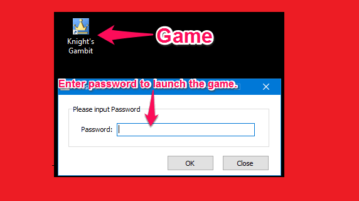
How To Password Protect Any Game in Windows
This tutorial is about how to password protect any game in Windows. Game Protector is free software to password protect your games from everyone except you.
→
How To Hide and Unhide Apps from My Library List In Windows 10 Store
This tutorial explains how to hide and unhide apps from My Library list in Windows 10 Store. It is a built-in feature in Windows 10 to hide and unhide apps.
→
How To Show Search Glyph Icon In Cortana Search Box In Windows 10
This tutorial explains how to show Search Glyph icon in Cortana search box in Windows 10. You need to add a couple of Registry tweaks to show Search Glyph.
→
How To Change The Default Installation Folder In Windows
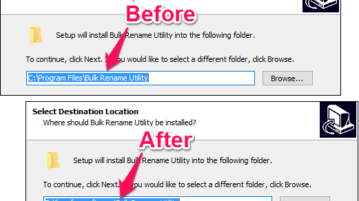
Learn how to change default installation folder in Windows. You can change path of C:\Program Files to anything else. Change for 32 bit and 64 bit programs.
→
Take Snapchat-like Photos And Videos, Save To Android Phone Gallery
Here is an Android app to take Snapchat-like photos and videos offline. Apply tons of photo effects and videos, and save to phone and share with friends.
→
How To Add Manufacturer Info In System Window of Windows 10
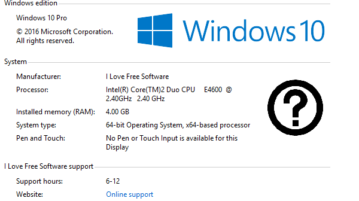
This tutorial explains how to add manufacturer info in system window of Windows 10. You can add manufacturer website URL, support phone, logo, etc.
→
How To Add Open PowerShell Window Here In Windows 10 Context Menu
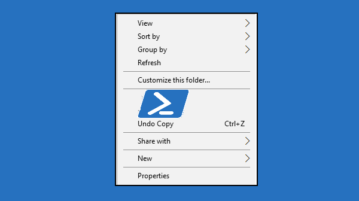
This tutorial explains how to add Open PowerShell window here in Windows 10 context menu. This can be done by adding some tweaks in Windows 10 Registry.
→
How to Make Your PC Welcome You By Calling Your Name
This tutorial tells how to make your PC welcome you by calling your name. Using this trick you can make your PC welcome you, calling your name after login
→