Free Ninja Jumping Game App For Windows 8: Jump Ninja
Jump Ninja is a free game for Windows 8 and 8.1 in which you play as a ninja who has to jump over the flying stars being thrown at him. Check it out!
→Jump Ninja is a free game for Windows 8 and 8.1 in which you play as a ninja who has to jump over the flying stars being thrown at him. Check it out!
→
6Box is a free Dropbox client app for Windows 8 and 8.1. Check it out!
→Recipes Simply is a free app for Windows 8 and 8.1 which allows you to access and read amazing recipes from online sources on your device. Check it out!
→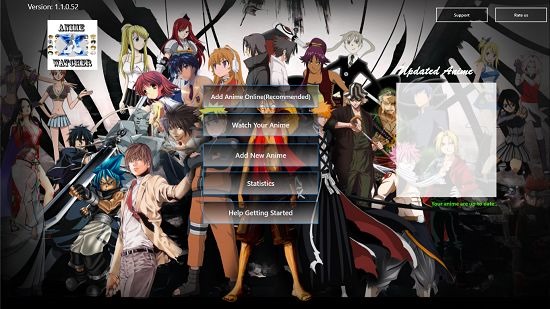
AnimeWatcherX is a free app for Windows 8 and 8.1 which allows you to watch anime on your device. Check it out!
→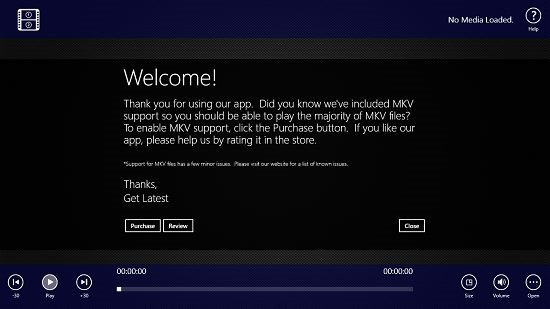
Metro Media Player Pro is a free video player app for Windows 8 and 8.1 which allows you to playback videos of a large range of formats. Check it out!
→Sportsnet Magazine is a free sports magazine reader app for Windows 8 and 8.1 which allows you to easily read magazines from Sportsnet. Check it out!
→RecipeBook is a free recipe book app for Windows 8 to get recipes from websites like AllMyRecipes, Epicurious, BigOven, Foodnetwork, etc.
→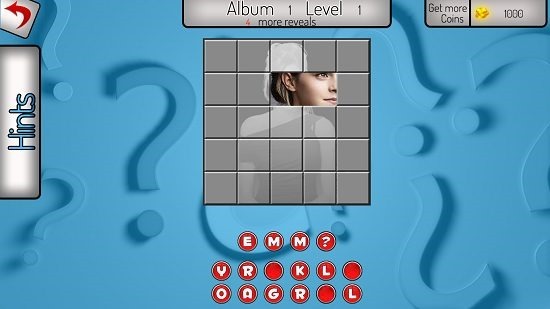
Who Am I!?! 2 is a free app for Windows 8 and 8.1 which allows you to guess the person in the frame. Check it out!
→Play & Learn is a free educational app for Windows 8 and 8.1 devices which allows the kids to learn ABC and nursery rhymes. Check it out!
→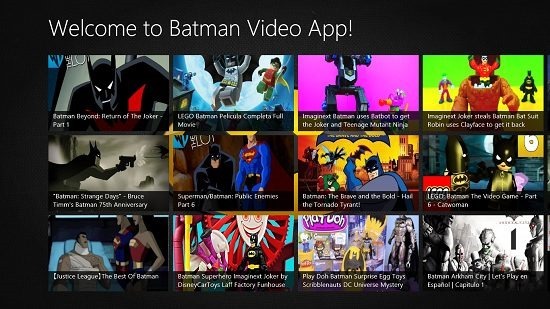
Batman Videos is a free app for Windows 8 and 8.1 which stays true to its name by allowing you to watch videos of Batman. Check it out!
→Red Karaoke is a free app for Windows 8 which allows you to sing along with your favorite song without the vocals recorded in the song. Check it out!
→Slam Note Book is a free app for Windows 8 and 8.1 which allows you to store the details of your friends on your device. Check it out!
→Need for Racing: New Speed Car on Real Asphalt Tracks is a free car racing game app for Windows 8 and 8.1 devices. Check it out!
→White Noise is a free app for Windows 8 and 8.1 which gives you access to lot of soothing ambient sounds that you can listen to with a click. Check it out!
→