Mosanick-You must have heard about mosaicing of images by which multiple photograph images are combined together to produce higher resolution image, then mosanick is a utility for those pictures. You provide a source image to Mosanick that you want your final image to look like. After that, you provide lot of other images to Mosanick that you want to be used in final image. Mosanick will combine those images to produce an image that looks like the source image that you had provide.
The final image is divided into small rectangular pixels and when minutely examined,it reveals that source image is made of hundreds of smaller images. Mosaicink is the best way for mosaicing pictures and obtain target image. A similar software we reviewed earlier is Foto-Mosaik-Edda.
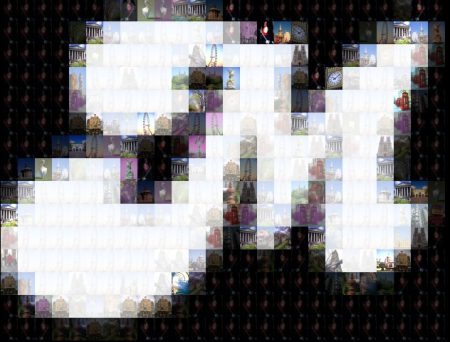
Mosanick database is maintained by user where any number of multiple images can be stored. There is no need to store the images on hard disk once they are stored in mosanick database. Images can be directly transformed into target scaled image.
During mosaicing of images, the source image and overlapping images are loaded into the database and transformation of image is done to obtain a new scaled version target image. The technique used for adjusting the image are transformation of source image into target image, image processing, image lighting, image registration, image mirroring, image cropping, image stitching.
Also check out: Best free photo editors, free image editors, and free online image editors.
Some of the features of Mosanick which makes its use simple and different are:
- Mosainick creates its own independent database, no need to store the image in the hard disk once they are loaded into mosanick database. Feature directly enables the source image to transform into target image. Just registration of image is done, alignment and transformation makes the image mosaic.
- With the use of Mosanick, there are multiple ways of adjusting images. Any transformation is possible such as fading to white, fading to black, shifting images, image processing, image registration. All adjusting techniques are used for transforming different sets of data into one coordinate system. Transformation is necessary to integrate the data obtain from different measurement.
- The best use of Mosanick is in multiple small size images. The size can be 64*48, 32*24, 16*12. It is now a tool that can be used for mosaicing of torn paper documents, shredded documents into a single documents and obtain a high resolution image.
So check the new utility Mosainick and its features, and create your own mosaic images at home, you will definitely like it.
