Here, are 5 free software to retouch photo and to improve photo quality. These photo editing software are specially suited to beautify photos. These software let you remove blemishes, remove red-eye from your photos, several other tools to enhance your photos.
Sometimes, it happens that the device which you use to take photographs may not take good quality images due to some or the other reason. However, with the help of these photo retouching software you can easily retouch and enhance you photos in multiple ways. Download these photo retouching software for free.
Photo Blemish Remover
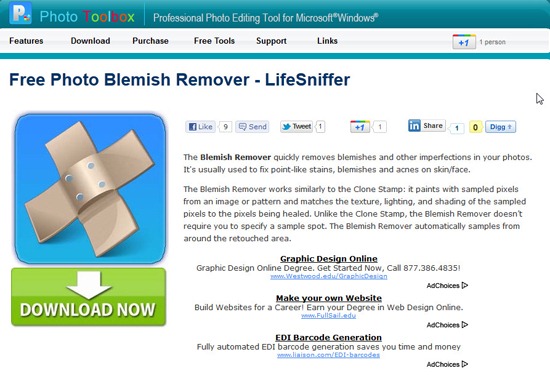
Photo Blemish Remover is a free tool to retouch photos and remove blemishes from photo. This blemish removing software is easy to use, as you simply need to open an image in this software, select the cursor size, move and place the mouse cursor over the photo blemish and simply click the mouse. That’s it, you have fixed the blemish. Photo Blemish Remover is a useful retouch photo software when you need to fix small blemishes or other small marks. If you are looking for a very basic tool to remove blemishes from your photo, then it’s worth trying out this blemish removing tool. Try Photo Blemish Remover for free.
Read more about Photo Blemish Remover or try it here.
Amazifier
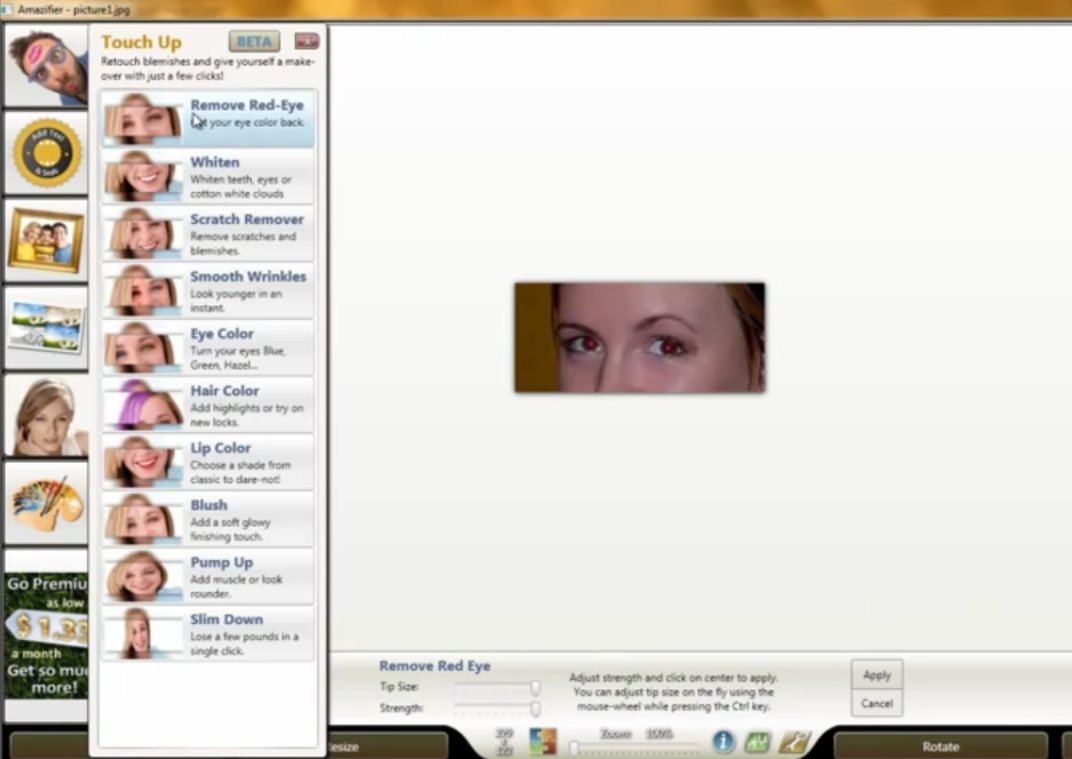
Amazifier is a a free photo editing software to retouch photo and enhance photo using several editing tools. This free photo editor allows you to easily change the exposure, remove red-eye, crop photo, rotate photo, and more. Apart from these common functions, it even allows you to remove blemishes and change the eye color, etc. With the help of this photo editing software, you can even whiten teeth in your photos, change the hair and lip color. Amazifier is a fully packed image editing software with loads of features to enhance your photos like never before.
Read more about Amazifier or try it here. Don’t forget to check out Pixlr online photo editor reviewed by us.
Perfect365
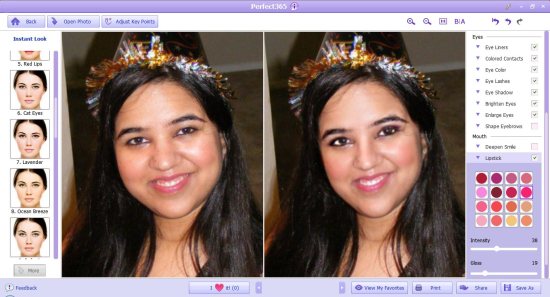
Perfect365 is a free photo makeover software that allows you to retouch photo and enhance photo in many ways. With the help of this software to retouch photo, you can makeover or enhance your photos within seconds. This photo makeover software lets you change the skin tone, face color, change the eyebrow style, change the eye color and even whiten teeth. This photo makeover software even allows you to slim your face, enhance your nose, lift cheeks, etc. If you are in search of a smart photo makeover tool that offers real like effects, then it’s worth trying out this free photo makeover software.
Read more about Perfect365 or try it here.
S10 Red Eyes
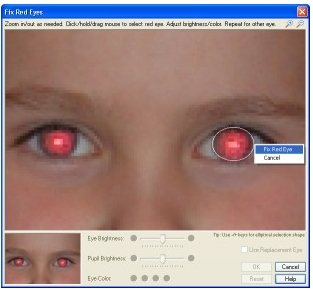
S10 Red Eyes is a free red-eye removing software which let’s you remove red-eyes from your photo. This free software helps you to retouch photo and completely remove the red-eyes from a photo in a straight-forward manner. This small in size software comes in a file size of only 263 KB. Apart from removing red eyes, you can even rotate, resize and crop photos, create thumbnails of photos with an ease. This red-eye remover supports major image formats like BMP, JPEG, PNG, and GIF. It retains the natural look of your photo even after removing the red-eyes. If you mainly focus on only removing red-eyes, then it’s worth trying out this red-eye removing tool.
Read more about S10 Red Eyes or try it here.
Picasa
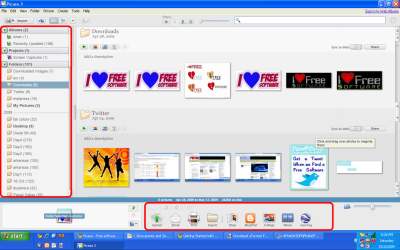
Picasa is a smart photo editing software from Google that helps you to retouch photo and organize them in a systematic manner. This smart tool offers an easy functionality unlike other photo editing tools, you can easily fix common problems in photos like red-eyes that appear in photos taken with a digital camera. Picasa even allows you to easily crop, resize, add effects to photos, make photo collages, create photo slideshow, adjust contrast, etc. In addition, you can organize and manage photos stored in your hard drive. Picasa even comes with a face recognition feature which is efficient enough to automatically identify and tag photos belonging to a particular person. If you are looking for a software to retouch photos and organize photos, then it’s worth trying out Picasa.
Read more about Picasa or try it here.
You might also like to to check out some other best free photo editing software to edit photos easily.
