MarkUp is a free bookmarklet that lets you draw shapes on web pages and leave comments on them. This is not to suggest users of this handy-dandy tool are able to create havoc across the internet. It is merely a simple application which, if used correctly, will make explaining opinions or ideas about a certain website, a whole lot easier. Also check out Kutano to share tweets about a web page, and memothis to put sticky note on web page.
With this free application, users are able to perform the following:
- Draw or sketch custom marks and comments.
- Share marks, comments and the like, with friends or others.
- Highlight various points on any website.
- Using the lines, curves and text color options, an entire website can be changed and shared.
- The program generates its own URL of the website.
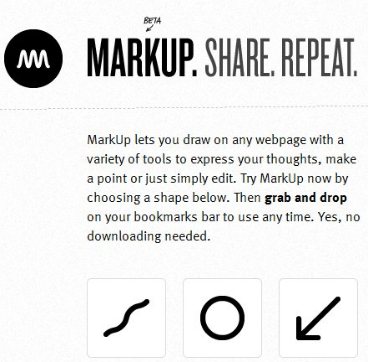
It is easy to see that this particular tool would be ideal for the busy business person that doesn’t have time to write long, detailed emails explaining their ideas. Simply adding free MarkUp to their bookmarks will allow him or her to do the above.
Free MarkUp doesn’t need downloading and thus there is no installing, simply dragging an icon to the bookmark bar of any browser is all that is required; MarkUp operates through the bookmark bar.
The application is very user friendly. When one finds a website they wish to comment or “draw” on, clicking the publish button will have MarkUp open a custom URL of the website. One then adds the drawings, comments and other information. Once finished, click “share” and friends or colleagues can see what you did with the website.
It is important to note here, that users are not defacing the original website, only MarkUp’s generated URL. Think of the various situations where having this free application would come in handy. As mentioned, users could say good-bye to long detailed explanations in email; sending a shared MarkUp will allow others to see what you mean, rather than have to guess.
At present, however this simple, free and very useful tool is still in the beta stage. This means that loading it may take a few minutes. Not to worry however, once it is running you’ll be amazed at what MarkUp can do.
