Stick-It! is a free desktop enhancement utility that helps you to easily set a window above all the others on your screen. It allows you to set your favorite window on Top of the other windows which is open or you may open while you are working on your computer.
Installing Stick-It!
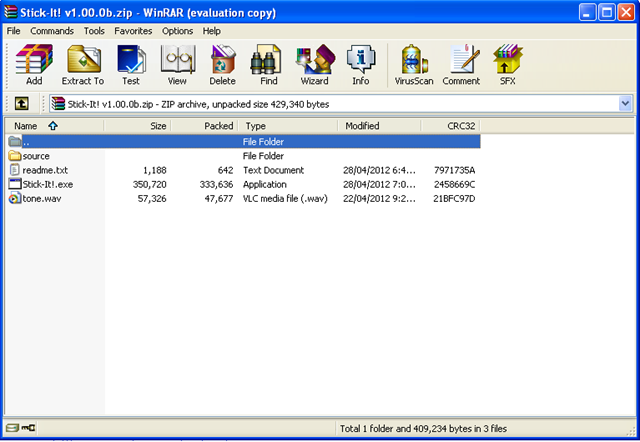
In order to install the software you need to visit the download section of the developer’s site here. It is a small file and hardly takes a few seconds before getting downloaded on your system. Further you don’t need to run a setup process or anything, just open the zip file and click on the launcher. This would launch the software and place it on your taskbar. If are looking for some interesting desktop enhancement utility for your desktop, you can try XWidget, Banshee Screamer and Interactive Calendar.
Using Stick-It!
Stick!-It is a very easy to use application where you need not set up anything. You don’t need any settings or select any options to get started. The only thing you need to do is right click on the icon in the taskbar and select stick it. After this click on the window which you wish to set as the top window and rest will be taken care of by the software. Now whenever you would like to switch between windows this software would not allow you to move from the top window to the other on your screen. You can use the minimize button if you wish the software to be running and switch to another window for a specific purpose. In case you wish to disable the Top Window which you already selected just repeat the above steps and it would be disabled.

Some notable features of Stick-It!
- Using Stick It you can set any window or windows as your choice for remaining on top of the others.
- The software is portable so you can have it on your removable drives and carry where you would like to use it.
You can try Stick-It desktop enhancement utility if you want to see your favorite window on top of others.
