Wondershare vDownloader is a single application which meets all your needs of video downloading allowing you to grab videos from the popular video sharing websites. It supports almost all the famous sites such as the Dailymotion, Metacafe, Hulu, Vevo, Facebook, WonTube, Blip.tv, Twitvide, and a few more. Wondershare vDownloader is capable of downloading videos which are of Full HD 1080p quality where this tool is very handy as it performs much better than the other available video downloading software. The software is compatible with all the three major browsers i.e. Firefox, Internet Explorer, and Chrome.
Installing Wondershare vDownloader
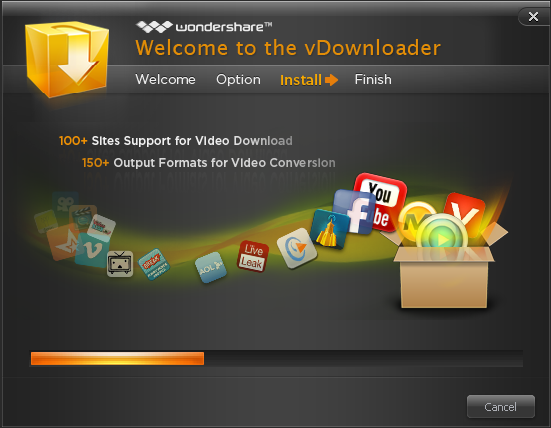
In order to install the software, you need to go here. After you download the installer file, you just need to run the setup and it would be ready to use in a few minutes.
Using this video Downloader
The software is compatible for all the popular three browsers i.e. Chrome, Internet Explorer and Firefox. You can download and play videos directly from the browser itself. You would need an integrated media player supporting the FLV and MP4 file formats in case you wish to use the feature of playing videos inside the browser only. If you are interested to try some more video downloader, you can try VSO Downloader and Sothink Web Video.
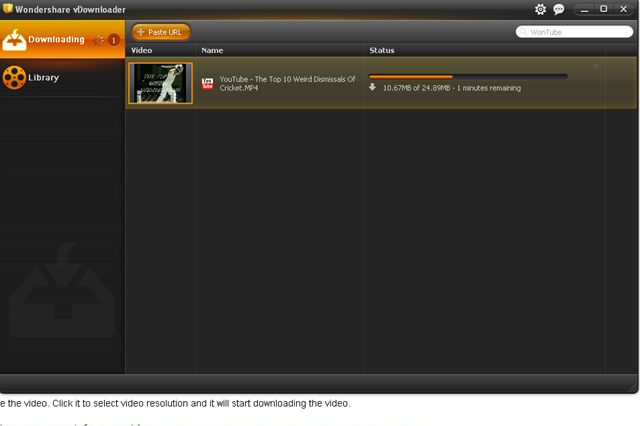
The moment you launch the software, you would see a window come up which has a dark gray theme to it. It comes with two main options i.e. Downloading and Library at the sidebar. The two ways in which you can download your favorite videos are copying and pasting the URL from your browser and pasting it in the application, or use the download option that comes integrated with your browser.

The moment you finish downloading your video, it gets saved inside the library where you may choose to press the Play button which is available by the right click context menu. The other functions which you may perform is click on Go to Source Page, Open the Downloaded Folder, Import a video, or maybe rename or delete a video which you may want to.
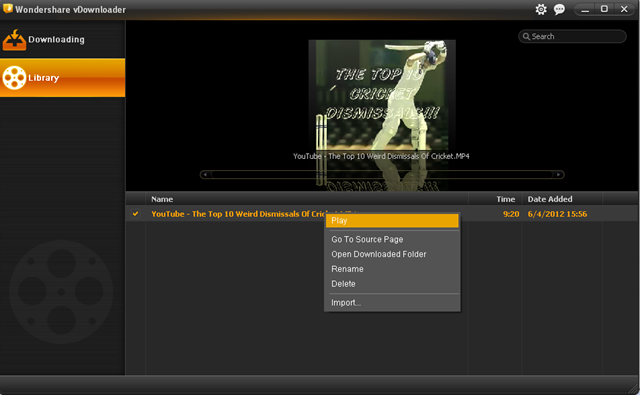
While checking out the built-in video player you would see it with an added charm to it. You can choose the option of setting the video repeat mode or select the option to play the video in Full Screen mode.

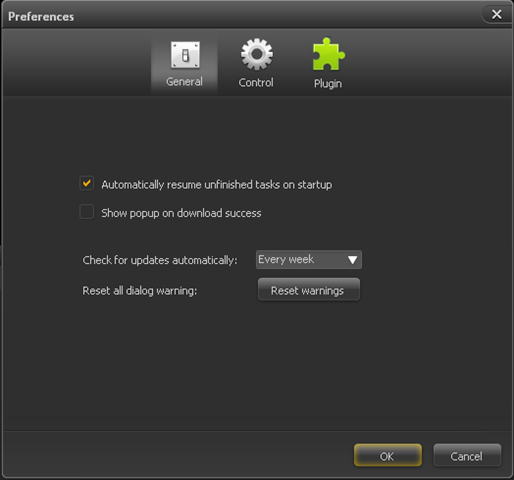
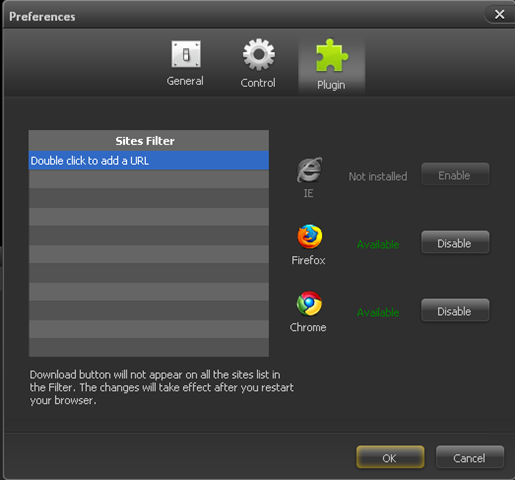
If you wish to change your preferences you can click on the Preferences button at the top of the window which would bring down the Preferences menu. In this option you can configure and change all the application specific settings which are segregated into three different tabs namely: General, Control, and Plugin. Under the General tab you can select options such as automatic unfinished download when the windows starts, select to view the popup on download success option, etc. Coming to the control tab you can change the output folder where your downloaded files get saved and specify or limit the simultaneous downloads.
Getting inside the Plugins tab you can enable and disable the download integration for your supported browsers. You may even add the URLs of the websites which you like to separate out from the ones where you download your videos from.
Download Wondershare vDownloader and enjoy downloading videos from popular video sharing websites.
