3 Free Software to Change Colors and Icons of Folders
Here are 3 Free Software that let you change colors of folders, and icons of folders in Windows. Download Free Folder color changers
→
Here are 3 Free Software that let you change colors of folders, and icons of folders in Windows. Download Free Folder color changers
→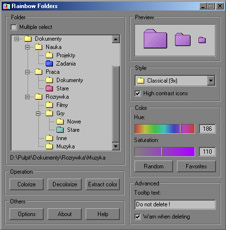
Rainbow Folders is a free software to change colors of folder icons. You can change folder colors to any color of your choice. Download Rainbow Folders Free.
→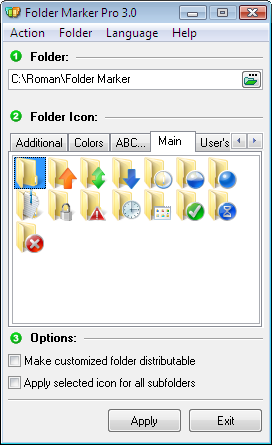
Folder Marker is a free software to change icon and color of folders, by just right clicking on folders. Download Folder Marker Free Here.
→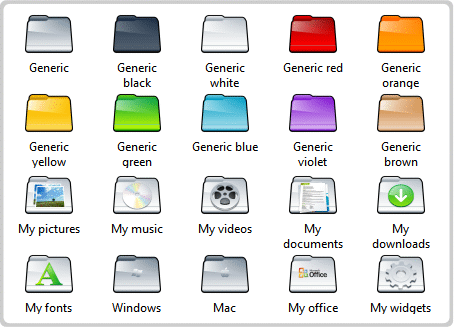
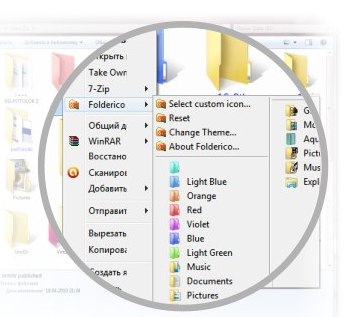
Folderico is a free software that lets you change colors of folder icons. You can download themes for free, or create your own theme. Download Folderico Free.
→7Stacks is a free software that groups your icons in form of stacks. You can add the stacks to your taskbar or quick launch bar. Download Free Here.
→Fences enables you to draw labeled shaded areas on your desktop. Each such area can contain a group of icons as per your choice.
→