GIMP is a free image editing software that can be used for various purposes like photo enhancement, digital retouching, and many more. It can be used on various platforms like GNU/Linux, Microsoft Windows, Mac OS X and Sun OpenSolaris. The free photo editor application has often been referred to as ‘free Photoshop’ as many features of GIMP are quite similar to the ones found in Photoshop.
Some other good image editing software that we reviewed earlier include SumoPaint, Paint.Net, and InkScape.
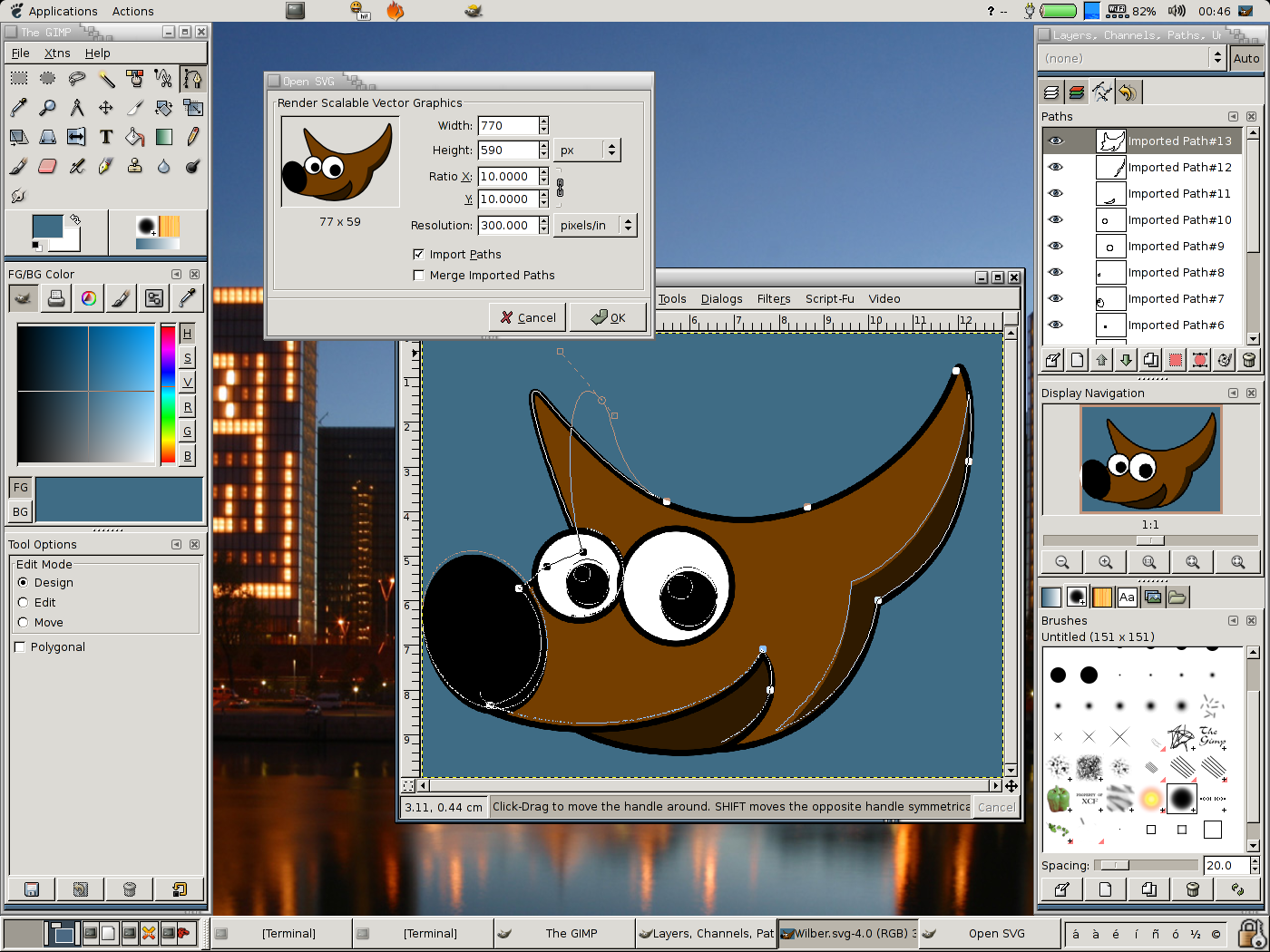
Since its launch in the year 2006, GIMP has found many loyal users across the globe. GIMP stands for GNU Image Manipulation Program. This freely distributed image manipulation program can be used for various kinds of activities like retouching, image authoring, etc. On the website of GIMP, you can find tutorials that can be accessed anytime if you need any help while accessing the application.If you need a small and lightweight replacement for Photoshop, you can also try Fotografix.
Here are the benefits of using GIMP:
- The best application for image editing, Adobe Photoshop is available at a price. GIMP is a similar looking application with similar feature and is available for free. GIMP is a good free replacement for Photoshop.
- The GIMP application is updated regularly with all the latest features and fixes.
- It supports a wide range of image formats and also lets you convert various image formats.
- You can expand the capabilities of this application by making use of various kinds of plug-ins, extensions and scripts.
- It can be used on a wide range of platforms like Windows, Linux, Mac and Sun OpenSolaris.
- The GIMP application does not hamper the performance of your computer and functions very smoothly.
- The highly detailed user manual of GIMP will provide you with all the help you need while carrying out any image editing task.
No other free image editing application has been able to provide the features that can be found on GIMP. If you are looking for an Adobe Photoshop alternative, you can easily bank upon GIMP for meeting all your image editing needs.