FX Photo Editor app is a free Android app to edit and give effects to an image on Android. This Android photo editor app is one of the best app to edit and give effects to an image on Android.
The app works with very simple options on Android. You just have to launch the app on your Android, import an image from your phone’s gallery and give different effects to that image on your Android phone.
This Android photo editor app provides multiple options to give multiple photo effects to an image on Android. Also, the app allows you to capture the photo and give effects to it in real-time on Android.

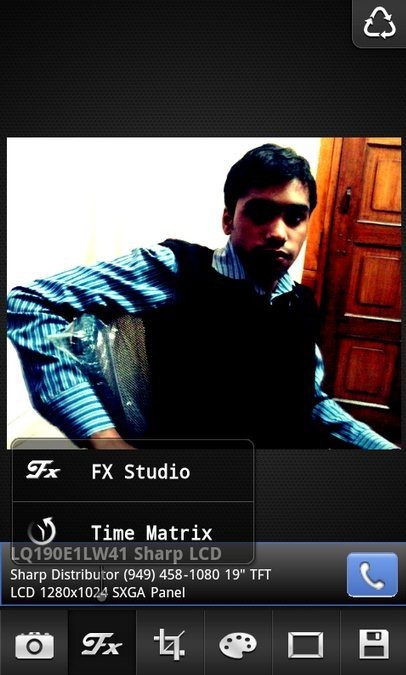
Just start this Android photo editor app by importing image from your phone’s gallery. Tap on FX icon in the app to set the time matrix of the image. Then select FX studio option to opt for appropriate photo effect which includes scene, blur, vintage, beauty and color splash. The app also allows you to crop or rotate the image if required.
The appreciating part of this Android photo editor is its comparing option. The app allows you to compare the image you added effects to with the image it was before. With this you come to know about the percentage of effects you have incurred in the image with the help of FX photo editor app.

Check out Color Touch Effects app for Android reviewed by us.
Some Key Features Of FX Photo Editor App:
- You can give different photo effects to any image on Android.
- The app is user-friendly which makes it easy for the users to manage the app on Android.
- The app allows you to capture photo and give effects to it in real-time.
- You can set the time matrix of any photo from the app on Android.

- You can rotate and crop the image from the app.
- The app allows you to give color effects and allows you to adjust white balance and exposure of the image.
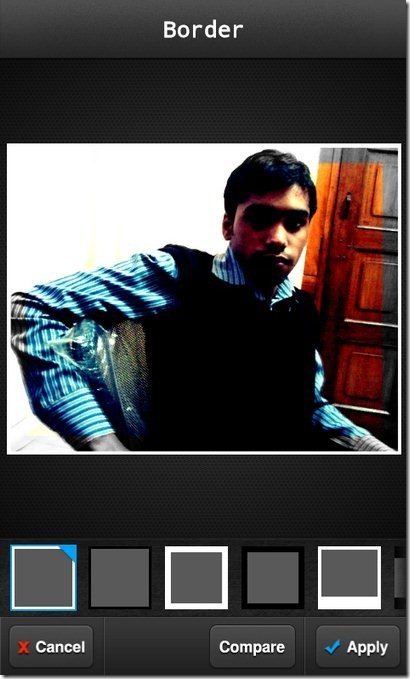
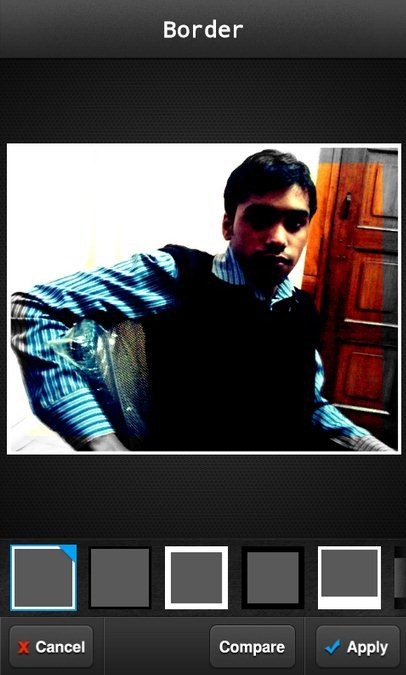
- The app even allows you to set a specific border and adjust the texture of the image.
- The app allows you to easily share the customized image to SD card.
Take a look on Pixlr-O-Matic app for Android reviewed by us.
How To Install FX Photo Editor App On Android:
- Get FX Photo Editor app installed by scanning the QR Code below.

- If you don’t have a Barcode Scanner app, then login to Android Market.
- Search for “FX Photo Editor” app in Android Market.
- Tap on install option to install the app on your Android phone.

The free Android FX Photo Editor app will be automatically installed. Hit here to download FX photo editor app from Android Market. Become a good photo editor and create your own masterpiece with your own and friends photos saved on your phone’s SD card.
