The popular Pinterest official app is now available for Android in Google Play Store. Pinterest app is truly a popular one on web. Pinterest lets you share your favorite stuff across the web. The members of Pinterest can view all the stuff which you have uploaded. You can share and make the people aware about your likes and dislikes. On top of it, this Android Pinterest app lets you browse the pinboards uploaded by all other members of Pinterest. You can browse them and get new ideas and inspiration from other people who share their interest on web.
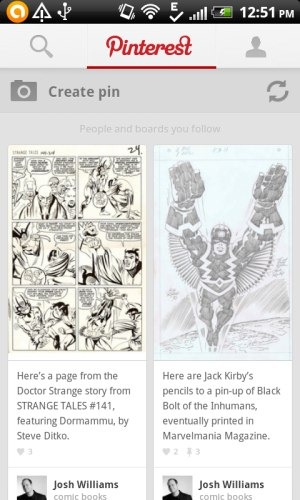
To get started with Pinterest app, all you need to do is to sign-up with Pinterest and get started. If you are already a member of Pinterest, then directly login to the account and get started. Now, add boards to upload your interest. Add your interest into the board which you have created and you are all set. This helps you share your interests and get new ideas in the form of comments or the new stuff added by other members. View your followers and know how popular your uploads have become on web.
Why Do You Need Pinterest?
You need Pinterest if you want to share your interests online and find people who have similar interests like you or just for getting new ideas from other people on the web. You can get ideas from other people’s pinboards like redecorating your house, furniture, new housing stuffs, plan a wedding, get some recipes, and more. Pinterest makes your work easier by providing relevant stuff which you are searching for. The categories option makes it even more easy to look for the stuff of a specific category.
How To You Get Started With Pinterest?
Step 1: Download and install Pinterest app from Google Play Store.
Step 2: Launch the app.
Step 3: Create new boards and upload your interest.
Step 4: Now, invite friends to Pinterest.
Step 5: Share your upload and even check your friends uploads on Pinterest.
Features Of Android Pinterest App:
- Share interest across the web.
- Sign-up with app to get connected with your friends.
- Create boards and pin to upload your interest.
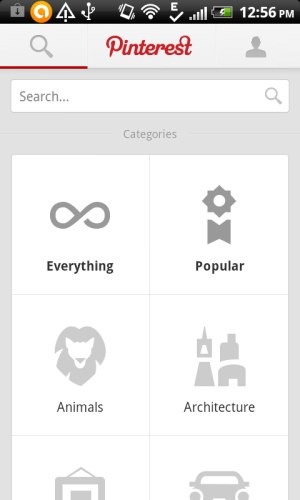
- Browse pinboards according to different categories.
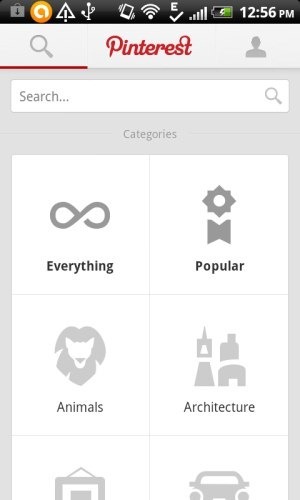
- Comment on uploads by your friends and other people.
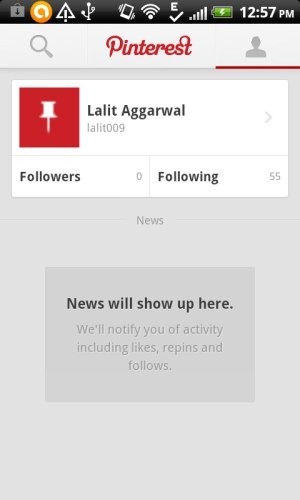
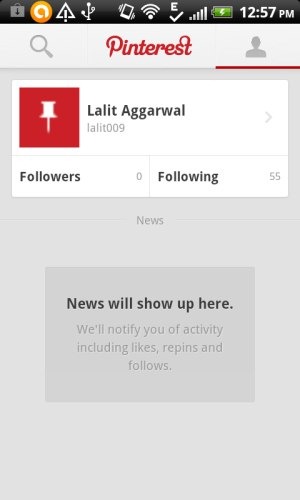
- View your followings and followers.
- Connect with your Facebook friends, Twitter friends, any Email friend, and more.
- Real-time updates of uploads by your Pinterest friends.
You can check out Facebook photo uploader for Android reviewed by us.
Install Pinterest App:
Click here to download and install Pinterest app from Google Play Store. You can also scan the QR Code below with a Barcode Scanner app to install the app directly.

The main aim of Pinterest is to connect all the friends through the desired stuff which they find interesting. Uploading interest can match the requirement of one or more people and thus the app helps you to get connected with each other all around.
Check out Instagram app for Android reviewed by us.
